Learn WheresNow in a minute
Short videos that walk you through the app, one tap at a time.
Getting started
 0:30
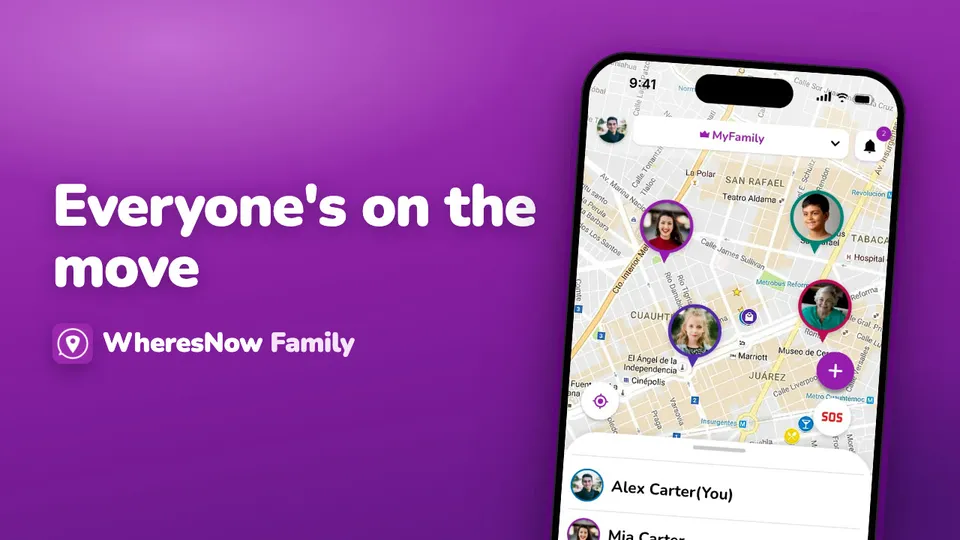
Welcome to WheresNow
WheresNow in 30 seconds: your circle on one private map, arrival alerts, circle chat and SOS.
 0:43
Sign up
Create your WheresNow account: choose a language, confirm your age, sign up with email, Google or Apple, then add your name and photo.
 0:41
Sign in and reset your password
Sign in with email, Google or Apple, reset a forgotten password, and link Google or Apple to an email account.
 1:00
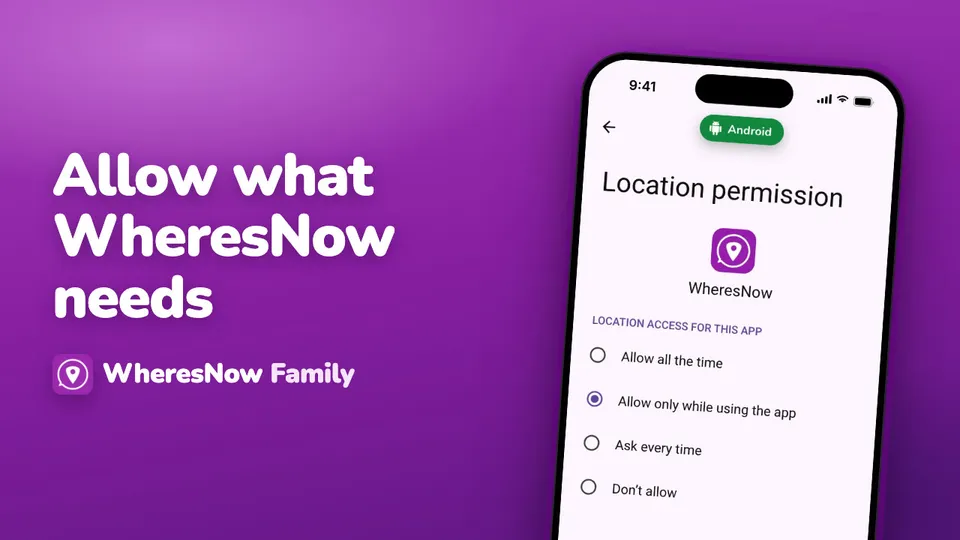
Allow what WheresNow needs
Every permission WheresNow asks for on first launch, on iPhone and Android, and what to choose.
 0:50
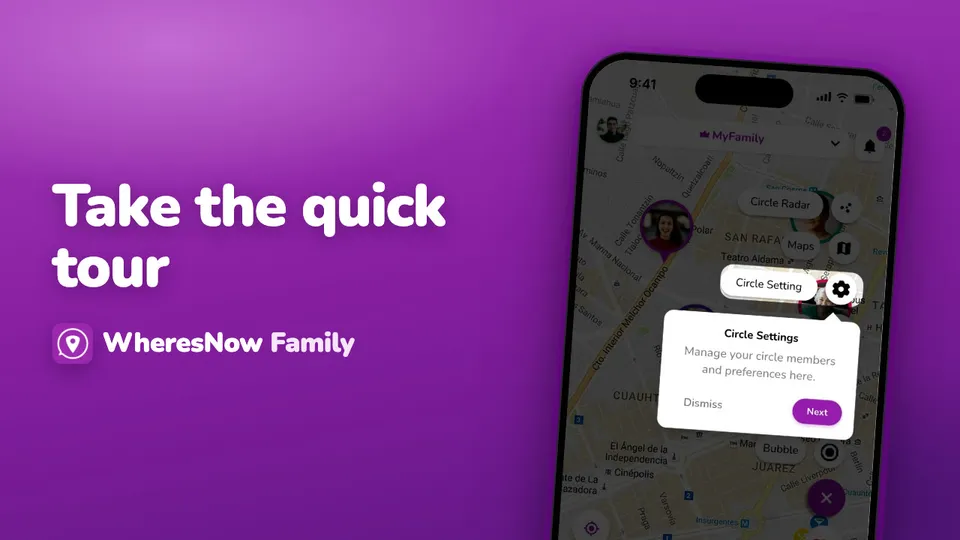
The welcome tour
A quick tour of the home screen: the circle picker, SOS and the + menu, and how to replay it from Settings.
Circles
 0:55
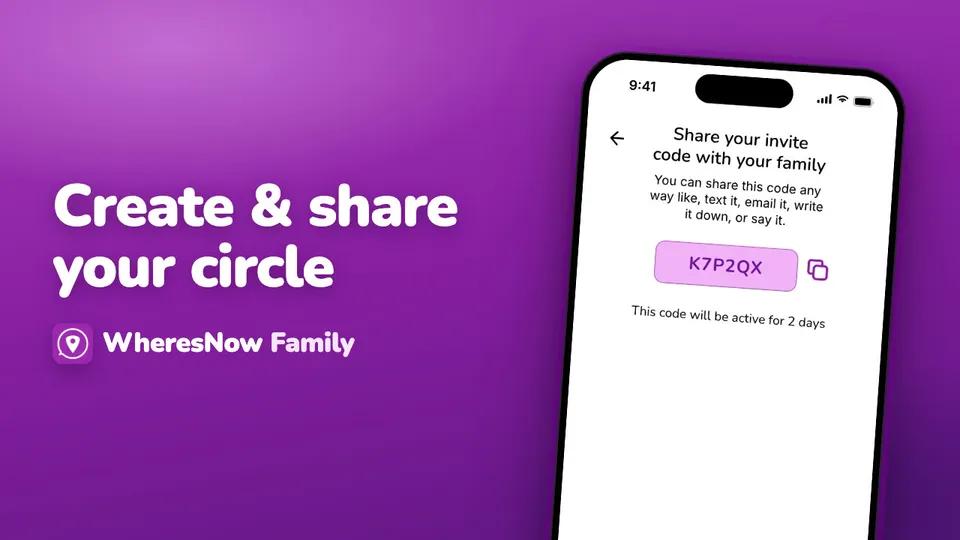
Create your circle and invite your family
Name your circle, share its 6-character invite code, and make a new code when it expires.
 1:05
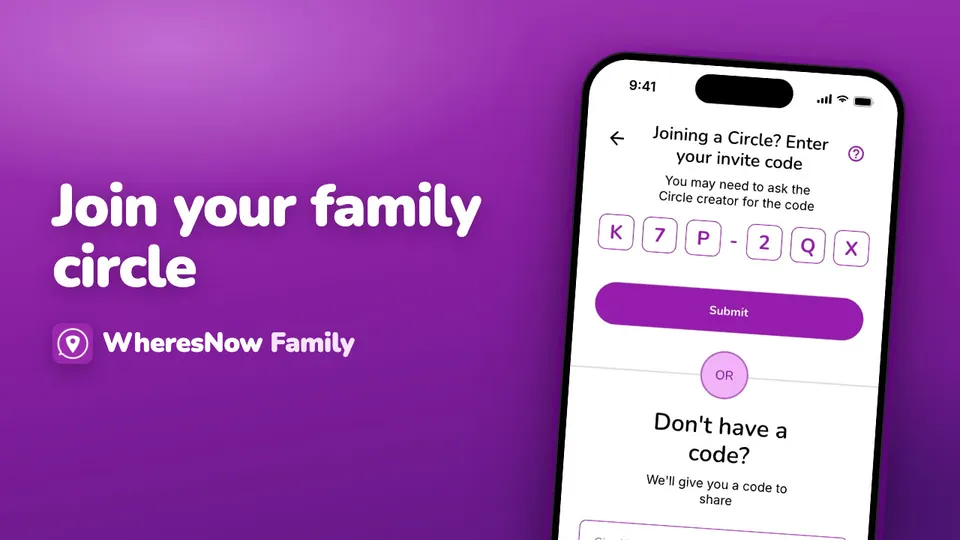
Join a circle
Enter the invite code someone sent you, what to do if it doesn't work, and who is told when you join.
 1:13
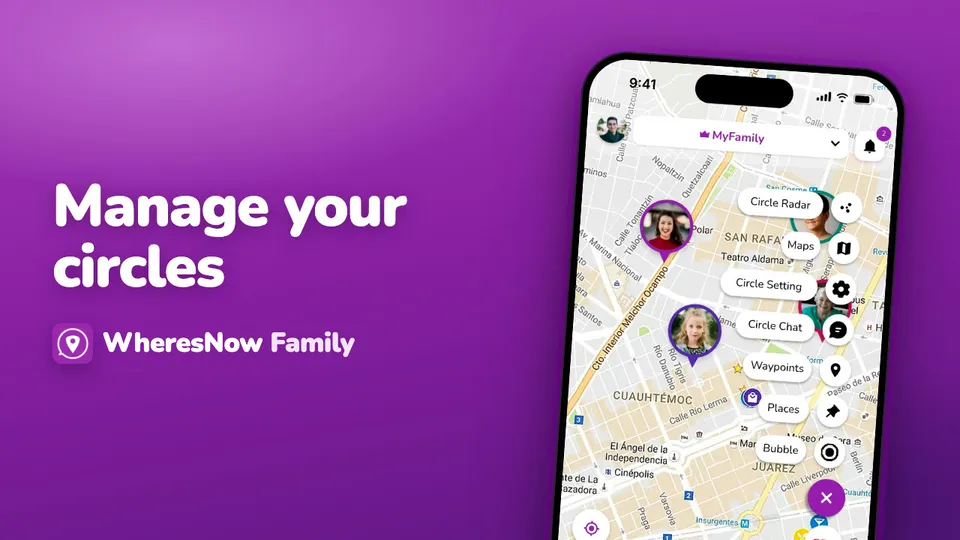
Manage your circles
Family, grandparents, school carpool—you can belong to more than one circle. Here's how to manage them.
 0:34
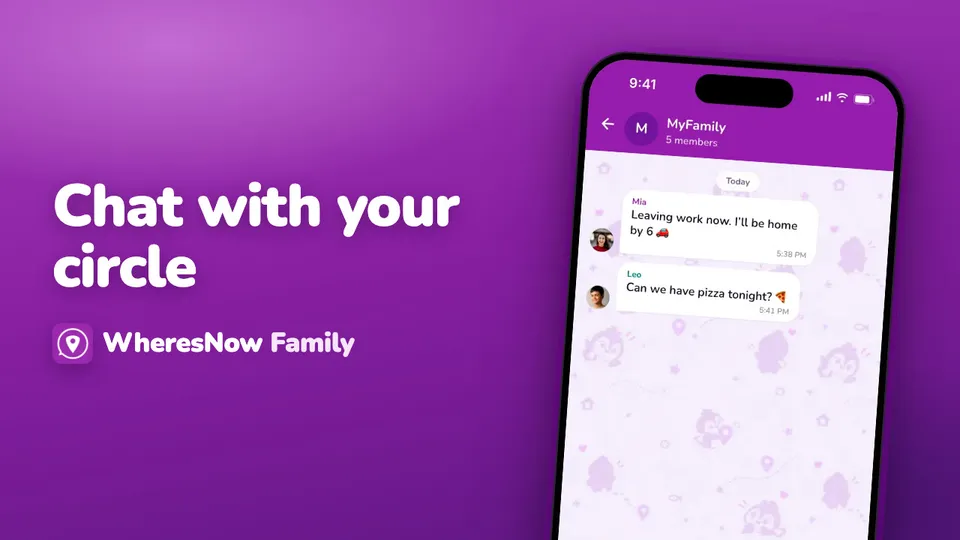
Chat with your circle
All your chats in one place, from circles and direct messages to bubbles.
The map
 0:54
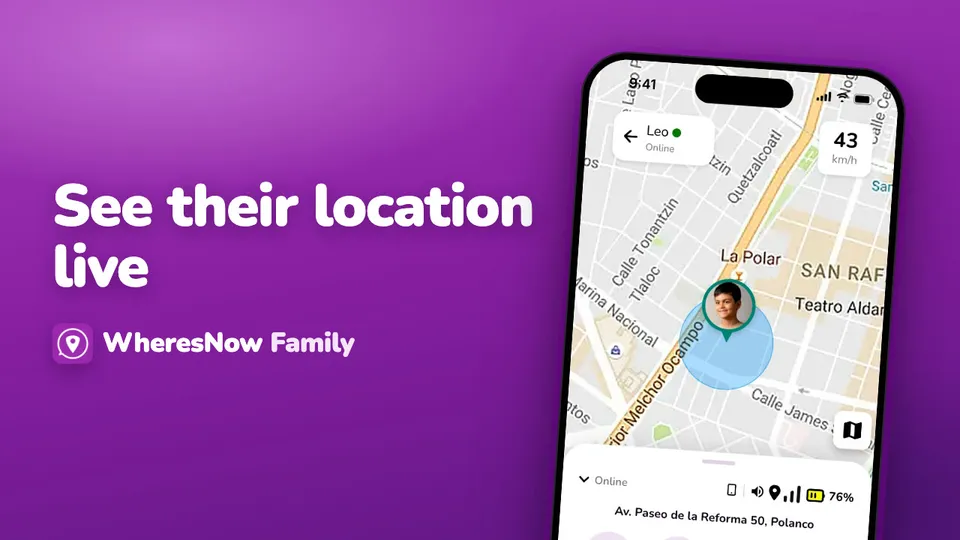
See their location live
Want to see where someone is in real time? Tap their profile, then select Live Location.
 0:49
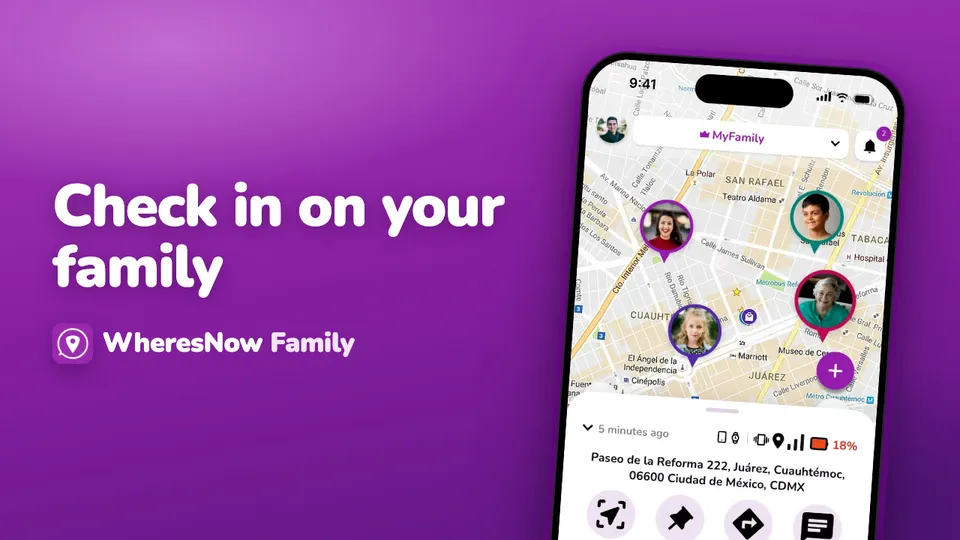
Check in on your family
See where everyone is at a glance. Tap a family member on the map or in the list.
 0:35
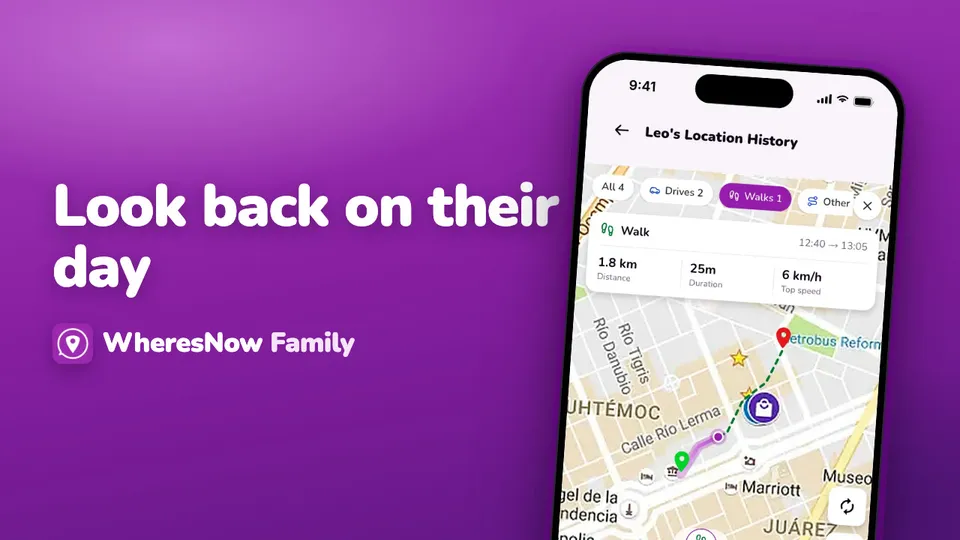
Look back on their day
Want to see where a family member went? Tap their pin on the map, then tap History.
Places
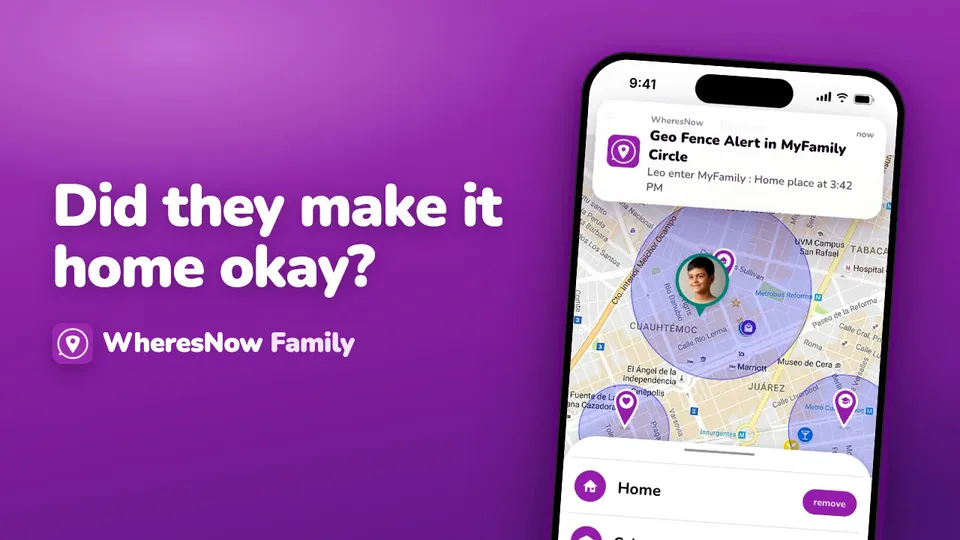
Safety
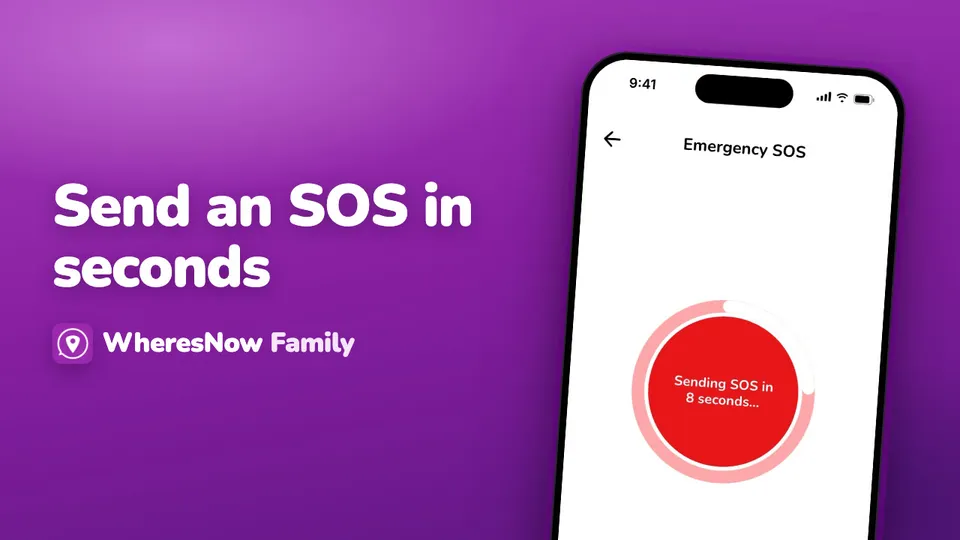
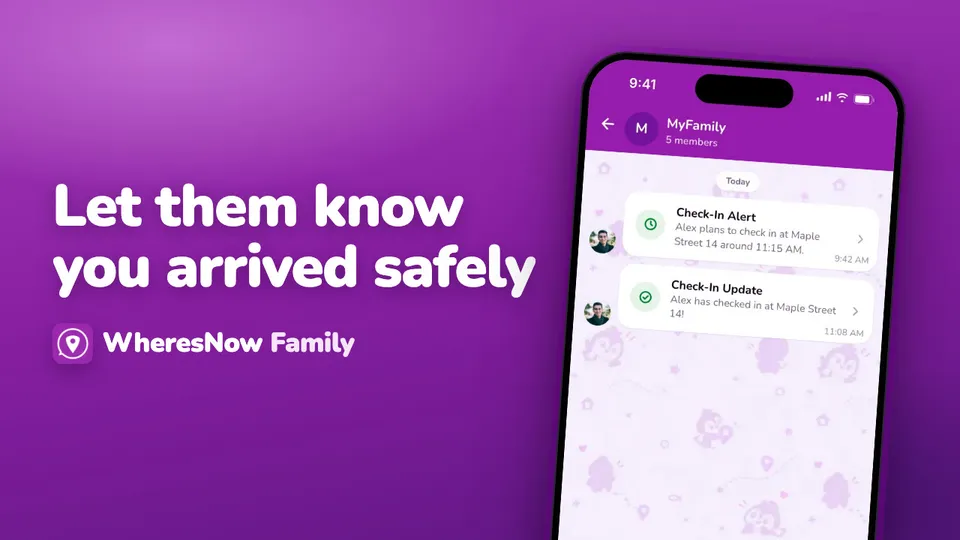
Plans and billing
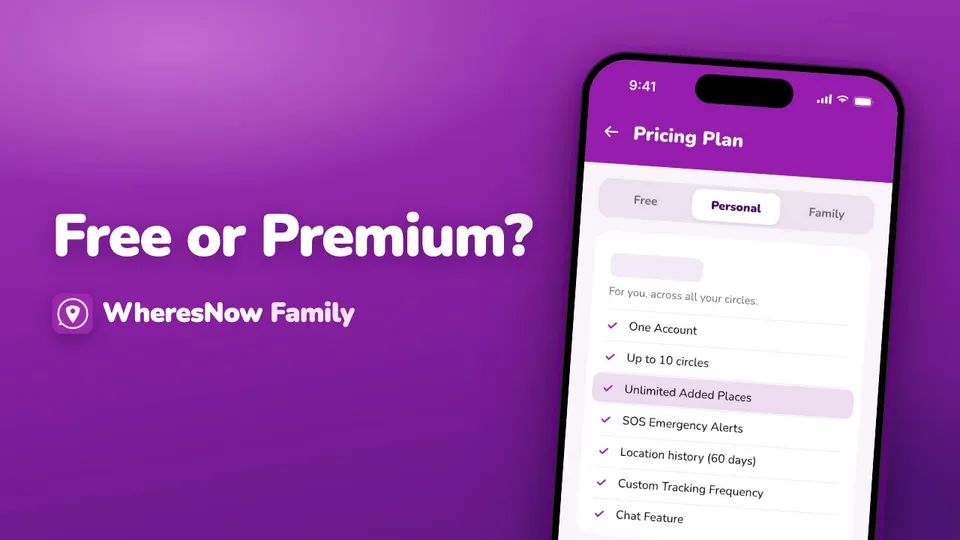
Videos play from YouTube in privacy-enhanced mode. Nothing loads from YouTube until you press play.
Still have a question?
Our Help Center has step-by-step articles, or you can write to us.