Send an SOS in seconds
Need help quickly? Tap SOS on the map. You have ten seconds to cancel before your SOS is sent.
Transcript
Need help quickly? Tap SOS on the map.
Then tap the large button. You can also press and hold it.
You have ten seconds to cancel before your SOS is sent.
Tapped it by accident? Tap Cancel to stop the SOS from being sent.
If you need help, let the countdown finish.
Your SOS and location are sent to the members of all your circles.
WheresNow does not contact emergency services. In an emergency, call your local emergency number.
WheresNow Family. Stay close, wherever you are.
More videos
 0:37
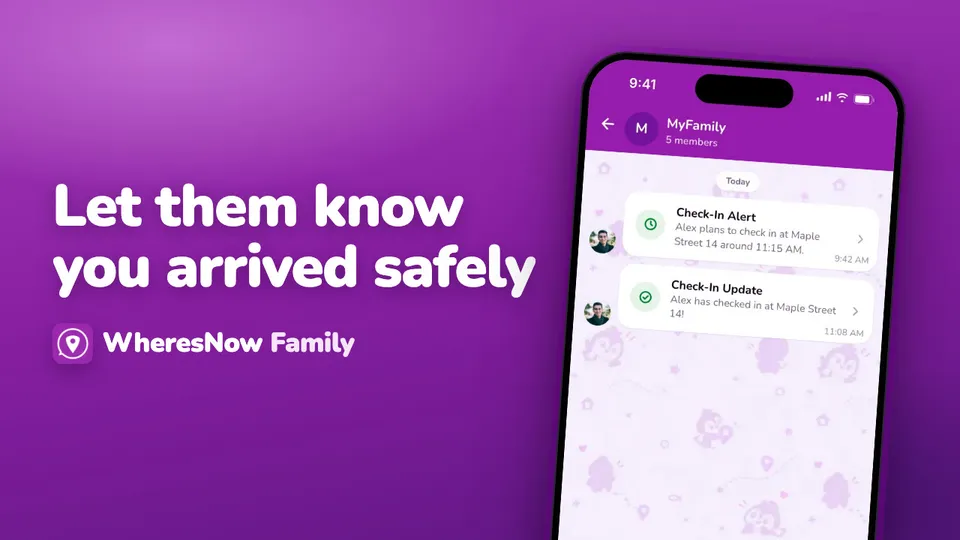
Let them know you arrived safely
Heading somewhere? Set up a check-in so your circle knows when you’ve arrived safely.
 0:30
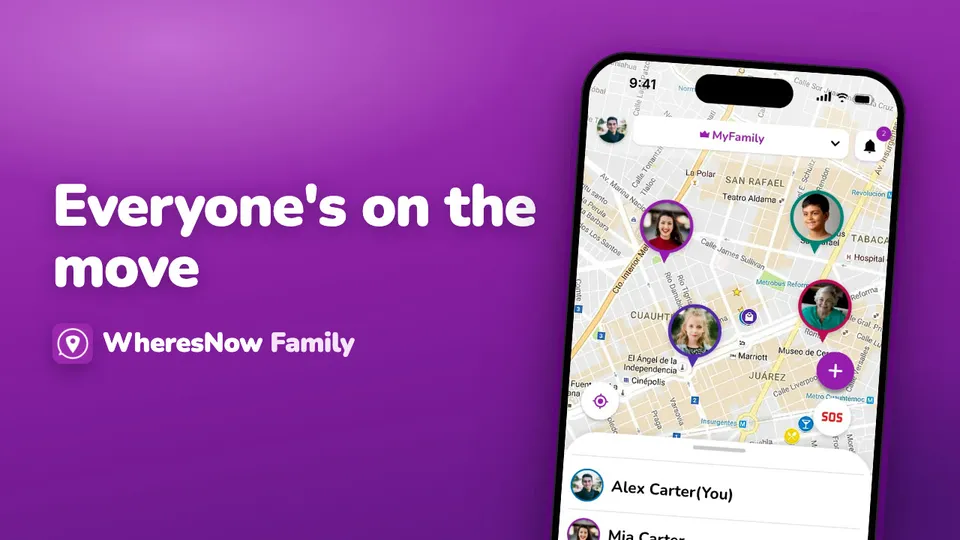
Welcome to WheresNow
WheresNow in 30 seconds: your circle on one private map, arrival alerts, circle chat and SOS.
 0:43
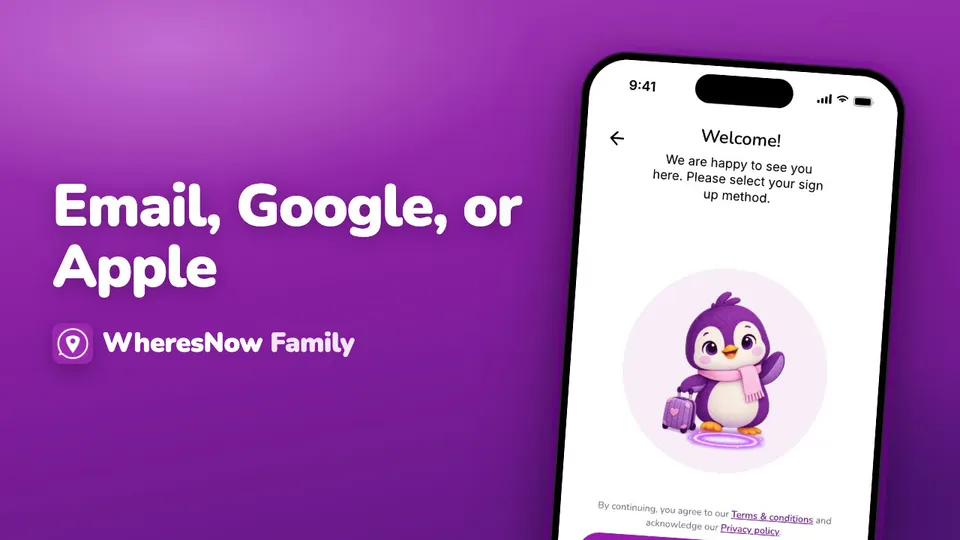
Sign up
Create your WheresNow account: choose a language, confirm your age, sign up with email, Google or Apple, then add your name and photo.