Check in on your family
See where everyone is at a glance. Tap a family member on the map or in the list.
Transcript
See where everyone is at a glance. Tap a family member on the map or in the list.
At the top, you'll see whether they're online or when their location was last updated.
Below that, you'll see their location. Tap the address to view it in full.
The icons show their phone's status: ring, vibrate or silent mode, Wi-Fi or mobile data, and battery level.
When the battery drops below 25%, the indicator turns red.
A watch icon beside the phone means they're also sharing their location from a watch.
If someone isn't sharing their location, you'll see why and when their location was last available.
WheresNow Family. Stay close, wherever you are.
More videos
 0:54
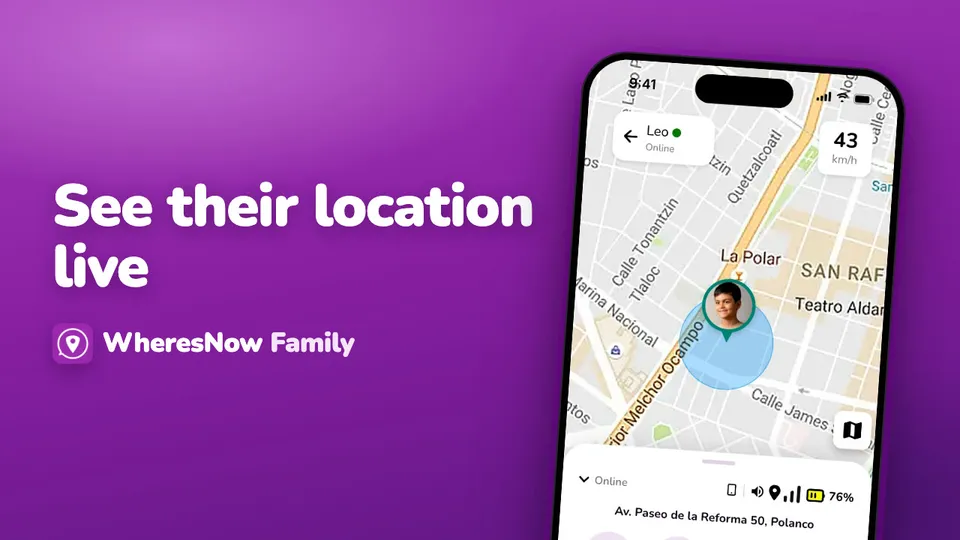
See their location live
Want to see where someone is in real time? Tap their profile, then select Live Location.
 0:35
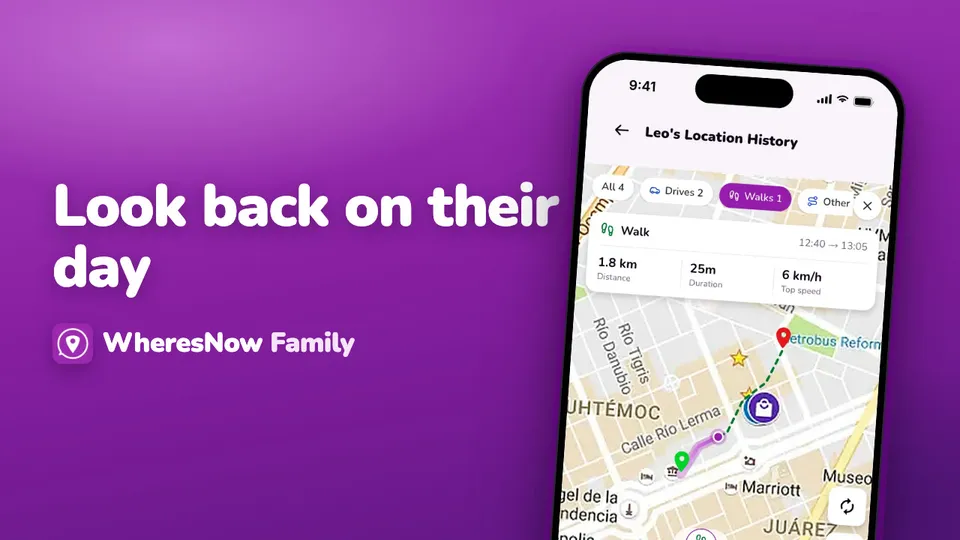
Look back on their day
Want to see where a family member went? Tap their pin on the map, then tap History.
 0:30
Welcome to WheresNow
WheresNow in 30 seconds: your circle on one private map, arrival alerts, circle chat and SOS.