Sign in and reset your password
Sign in with email, Google or Apple, reset a forgotten password, and link Google or Apple to an email account.
Transcript
Already have an account? On the intro screen, tap Sign in.
Choose email, Google, or Apple.
For email, enter your address and password, then tap Continue.
Forgot your password? Tap Forgot Password and enter your email.
We'll send you a link to set a new one. Check your spam folder too.
Signed up with email but want to use Google or Apple? Enter your password once to link that sign-in method.
After that, you can sign in with your email or the linked method.
WheresNow Family. Stay close, wherever you are.
More videos
 0:30
Welcome to WheresNow
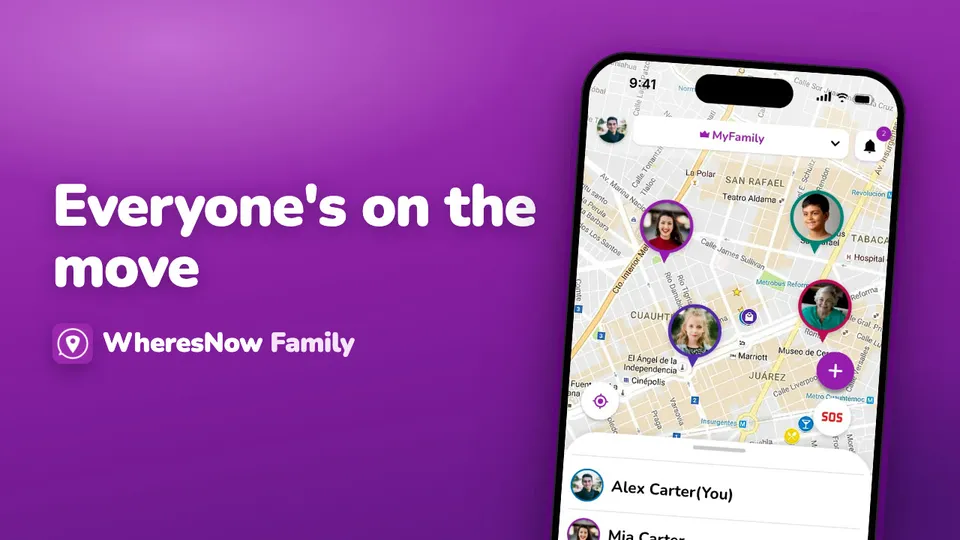
WheresNow in 30 seconds: your circle on one private map, arrival alerts, circle chat and SOS.
 0:43
Sign up
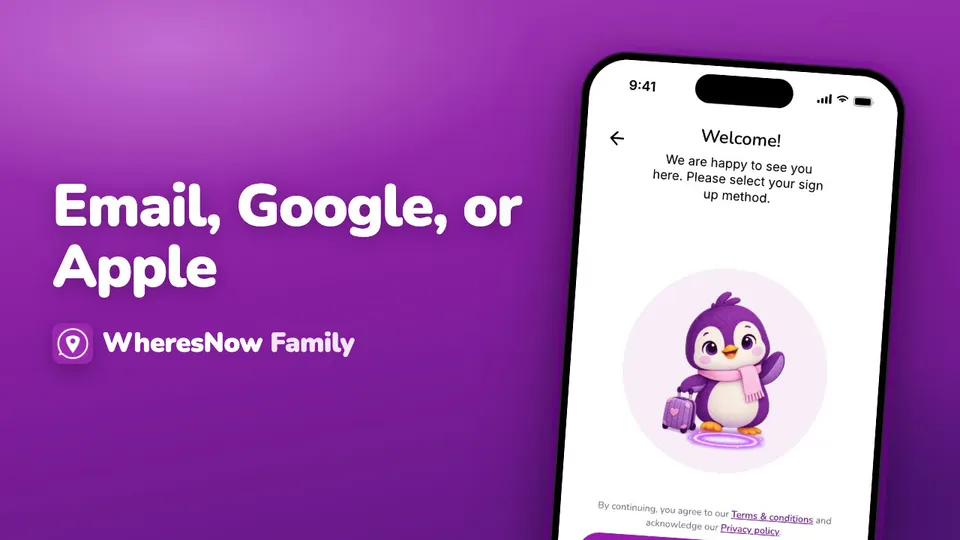
Create your WheresNow account: choose a language, confirm your age, sign up with email, Google or Apple, then add your name and photo.
 1:00
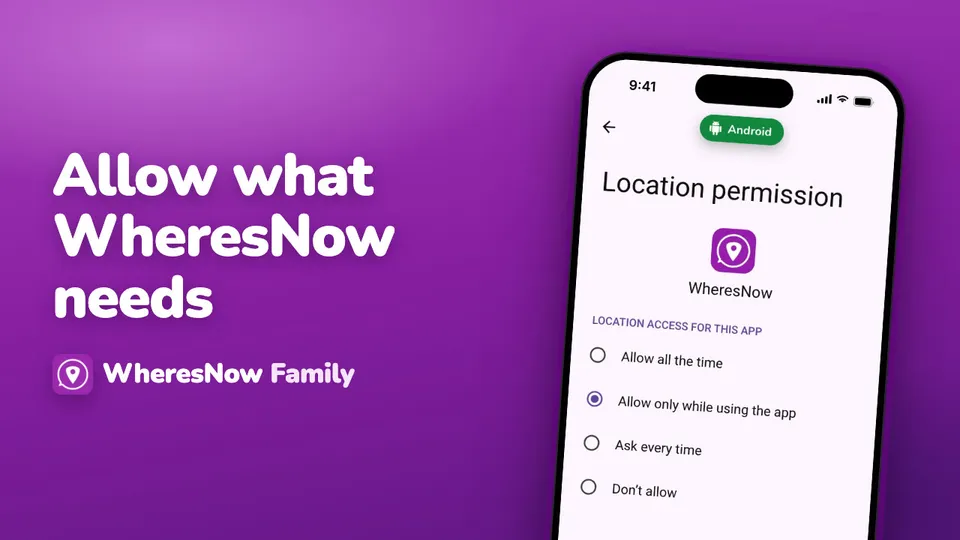
Allow what WheresNow needs
Every permission WheresNow asks for on first launch, on iPhone and Android, and what to choose.