Create your circle and invite your family
Name your circle, share its 6-character invite code, and make a new code when it expires.
Transcript
A circle is a private space for you and your family. Tap Continue.
Don't have an invite code? You can create a new circle instead.
Give your circle a name using three to fifteen letters or numbers.
Tap Create A New Circle.
You'll get a six-character invite code that's valid for two days.
Tap Share code to send it by text, email, or another app.
Your family will receive the code with a short message. They can enter it on the Join screen.
Tap Done. Your circle is now ready on the map.
If the code expires, open Circle Settings, tap Join code, then Generate New Code.
The free plan includes one circle. With Premium, you can create up to ten.
WheresNow Family. Stay close, wherever you are.
More videos
 1:05
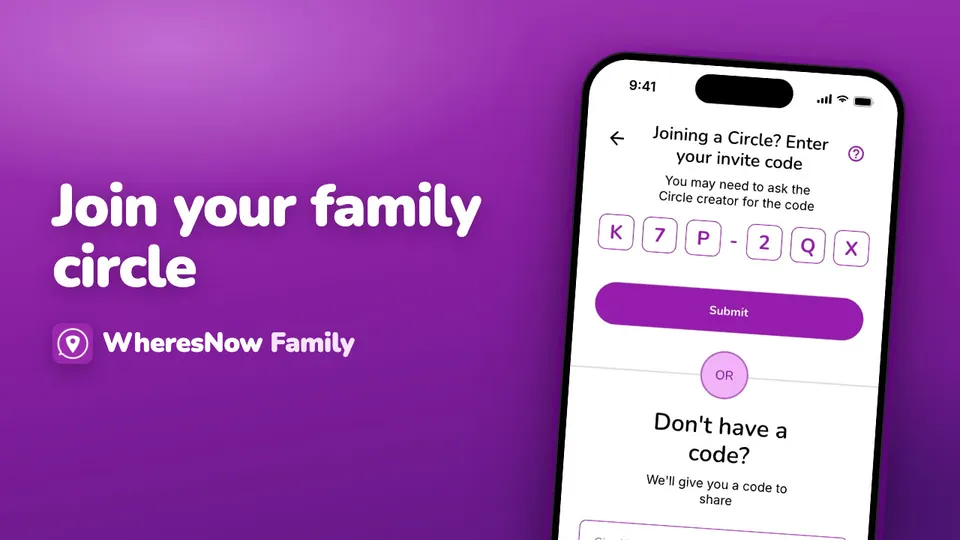
Join a circle
Enter the invite code someone sent you, what to do if it doesn't work, and who is told when you join.
 1:13
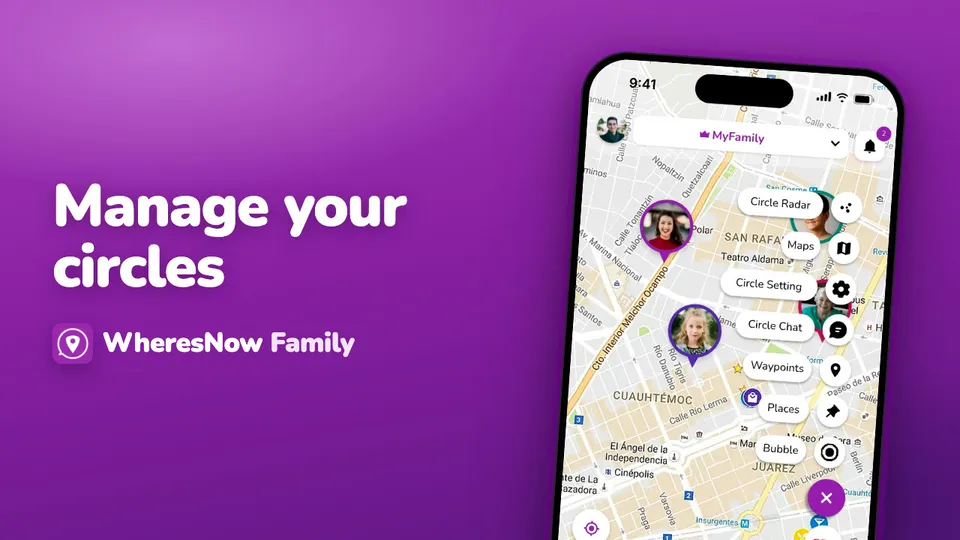
Manage your circles
Family, grandparents, school carpool—you can belong to more than one circle. Here's how to manage them.
 0:34
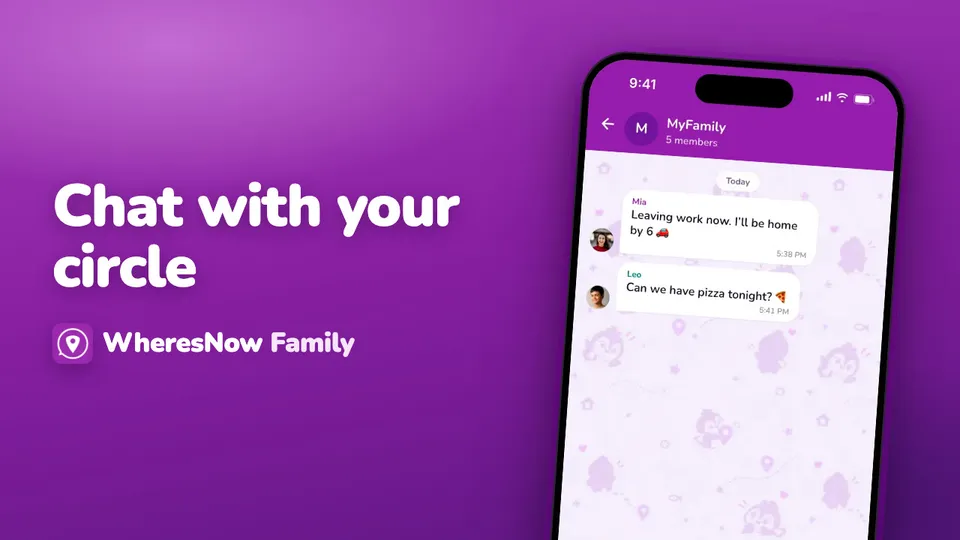
Chat with your circle
All your chats in one place, from circles and direct messages to bubbles.