The welcome tour
A quick tour of the home screen: the circle picker, SOS and the + menu, and how to replay it from Settings.
Transcript
When you open the home screen for the first time, WheresNow offers a quick tour. Tap Start Tour.
Use the circle picker at the top to switch between your circles. Then tap Next.
In an emergency, SOS alerts your circle. It doesn't contact emergency services.
Tap the plus button to open the Actions menu.
Here you’ll find Bubbles, Places, Waypoints, Circle Chat, Circle Settings, Maps, and Circle Radar.
That’s the tour! Tap Full Tutorial to learn more, or Dismiss to start exploring.
Want to watch it again? Go to Settings and tap Replay welcome tour.
WheresNow Family. Stay close, wherever you are.
More videos
 0:30
Welcome to WheresNow
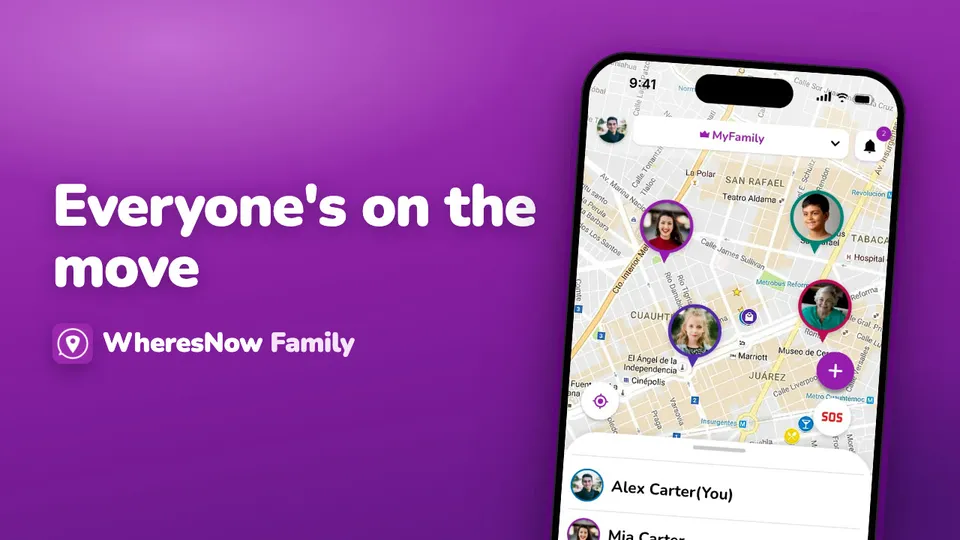
WheresNow in 30 seconds: your circle on one private map, arrival alerts, circle chat and SOS.
 0:43
Sign up
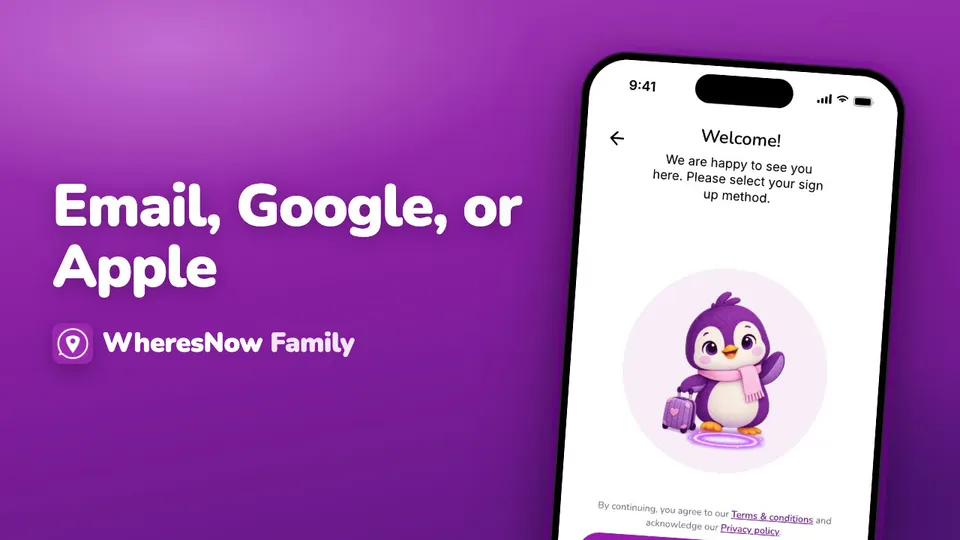
Create your WheresNow account: choose a language, confirm your age, sign up with email, Google or Apple, then add your name and photo.
 0:41
Sign in and reset your password
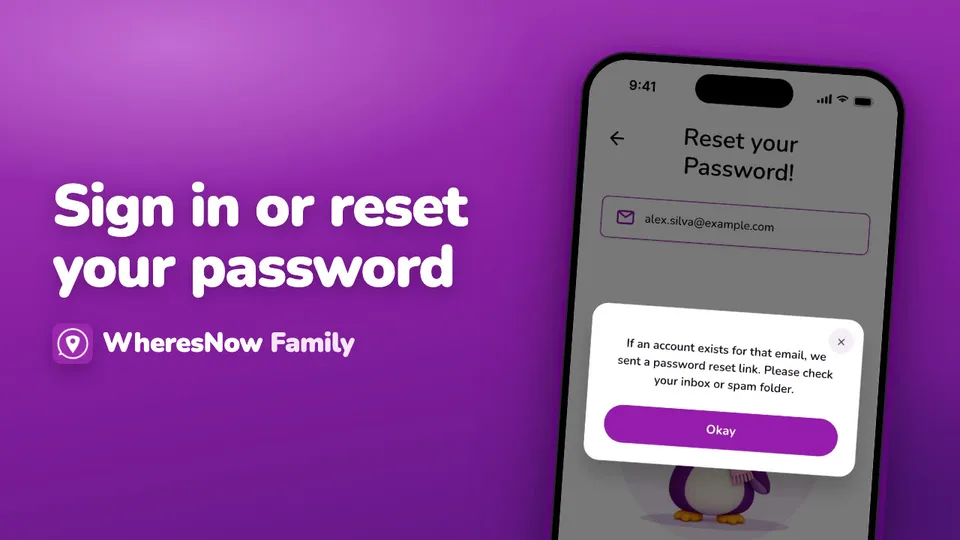
Sign in with email, Google or Apple, reset a forgotten password, and link Google or Apple to an email account.