How to Talk to Your Teen About Location Sharing (Without a Fight)
Simple words, fair rules, and tools that respect privacy, so your teen feels trusted and you feel at ease.
W
WheresNow Team
Product
November 6, 2026
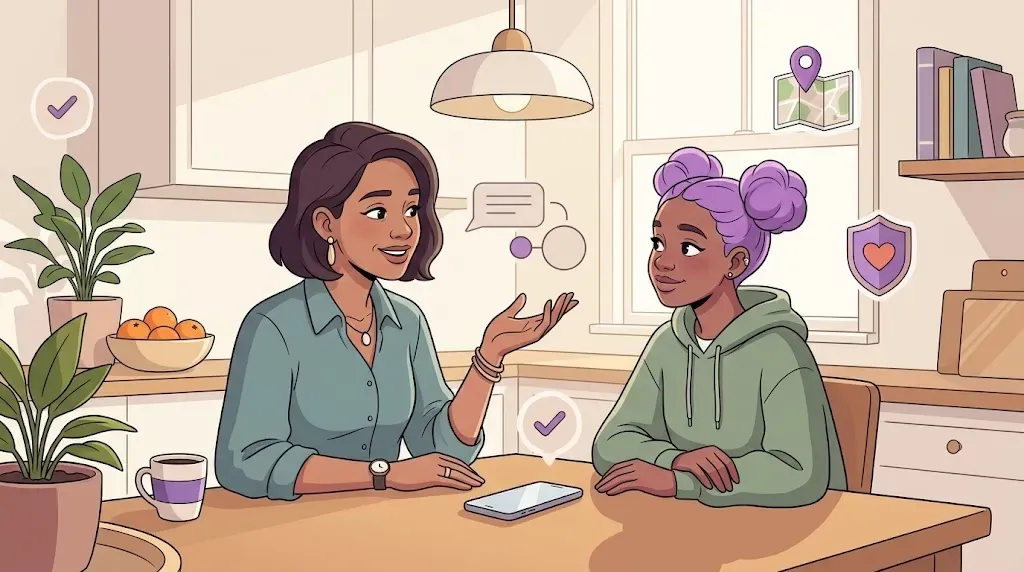
Your teen is getting older. They go to school on their own, meet friends after class, and come home when the sun is already low. You want to know they are safe. They want to feel trusted.
Both wishes are fair. The trouble starts when location sharing is brought up the wrong way.
Many teens hear "I want to see where you are" and understand "I do not trust you." That one sentence can start an argument that lasts for days.
This guide shows you how to start the talk the right way. It uses simple steps and real example lines. You can use them tonight.
Before you talk, it helps to know what your teen may be feeling.
They want privacy. This is normal at their age. Wanting space does not mean they are hiding something.
They fear being watched all day. Many teens picture a parent checking the map every few minutes.
They feel it is unfair. If the rule only goes one way, it feels like control, not care.
When you understand these worries, you can answer them before they become fights.
Start with why, not with rules
Do not open with "You must turn this on." Open with the reason.
Here are some lines you can use:
"I do not want to watch you. I just want to know you got home safe."
"When I do not hear from you, I worry. This would help me worry less."
"I want us to agree on this together. Tell me what feels fair to you."
Then stop and listen. Let your teen share their worries. If they feel heard, they are much more likely to say yes.
Set the rules together
Rules that your teen helped to make are easier to keep. Sit down and answer these questions as a team:
Who can see the location? Only the family Circle, or other people too?
When do you look? For example, only when someone is late, or when plans change.
What if someone turns it off? Agree on what to do. A quick message like "My battery is low" can be enough.
What is a "no check" time? For example, you will not check during school hours unless it is needed.
Write the rules down in one or two lines. Keep them short. You can put them on the fridge or in a family chat.
Share both ways
This is the step many parents miss.
If you share your location too, the deal feels fair. Your teen can see you are not asking for anything you would not do yourself. It also helps in daily life, because your teen can see when you are close to picking them up.
When everyone in the family is in the same Circle, location sharing feels like a team habit, not a rule for one person.
Use tools that respect privacy
The right app can make this talk much easier. Look for features that give you peace of mind without constant watching.
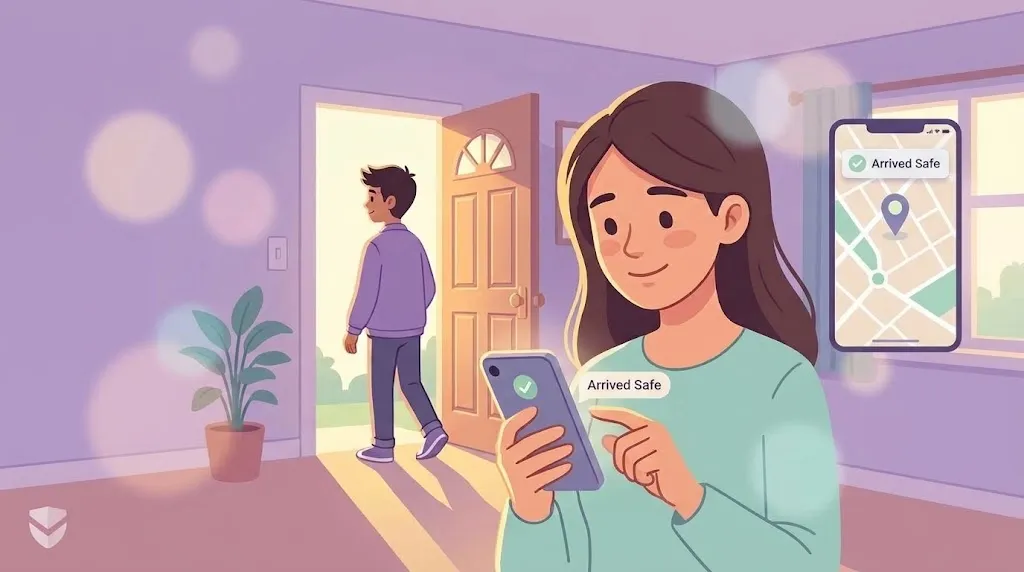
Arrival alerts. Instead of texting "Are you there yet?", you get a short notice when your teen reaches school or home. You do not need to check the map at all.
A privacy pause. Teens need breathing room sometimes. In WheresNow, Ghost Mode lets someone pause sharing, and the Circle can see that it is paused. Nothing is hidden or sneaky, and everyone knows where they stand. You can read more in our Ghost Mode guide.
Battery care. Teens hate a phone that dies by lunch. Smart tracking that adjusts how often it checks can help keep battery use low.
One tap for help. For serious moments, an Emergency SOS button lets your teen alert their Circle quickly. WheresNow is not an emergency service, so in an emergency your teen should call the local emergency number. Alerts depend on signal, battery, and phone settings.
A 13 year old and a 17 year old are not the same. Rules should change as your teen grows.
Every few months, ask:
"Is anything about this bothering you?"
"Should we change any of our rules?"
"Do you feel we are using this fairly?"
As trust grows, many parents find they look at the map less and less. That is a good sign.
Common questions
At what age should I start location sharing with my child?
There is no single right age. Many families start when a child begins to travel alone, such as walking to school or taking the bus. Start earlier with simple rules, and give more freedom as your child shows they can handle it.
Should I track my teen without telling them?
No. Secret tracking can harm trust badly if your teen finds out, and teens often do. Be open, explain why, and agree on rules together.
What if my teen turns off location sharing?
Stay calm and ask why first. Maybe their battery was low, or they wanted some space. Go back to the rules you made together. If it keeps happening, talk again about what would help them feel more comfortable.
Is location sharing a sign that I do not trust my teen?
It does not have to be. It is a safety tool, like a seat belt. When you share both ways and follow clear rules, many teens see it as care and not control.
What is the difference between live and current location?
Location sharing works best when it is a family agreement, not a hidden rule. Talk first, listen well, share both ways, and choose tools that respect privacy.
If you want to try this with your family, WheresNow Family lets you create a Circle, view location history, review drives, get arrival alerts, chat, and use Emergency SOS in one app. It is available on iOS and Android.