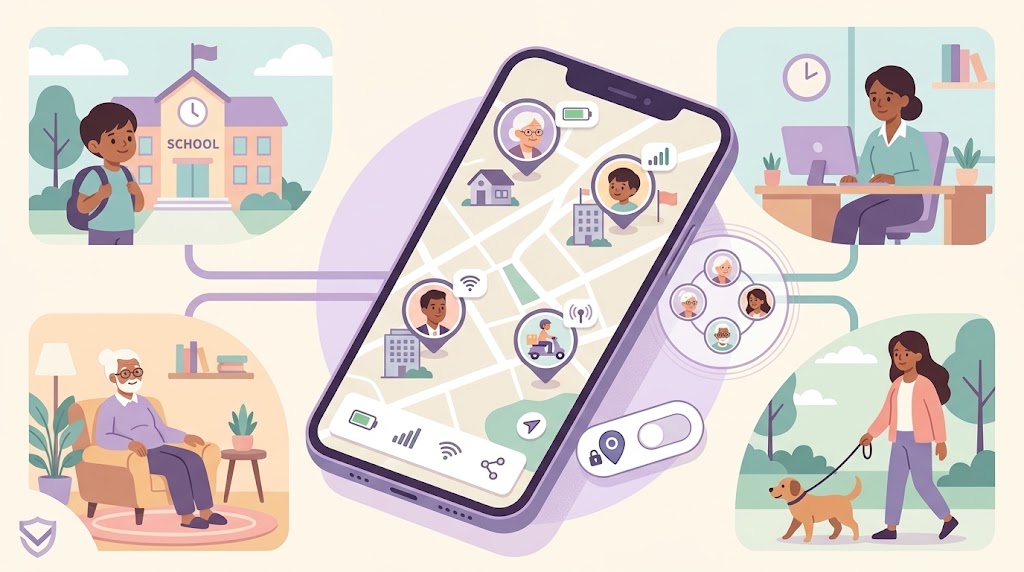
Every family has tried the same system at some point: "text me when you get there." It works for about a week. Then someone forgets, a phone dies at 2%, or texting from behind the wheel feels wrong — and the whole habit quietly falls apart.
An automated check-in app is built to solve exactly that gap. Instead of relying on a person to remember to send a message, the app confirms arrival on its own, and lets you know clearly if it doesn't happen in time.
This roundup looks at what actually makes a check-in "automated," why the manual version breaks down so often, and how to evaluate an app for this specific use case — whether that's a kid's school run, a daily commute, or an elderly parent's routine.
Why Manual Check-Ins Fail
Manual check-ins depend on a chain of things going right, and any single break in that chain means silence — which is often more alarming than helpful.
- Forgetting. The most common failure isn't an emergency, it's just a busy moment. Someone walks into a meeting or a classroom and the text never gets sent.
- Dead or silent phones. A drained battery or a device on silent in a bag means no message arrives, even though everything is fine.
- It feels awkward to ask. Teenagers especially resist being asked to "prove" they arrived somewhere. Repeated check-in requests can start to feel like surveillance rather than care.
- It doesn't scale. One check-in a day is manageable. Multiple stops — school, practice, a grandparent's house — turns into a stream of texts nobody keeps up with.
What an Automated Check-In Actually Does
A true automated check-in doesn't ask anyone to send a message. You set the expectation once — where, by when, who should know — and the app confirms arrival by itself.
- You define the trip, not just the destination — pick a location, a deadline, and exactly who should be notified, whether that's one person or a whole group.
- Arrival is detected automatically — once the phone is physically close enough to the destination, the check-in resolves itself. No tap required.
- Status is visible and live — recipients see the check-in move from pending to confirmed in real time, rather than waiting on a reply.
- Missed deadlines are flagged, not ignored — if the deadline passes with no arrival, the check-in doesn't just quietly time out. It changes state so recipients know something needs a look.
How WheresNow Handles This
WheresNow's Check-In feature is built for exactly this: you create a check-in by choosing who should be notified — specific people, whole Circles, or both — picking a destination, and setting a deadline. No one on the receiving end has to do anything to see it; they get an interactive check-in card the moment it's created.
Arrival detection is automatic. You also choose how tight the arrival radius should be, from three tiers:
- Doorstep (100m) — the tightest radius, for when you want confirmation of the exact address.
- Block (250m) — the default, a reasonable margin for GPS drift in most neighborhoods.
- Neighborhood (500m) — the loosest tier, useful in areas with weaker GPS accuracy or larger destinations.
Once your location comes within the chosen radius before the deadline, the check-in auto-marks itself safe — nobody has to remember to tap anything, though you can also mark yourself safe manually at any time. If the deadline passes with no arrival detected, the check-in flips to overdue, and recipients see that status change immediately. That overdue state is the real safety net: it's the difference between "no news" and an actual signal that something might be wrong.
This sits alongside WheresNow's separate, simpler Places feature — a passive background diary that logs arrivals and departures at saved locations like home or school, with no deadline or recipient list involved. Places is good for a quiet, ongoing record of routine; Check-In is for the specific moments where you want someone to know, by a certain time, that a person made it somewhere — and to be told clearly if they didn't.
Choosing the Right App
| Feature | Manual check-in apps | Automated Check-In (WheresNow) |
|---|---|---|
| Requires action from the person | Yes, every time | No — arrival is auto-detected |
| Fails if phone is silenced | Yes | No — runs in background |
| Lets you set a deadline | No | Yes |
| Flags a missed arrival | No | Yes — status changes to overdue |
| Choice of arrival precision | N/A | Yes — Doorstep, Block, Neighborhood |
| Notifies specific people or Circles | Manual, per-message | Chosen once at creation |
The Bottom Line
The best automated check-in app is the one you forget is even running — because that's the point. If arrival confirmation depends on someone remembering to send a text, it isn't really automated, it's just another chore.
Families searching for this tend to want the same thing: fewer reminders, more actual peace of mind, and a clear signal if something's off. A Check-In with a deadline and automatic arrival detection gets you there without adding one more thing to anyone's to-do list.
Download WheresNow and set up your first automated check-in today.