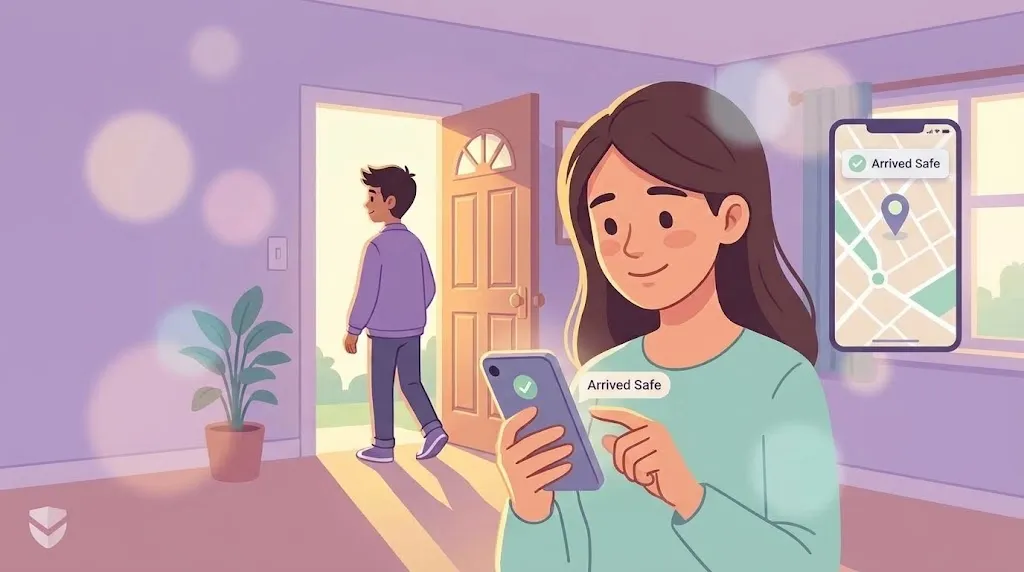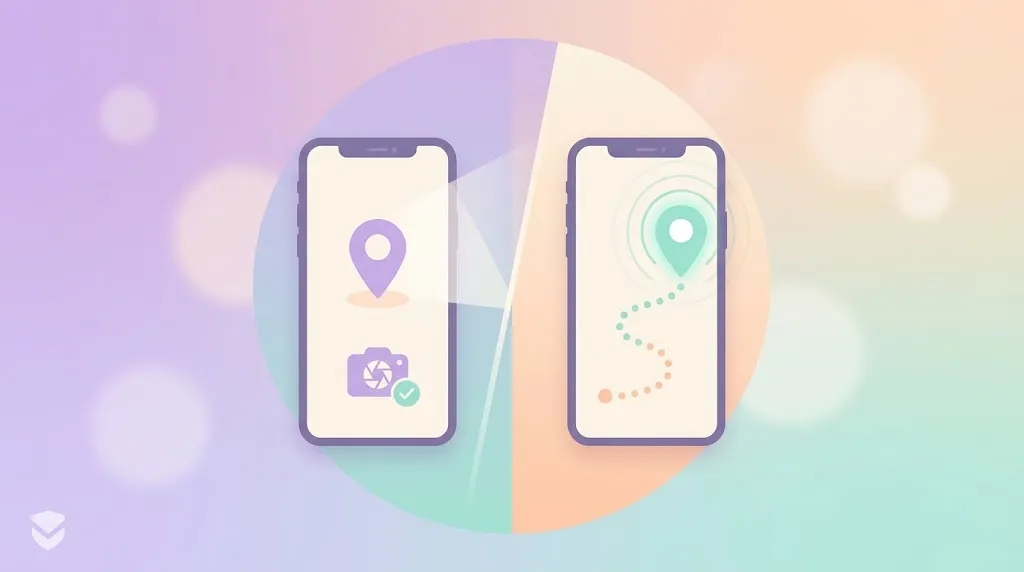
"Just send me your location" can mean two very different things, and mixing them up is a common source of confusion in family location-sharing apps. One is a snapshot. The other is a stream. Knowing which one you actually need makes the feature far more useful.
What Is Current Location?
Current location is a one-time share — a single pin dropped on a map at a specific moment. You send it, the other person sees exactly where you were when you sent it, and that's the end of the exchange. It doesn't update after that.
This is the digital version of texting "I'm here" with a photo. It's fast, lightweight, and doesn't require the other person to keep checking back.
What Is Live Location?
Live location is continuous, real-time sharing that updates automatically for a set duration, or indefinitely if a Circle member has chosen to keep it on. Instead of one pin, the other person sees your position move on the map as you actually move.
This is what makes it possible to watch someone's drive progress, confirm a family member is on their usual route, or simply glance at the map and know where everyone is right now without asking.
When to Use Each
| Situation | Best fit |
|---|---|
| "Meet me at the restaurant" | Current location |
| Coordinating a pickup spot once | Current location |
| A teen driving home alone at night | Live location |
| Long road trip with multiple stops | Live location |
| Ongoing peace of mind within a Circle | Live location |
| Quick check-in without ongoing tracking | Current location |
The short version: use current location for a single coordination moment, and live location for anything that unfolds over time — a drive, a trip, or a period where you want reassurance without having to ask.
How WheresNow Supports Both
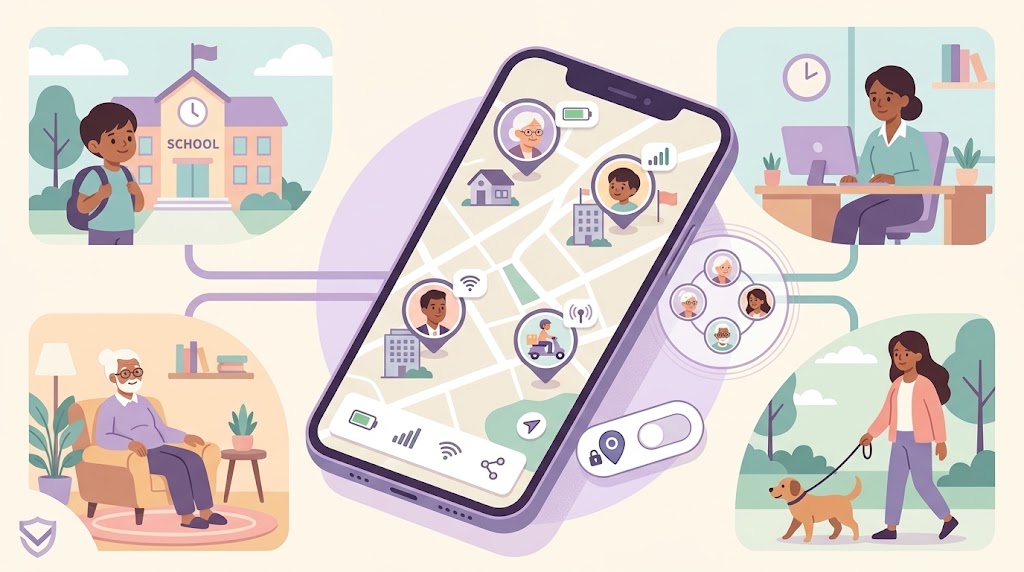
WheresNow doesn't force you to choose one mode for everything. Inside a Circle — a private group with permissions set per person — members can send a quick current-location pin for a one-off "meet me here," or switch on live sharing when it actually matters, like a solo drive or a trip.
Live sharing works alongside the app's other safety tools: one-tap SOS alerts, automatic crash detection, and a 30-day location history with route playback if you ever need to look back. And because transparency matters, every member can always see exactly who has access to their location, whether it's a single pin or a live stream.
Neither mode is "better" — they solve different problems. Current location answers "where are you right now." Live location answers "where are you, continuously, until I say otherwise." Most families end up using both, depending on the day.
If your family currently relies on manually texting pins back and forth, it's worth trying live sharing for the moments that actually call for it — school runs, road trips, a night out. Download WheresNow and set up your first Circle for free.