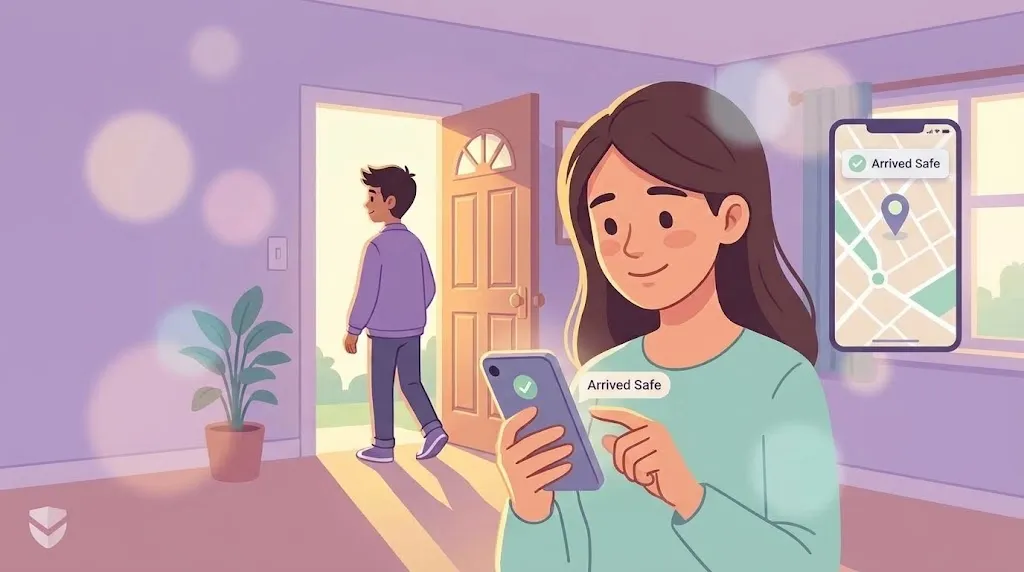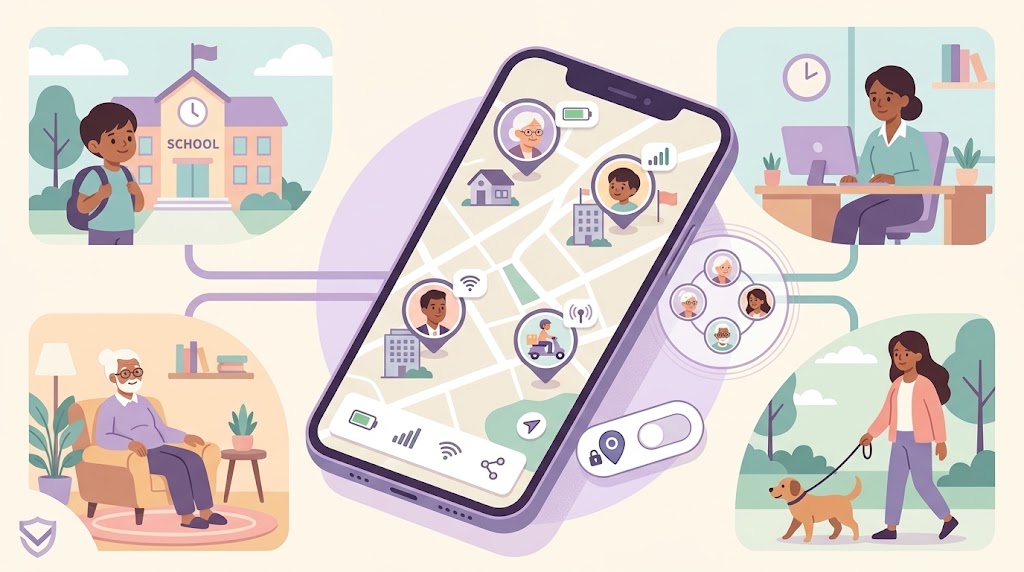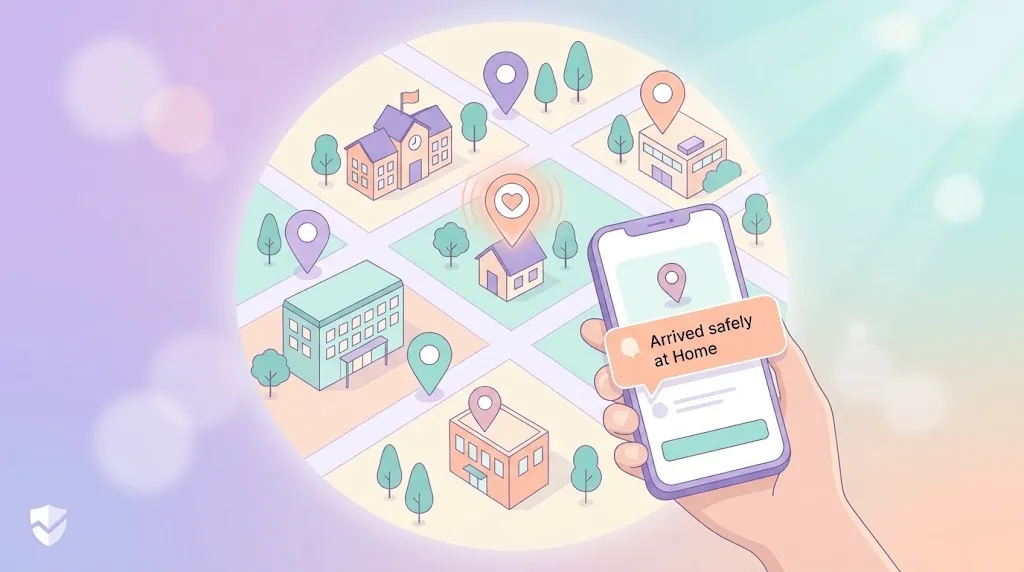
Not every place needs a generic geofence circle around it. Sometimes you just want to know: did my kid actually get to school? Did my teenager arrive safely at their friend's house? Did Dad leave the house on time for his appointment? Custom location alerts answer exactly that question, for exactly the place you care about.
WheresNow's Places feature lets you mark any location — not just "home" or "work" defaults — and get notified the instant someone in your Circle arrives or leaves.
What Is a Custom Place Alert?
A custom place alert is a notification tied to a specific location you define on the map, rather than a broad, always-on zone. You choose the spot, you choose who it applies to, and you choose whether you're notified on arrival, departure, or both. It's the difference between vaguely knowing where someone roams and knowing precisely when they hit the one address that matters right now.
Why Custom Places Beat Generic Geofencing
Generic radius alerts around a whole neighborhood get noisy fast — you'd get pinged every time someone drives past, not just when they actually stop somewhere. A custom Place alert is scoped tightly to the building or address itself, so notifications stay meaningful instead of becoming background noise you start to ignore.
How It Works in WheresNow
- Drop a pin anywhere — search an address or long-press on the map to mark school, a relative's house, a workplace, or any location worth tracking.
- Name it something recognizable — "Lincoln Middle School" or "Grandma's" makes alerts instantly readable instead of just coordinates.
- Choose arrival, departure, or both — a parent might only need arrival pings for school, but want both for a teen's evening plans.
- Pick who it applies to — Places can be scoped to specific Circle members, so you're not alerted every time an unrelated person passes through.
- Get a real-time push notification — the moment the geofence is crossed, everyone with permission to see that alert gets notified.
Everyday Scenarios
| Scenario | Alert Type | Why It Helps |
|---|---|---|
| Kid leaves school at 3pm | Departure | Confirms the school day ended and they're on the move |
| Teen arrives at a friend's house | Arrival | Confirms they made it where they said they'd be |
| Parent leaves a known safe zone (e.g., a hospital, office) | Departure | Flags an unexpected or early departure |
| Elderly relative arrives home | Arrival | Reassurance without needing to call and check |
| Anyone enters a specific unsafe or off-limits area | Arrival | Early warning to check in immediately |
Built on a Foundation of Trust
Custom Place alerts sit alongside the rest of what makes WheresNow a real safety tool, not just a tracker: automatic crash detection, one-tap SOS, and a 30-day location history with route playback if you ever need to look back at where someone actually went. And because WheresNow is built around transparency, every member of a Circle can see who has permission to view their location and set up alerts for them — nothing happens invisibly.
Over time, Places also builds a quiet diary of the spots that matter most to your family, so setting up a new alert for a new routine takes seconds, not a fresh search every time.
Getting Started
Custom Place alerts take a couple of minutes to set up and can save you a dozen "did you get there okay?" texts a week. Once they're in place, you stop wondering and start knowing — automatically, in real time.
Download WheresNow and set up your first Circle for free.