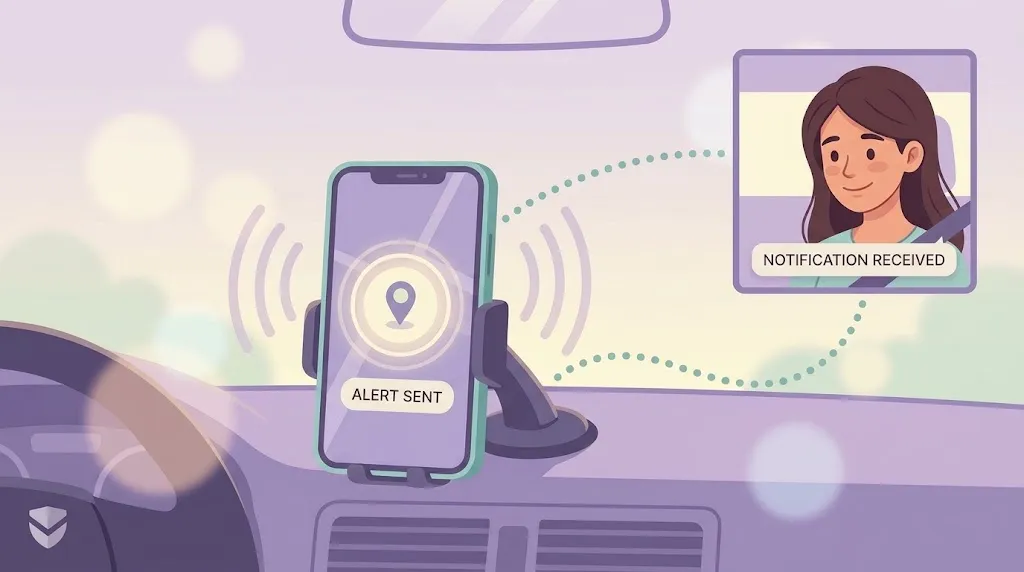
"Crash detection" gets mentioned a lot in phone and app marketing, but it's rarely explained. What is the phone actually sensing? How does it know the difference between a real crash and you dropping your phone getting out of the car? This is a walkthrough of how it actually works, from first principles, so you know what you're relying on.
What Is Crash Detection?
Crash detection is a feature that uses the sensors already built into a smartphone to recognize the physical signature of a car crash — and, when it's confident enough, automatically alert someone. It's not a separate piece of hardware. It's software interpreting data your phone is already collecting.
The goal isn't to predict a crash. It's to notice one has happened, fast, in the window when a person involved might be unconscious, in shock, or physically unable to reach for their phone and call for help themselves.
The Sensors Behind It
Modern phones carry a small suite of motion sensors that, together, can reconstruct a rough picture of what just happened to the device:
- Accelerometer — measures sudden changes in speed. A crash produces a distinctive spike: a sharp deceleration far outside normal driving, braking, or even hard cornering.
- Gyroscope — tracks rotation. Vehicles often spin, roll, or pitch during a collision, and that rotational signature is hard to produce any other way.
- GPS/location data — confirms the phone was moving at driving speed just before the event, which helps rule out a fall or a dropped device.
- Barometer (on some devices) — picks up the pressure change from airbags deploying or windows breaking.
No single sensor is enough on its own. It's the combination — sudden deceleration, plus rotation, plus a preceding pattern of vehicle-speed movement — that starts to look like a crash rather than everyday phone handling.
How the System Decides
The honest answer is: pattern matching against a threshold, not certainty. The software is trained on the kind of motion signatures real crashes produce — a specific combination of force, direction change, and timing — and compares live sensor data against that pattern in real time.
When the pattern crosses a confidence threshold, the system doesn't assume the worst instantly. It typically:
- Flags the event internally the moment the pattern is detected.
- Checks whether the phone has stopped moving afterward, which is consistent with a real crash (a dropped phone usually doesn't sit still on a road).
- Opens a short response window before escalating.
What Happens in the Seconds After
This is the part most explanations skip. A detected event doesn't mean sirens immediately. It means a countdown starts, usually somewhere in the 15-30 second range, giving the person a chance to say "I'm fine" and cancel it.
If there's no response, the system escalates: it can notify emergency contacts with the location where the event occurred, and in supported setups, help surface that information for emergency services. The design assumption is straightforward — if you're able to cancel a false alarm, you will; if you can't respond, that silence is itself meaningful.
Why False Positives Are the Hard Problem
Braking hard at a red light, hitting a pothole, or tossing your phone onto a car seat can all produce brief spikes that look crash-adjacent. The engineering challenge isn't detecting real crashes — high-speed impacts are relatively easy to spot. It's avoiding false alarms without becoming so conservative that real crashes get missed.
| Scenario | Deceleration | Rotation | Post-event motion | Flagged? |
|---|---|---|---|---|
| Real collision | Severe, sudden | High | Stops | Yes |
| Hard braking | Moderate | Low | Continues | No |
| Dropped phone | Sharp, brief | Variable | Continues (pocket/bag) | No |
| Pothole/rough road | Moderate, repeated | Low | Continues | No |
That's why the confirmation window matters as much as the detection itself — it's the mechanism that catches the edge cases the sensors alone can't.
Why This Matters for Families
Crash detection isn't about replacing judgment — it's about covering the moment judgment isn't possible. WheresNow builds this into the same Circle you already use for everyday location sharing, so a detected crash reaches the people who'd want to know immediately, with the location attached, no separate app or setup required. It sits alongside one-tap SOS alerts for the moments you can reach your phone, and 30-day location history if you need to reconstruct what happened afterward.
Understanding how it works doesn't just satisfy curiosity — it tells you what it can and can't do, which is the honest starting point for trusting it.
Download WheresNow and set up automatic crash detection for your family today.