Master WheresNow
Explore our features through this visual walkthrough. Learn how to stay connected and keep your family safe.
Create/join a circle
Create a new circle or join an existing one using a unique invitation code.
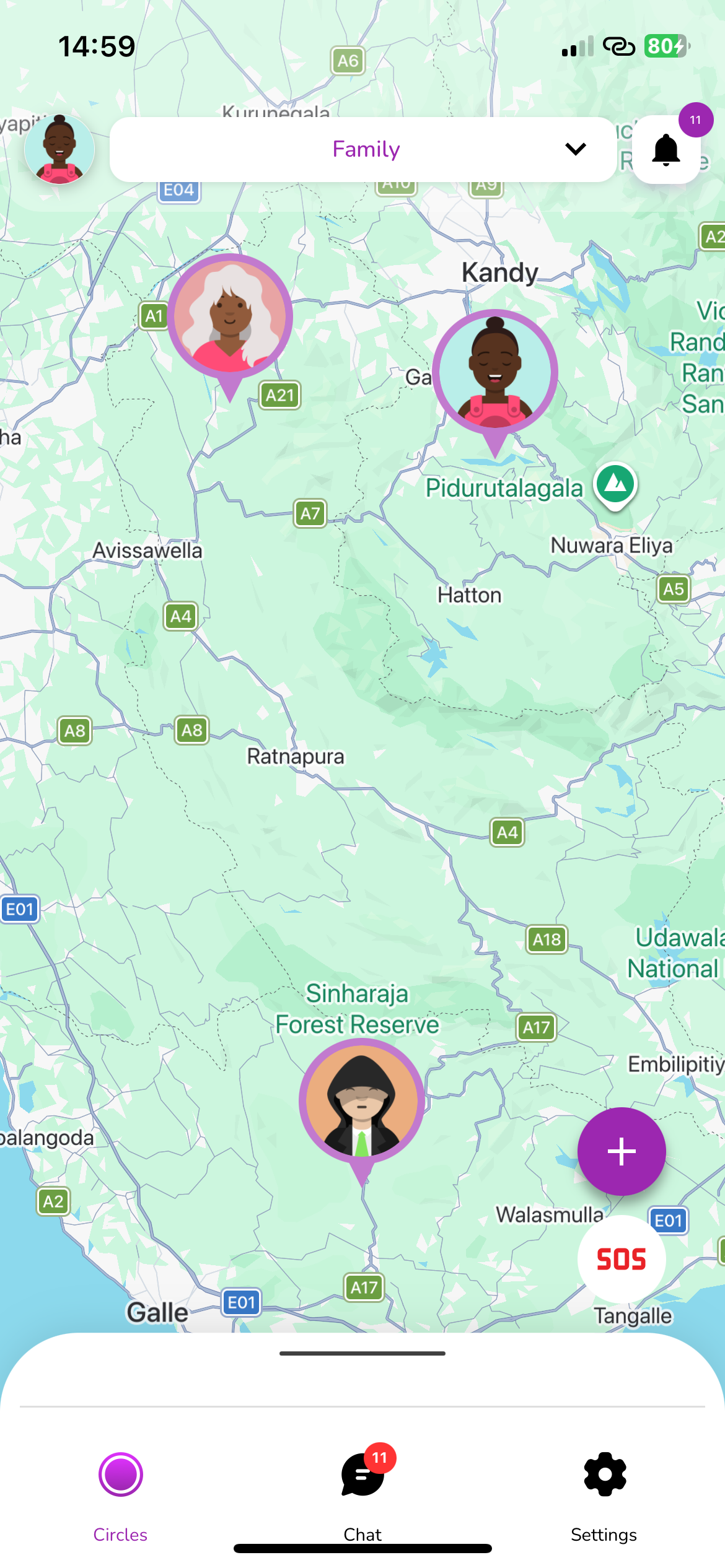
Create a new circle
Start your safety network by creating a private circle for your family or friends.
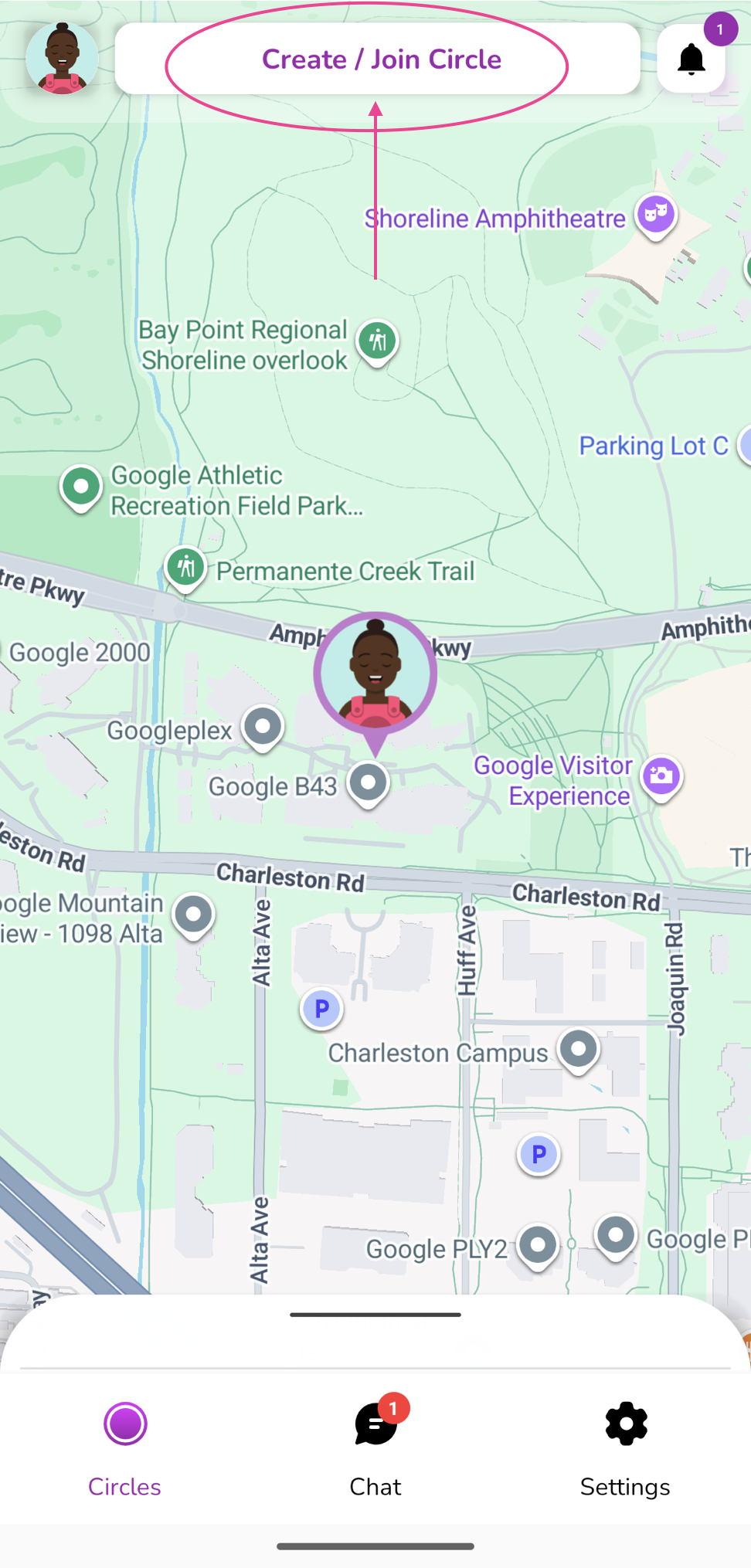
Join a circle
Enter the join code to join a circle.
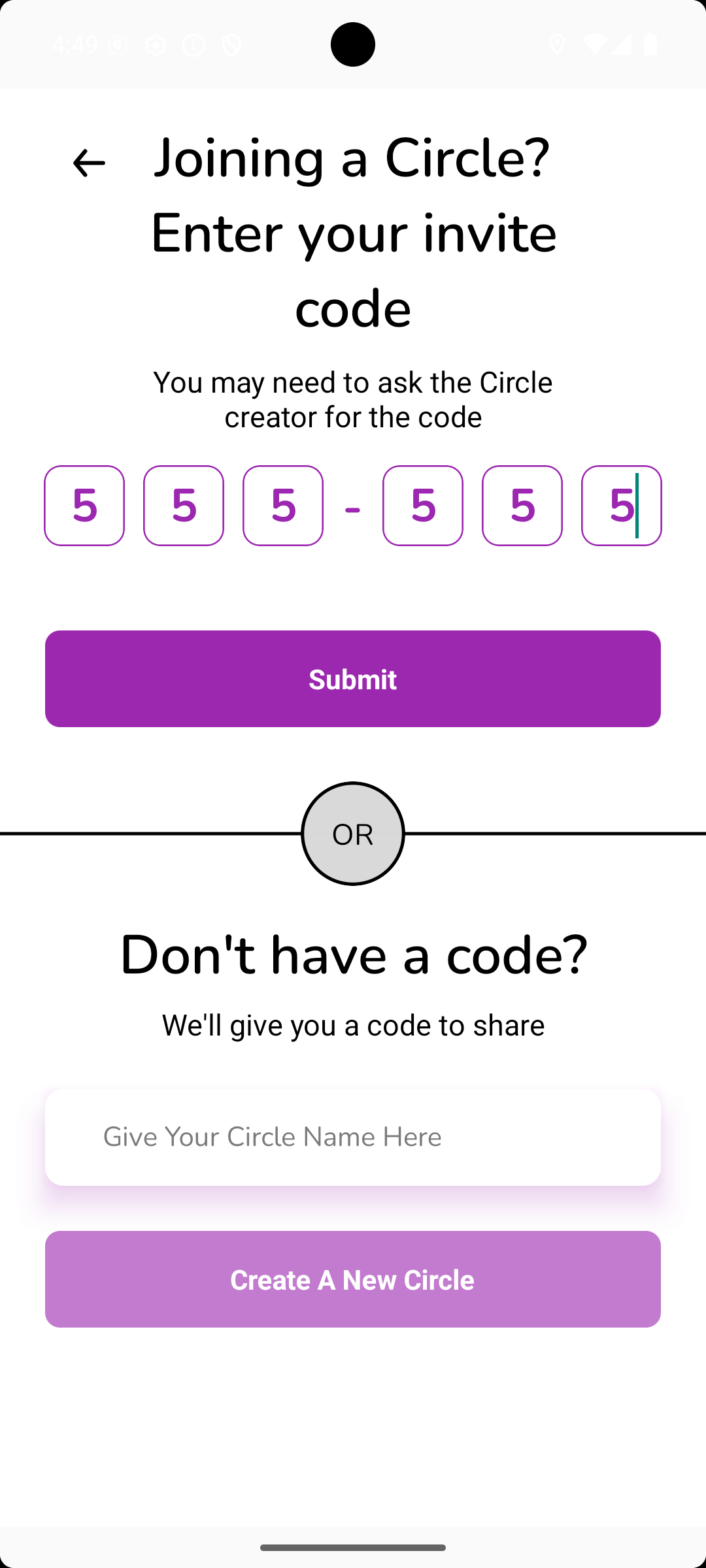
Create a circle
Create a new circle by giving a custom name.
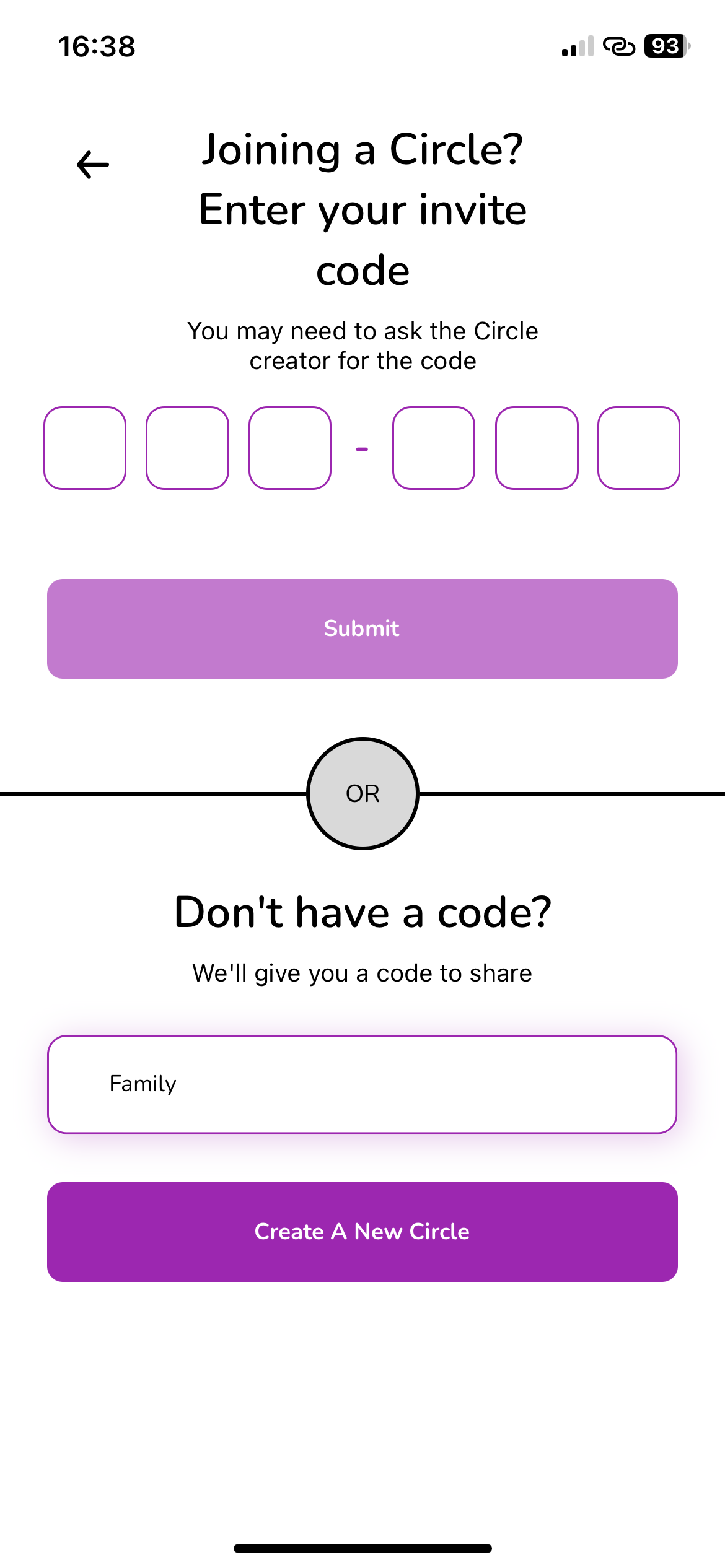
Invite Members
Share your join code with family and friends to add them to your Circle.
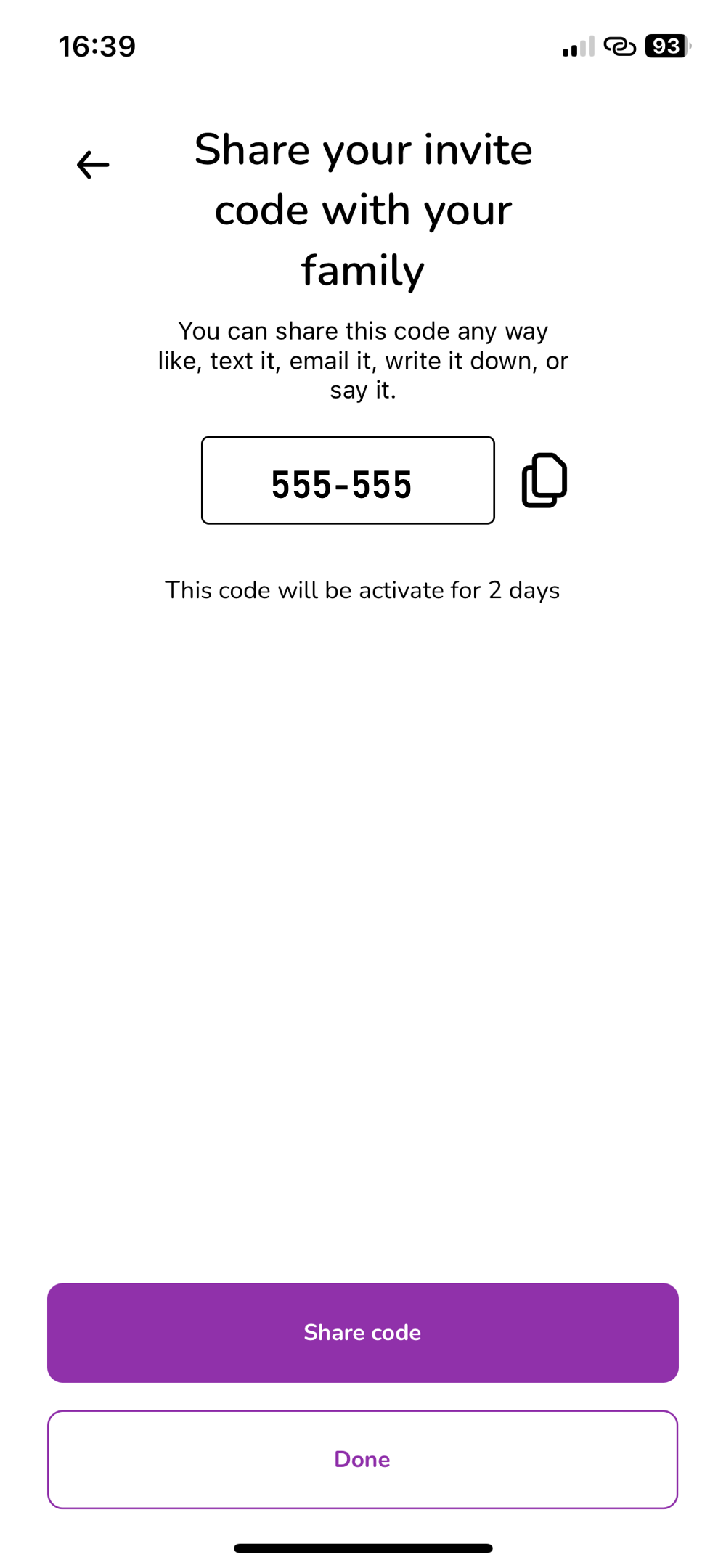
Circle Settings
View the circle join code, manage members, leave the circle, and remove members if you are the circle owner.

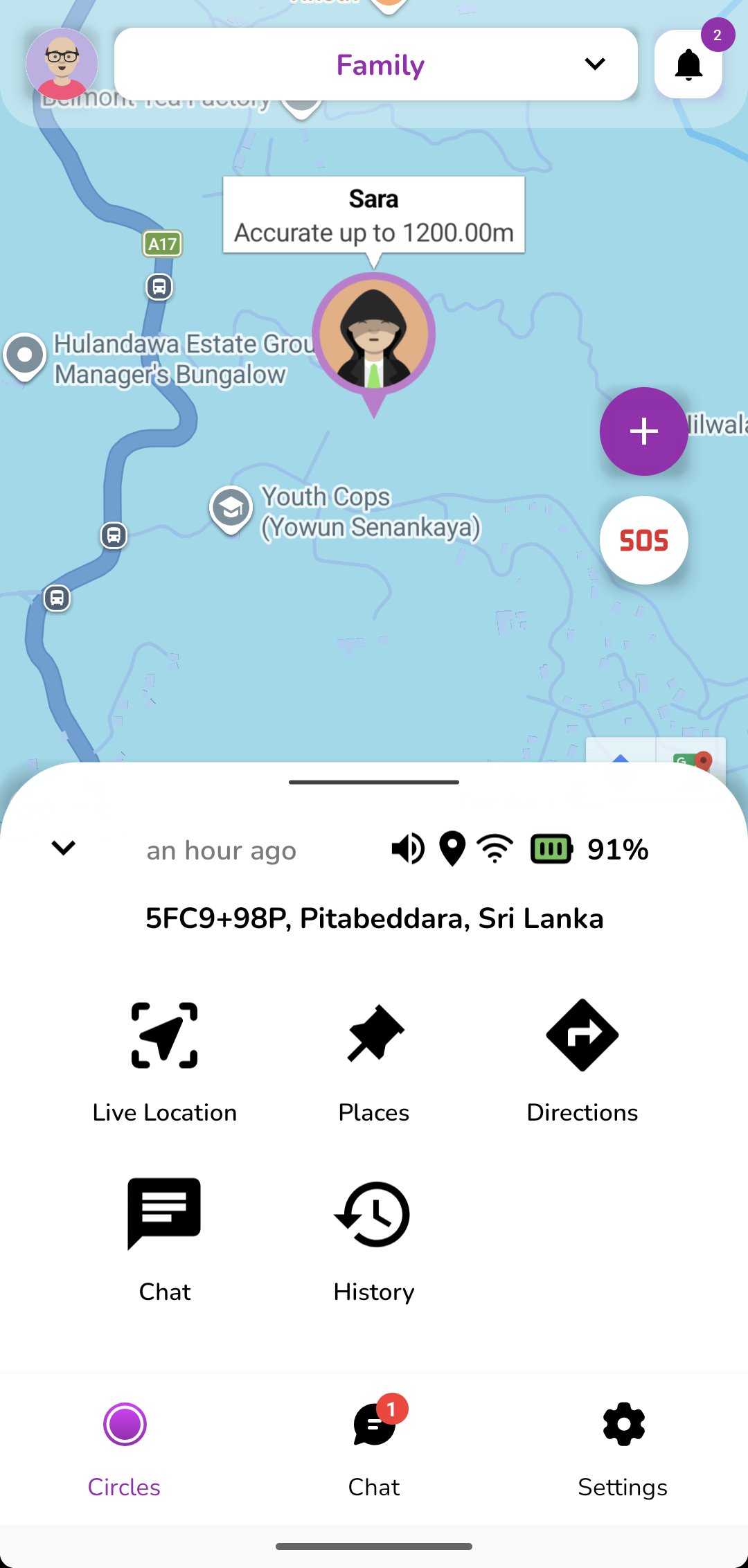
Live Location
Click on the avatar of the member and from the bottom drawer select Live location.
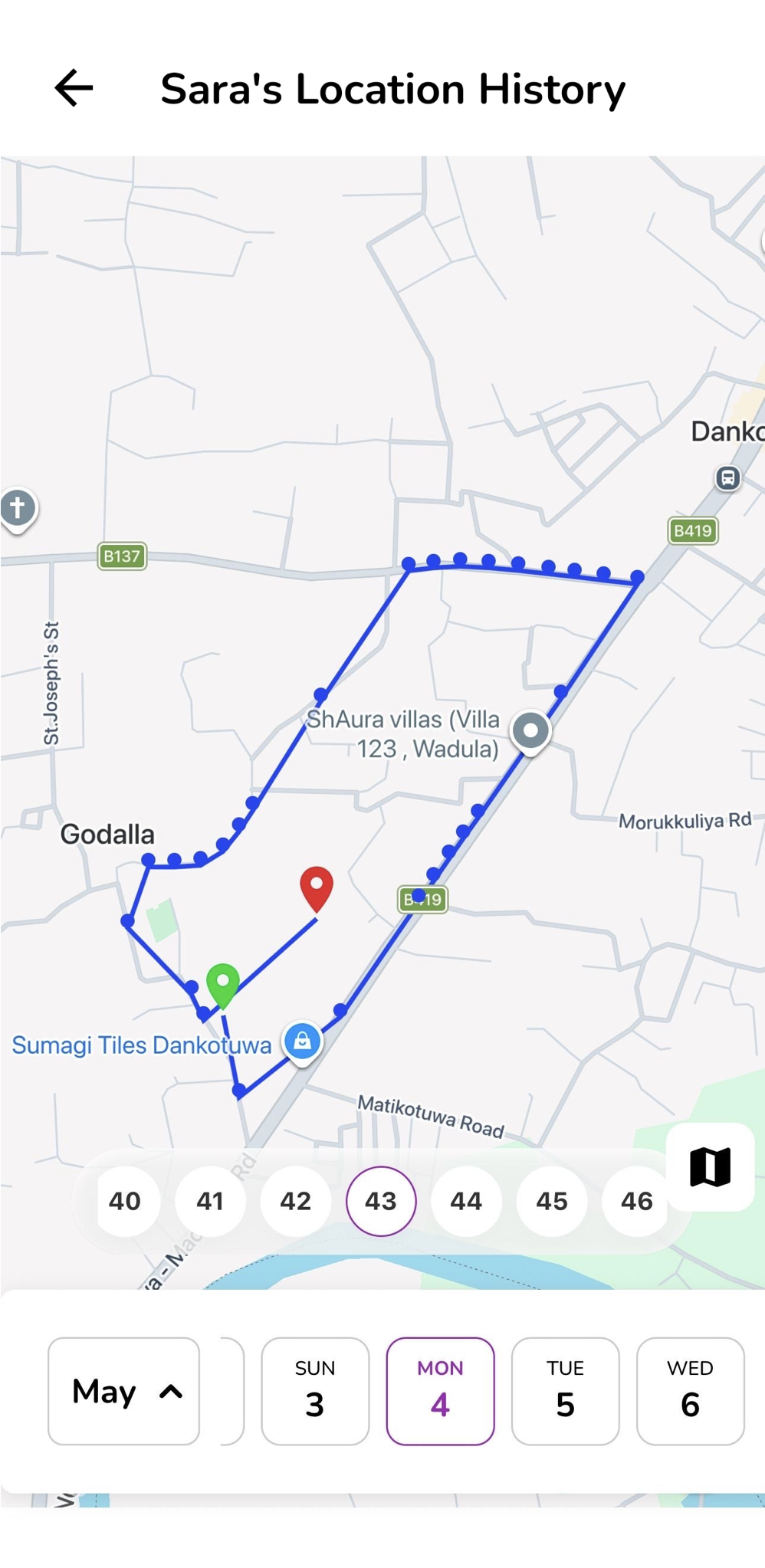
Location History
View the timeline and past routes of your Circle members.
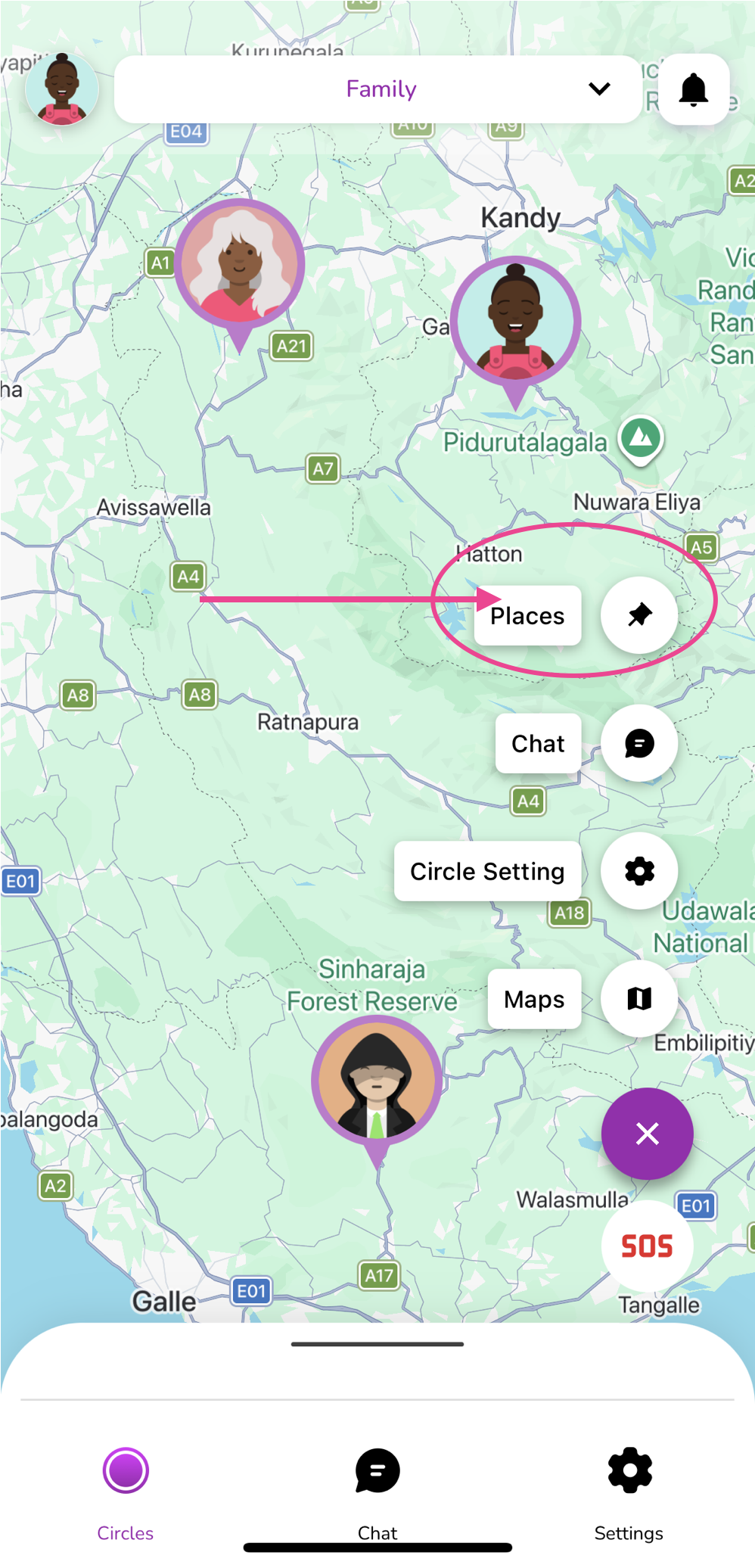
Open Places
On the map screen, tap the Places icon to view and manage your saved places.
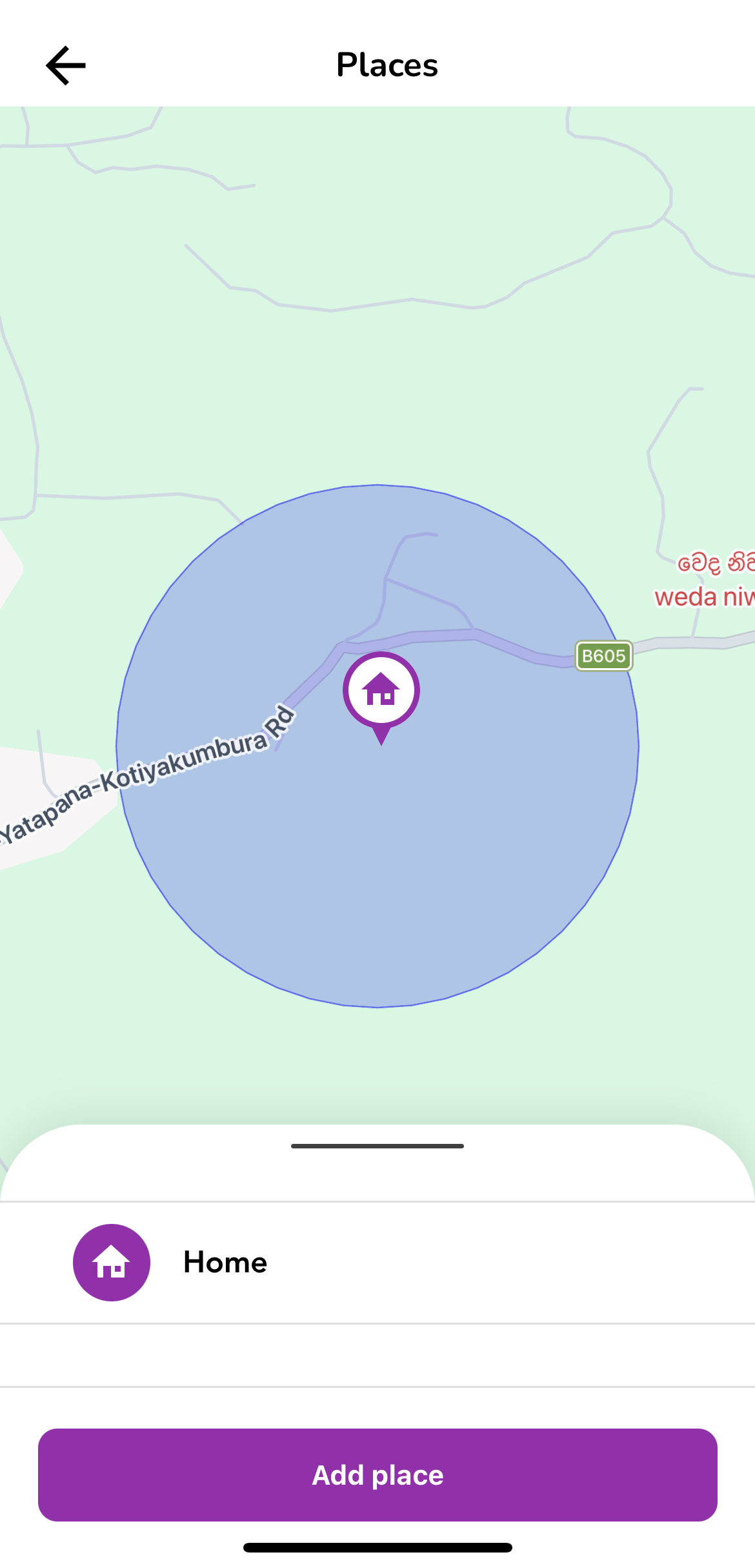
View Saved Places
This screen displays all previously added places. Tap the Add Place button to create a new place.
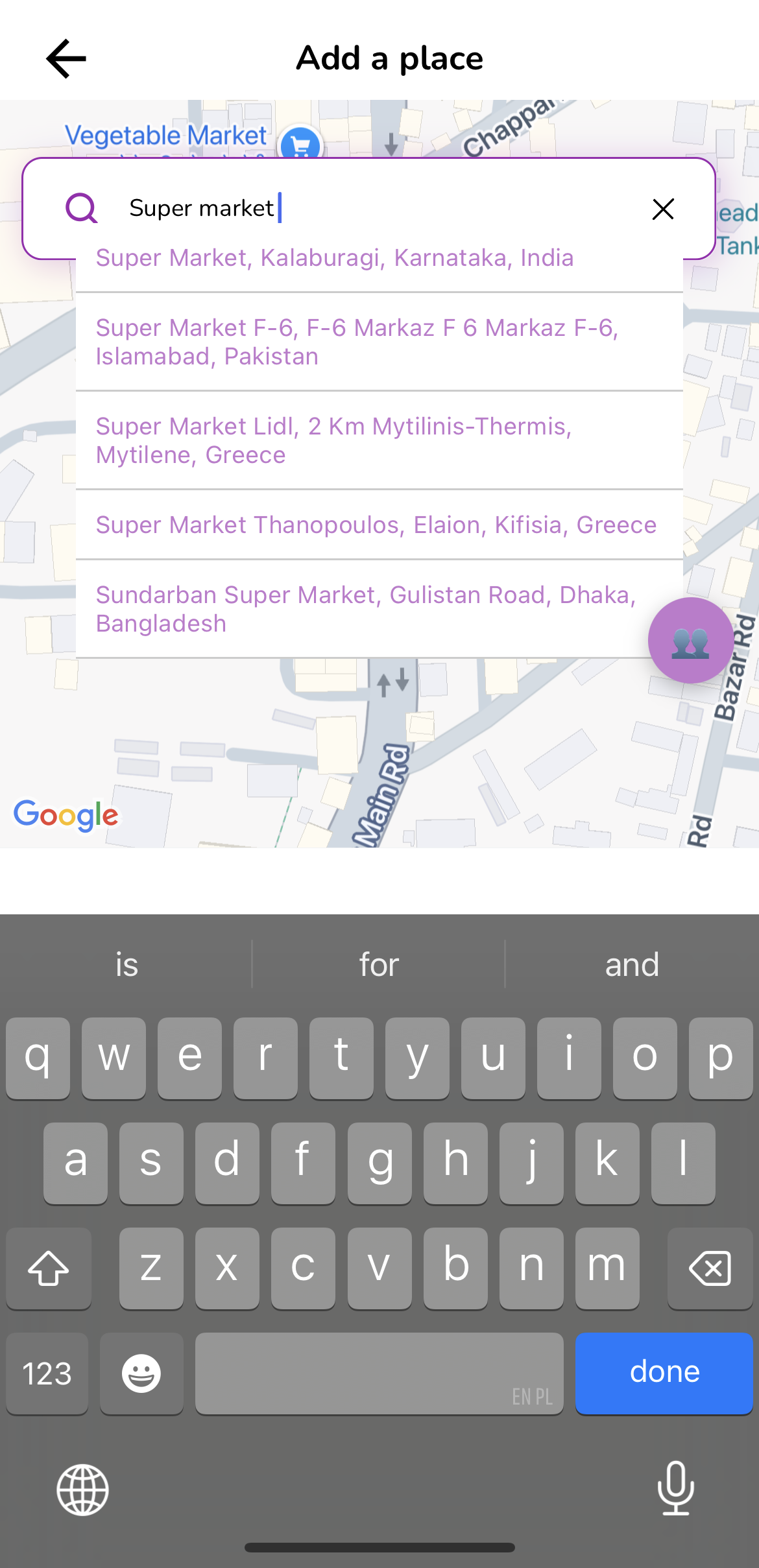
Select a Location
Choose a location directly from the map or search for a place and select it from the suggested results.
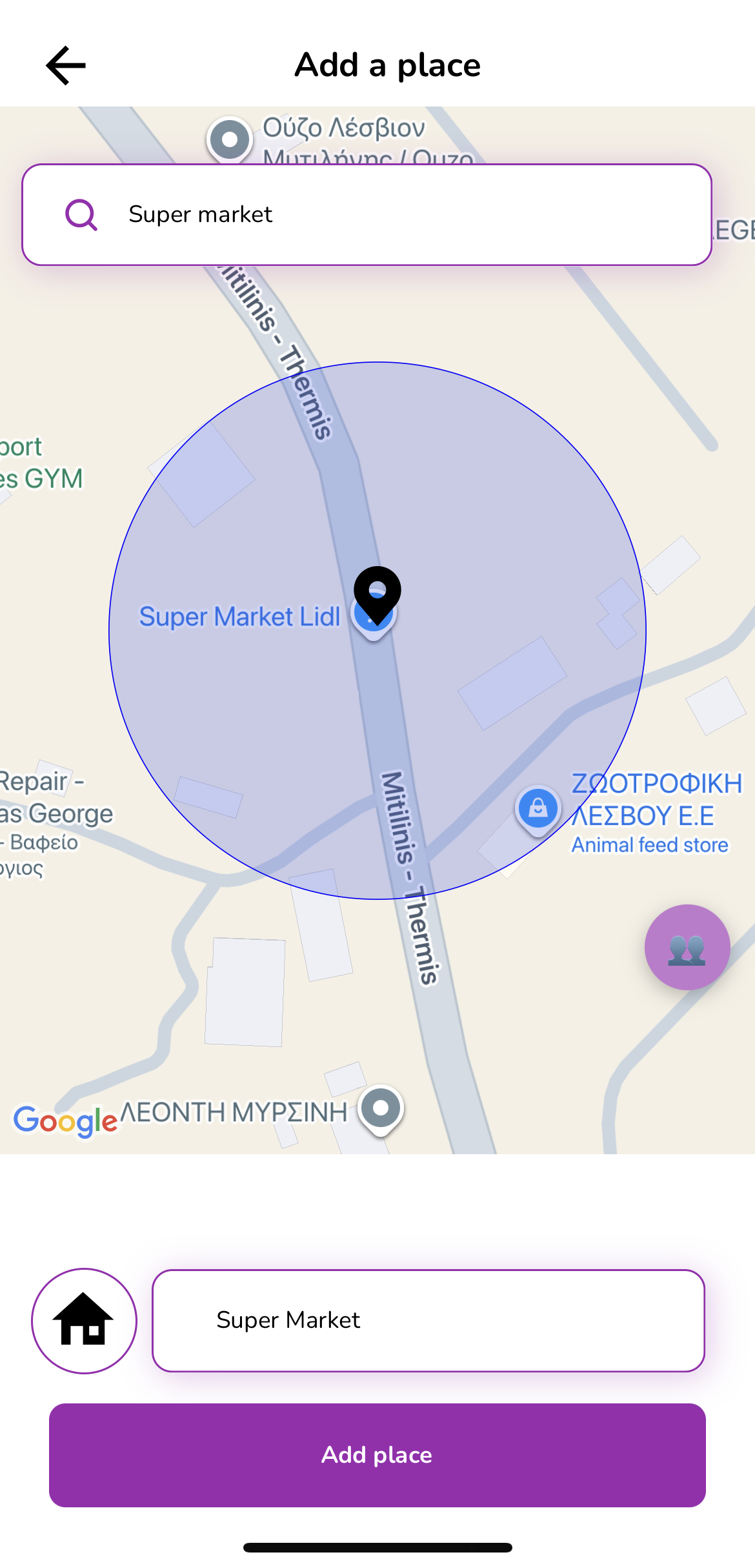
Name and Save Place
Enter a preferred name for the selected location, then tap Add Place to save it.
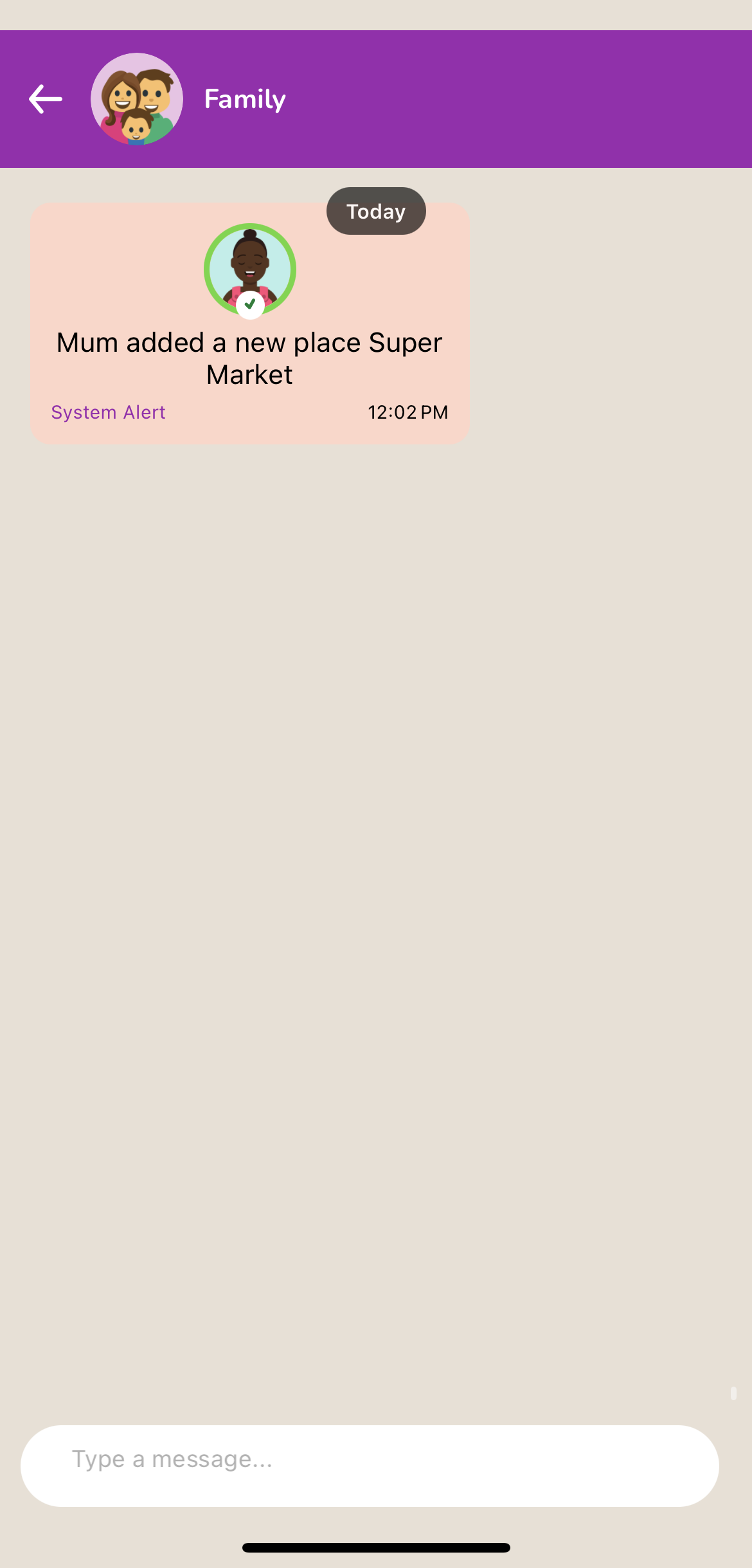
Place Added Successfully
Once the place is added, all circle members will be notified about the new saved place.
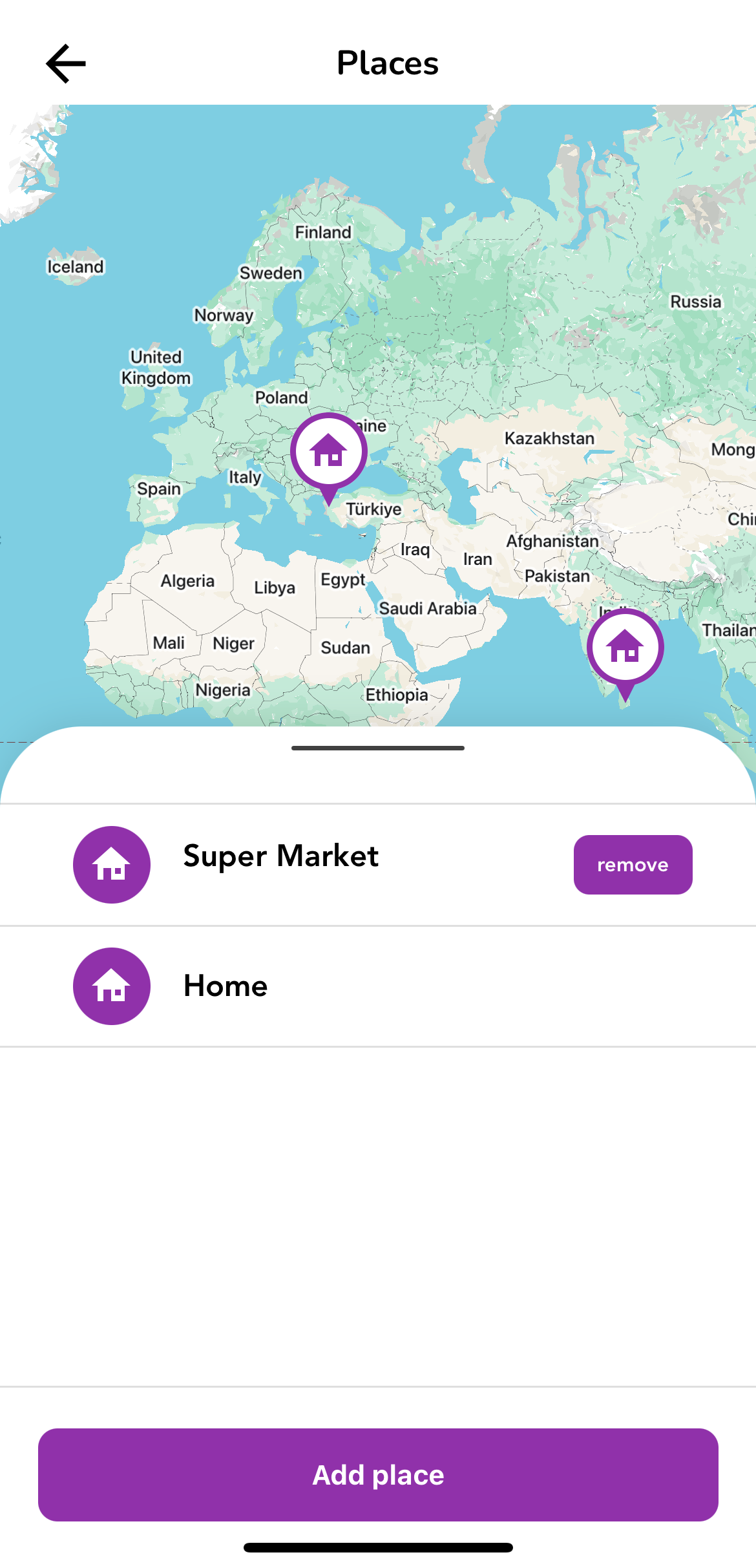
Remove a Place
To delete a saved place, open the Places screen and tap the Remove button next to the place name.
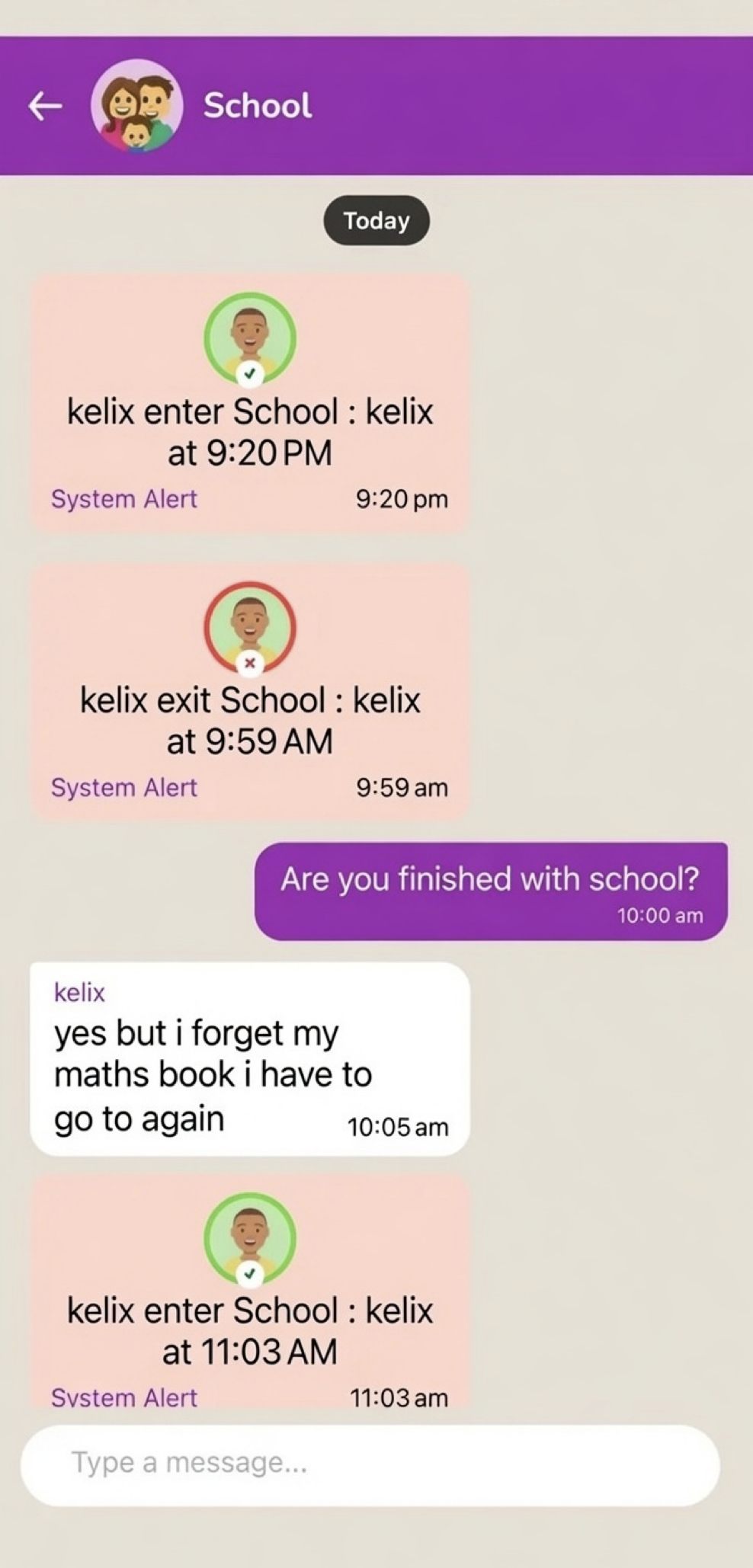
Place Entry & Exit Alerts
Circle members receive notifications whenever a member enters or leaves a saved place.
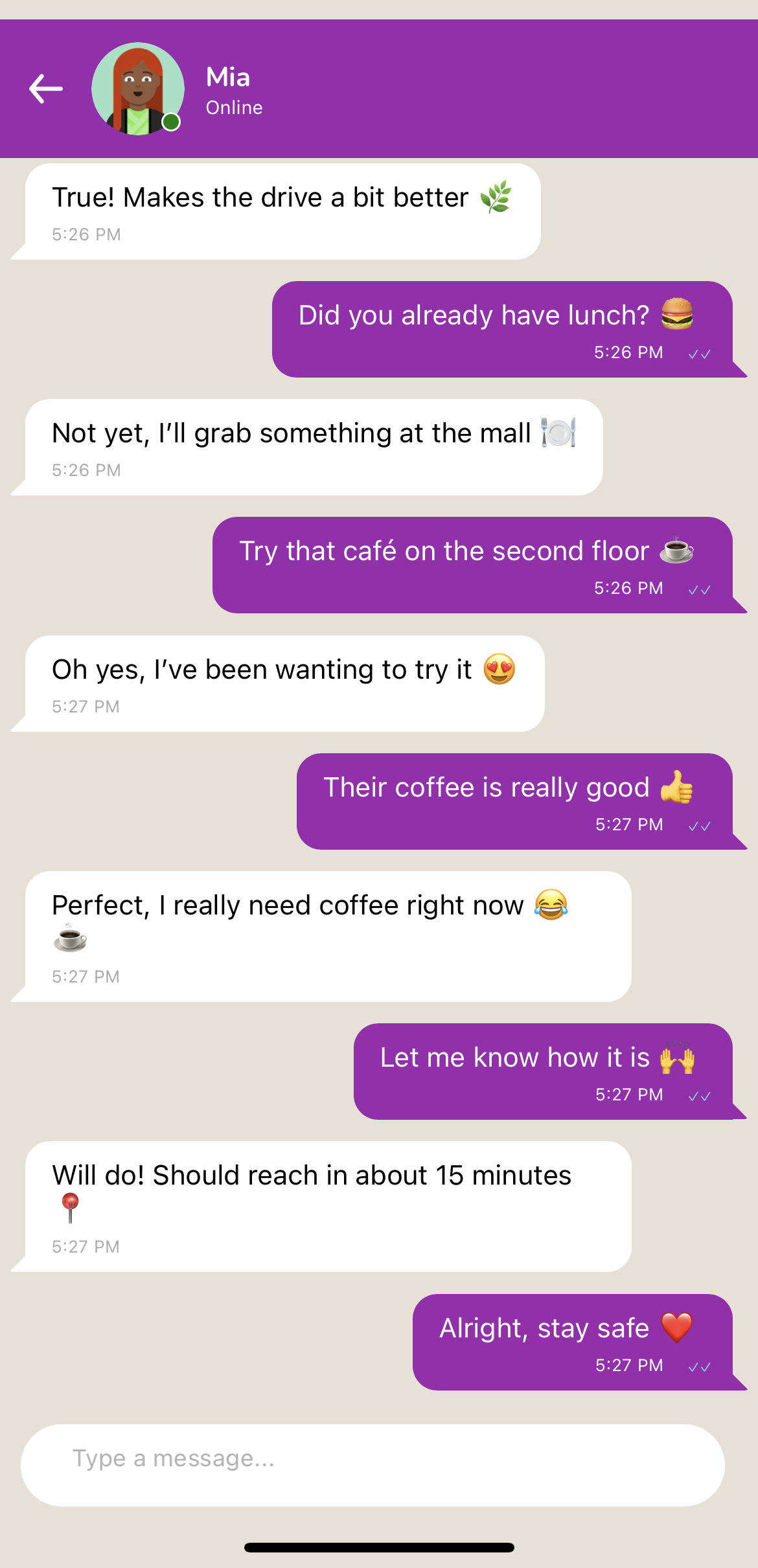
Personal Chat
Send messages to your Circle members personally to stay connected.
Circle Chat
Send messages to all your Circle members at once to stay connected.
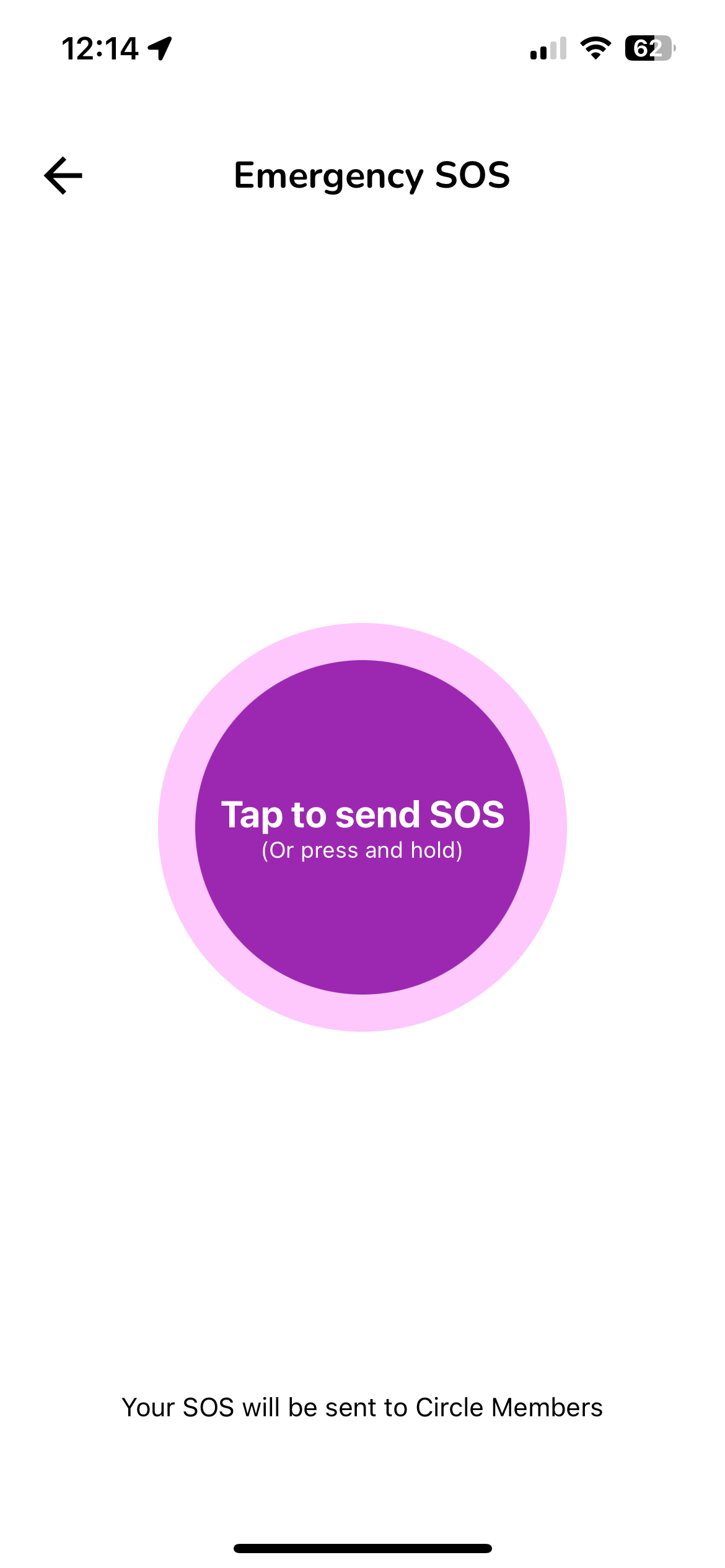
Send SOS Alert
Trigger a panic alert to immediately notify all your Circle members with your exact live location.
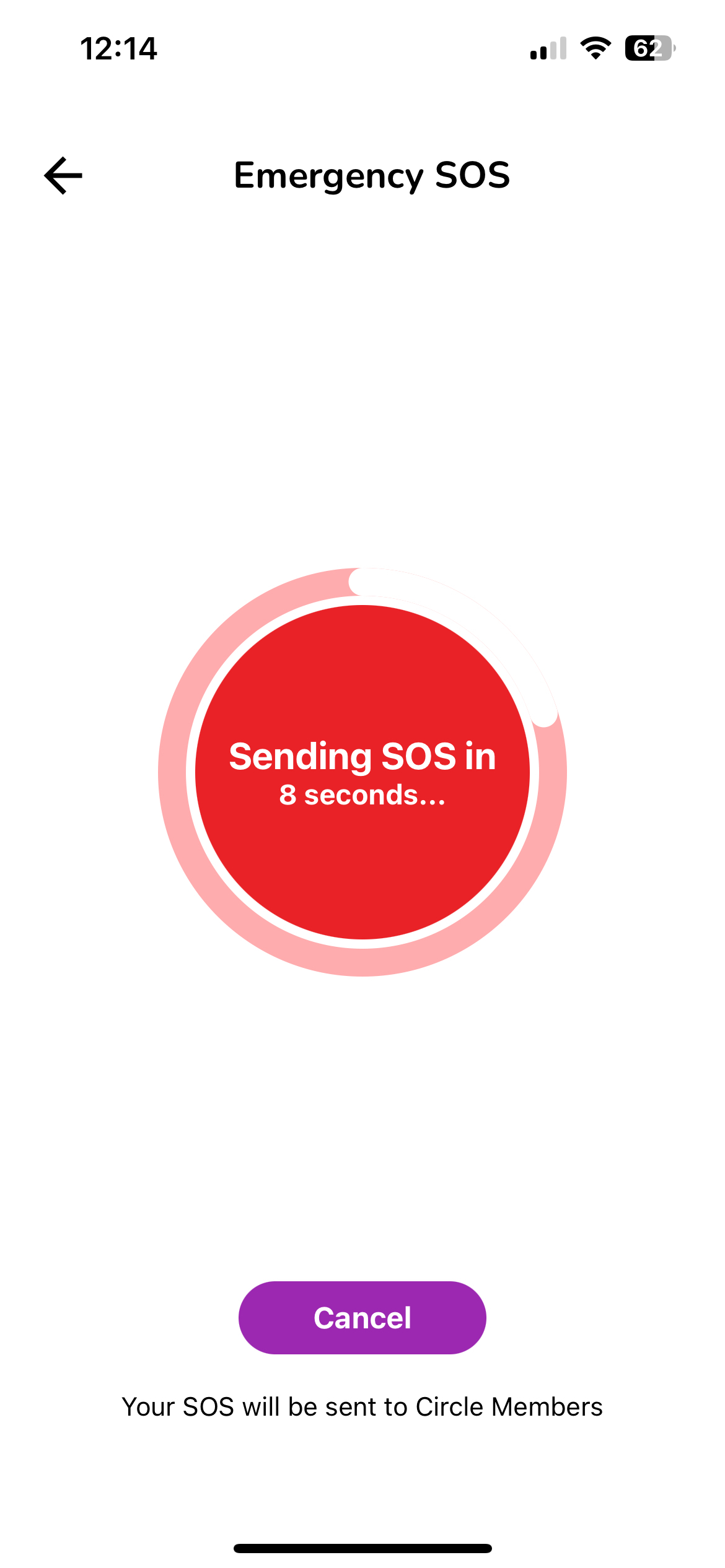
SOS Sending
Your SOS alert is being sent along with your real-time location
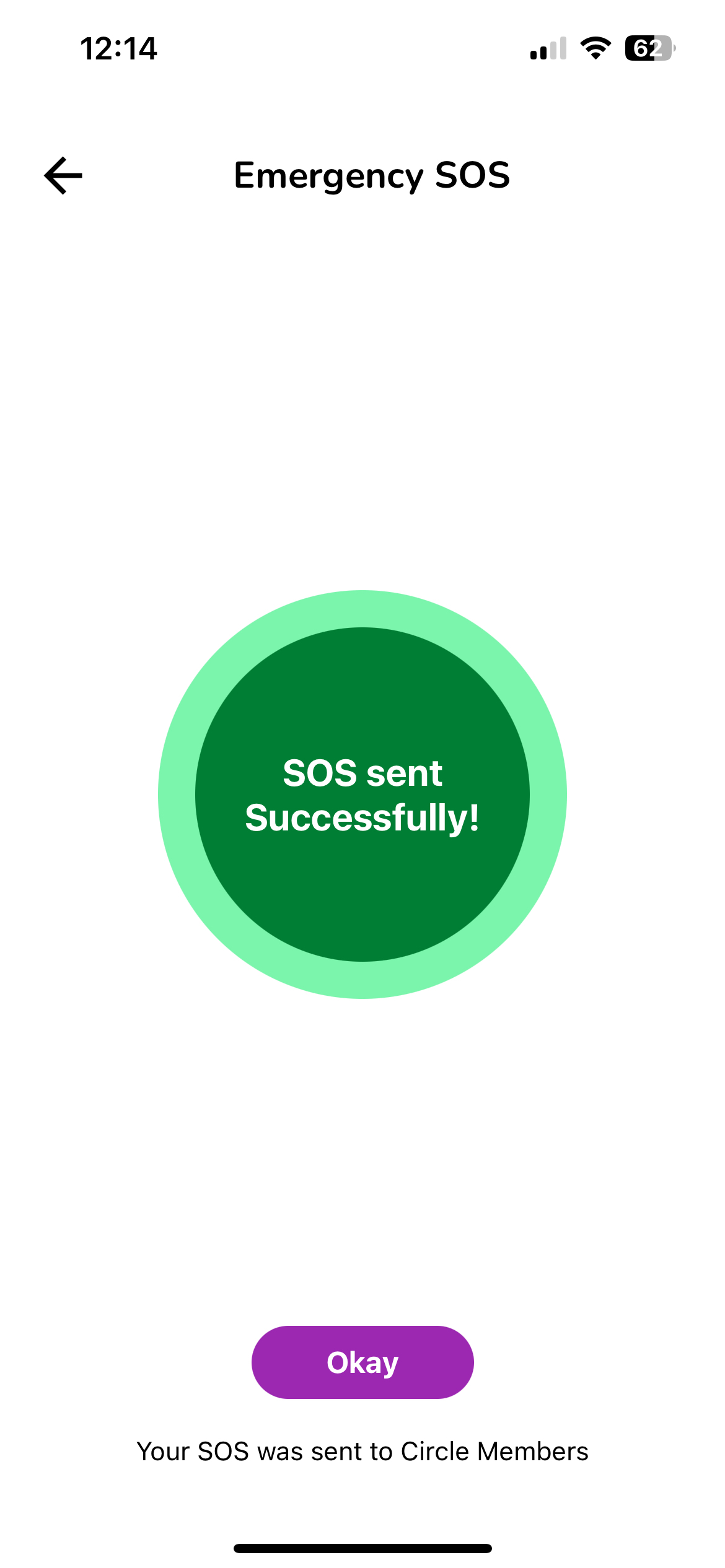
SOS Sent
Your emergency alert has been successfully delivered to all Circle members.
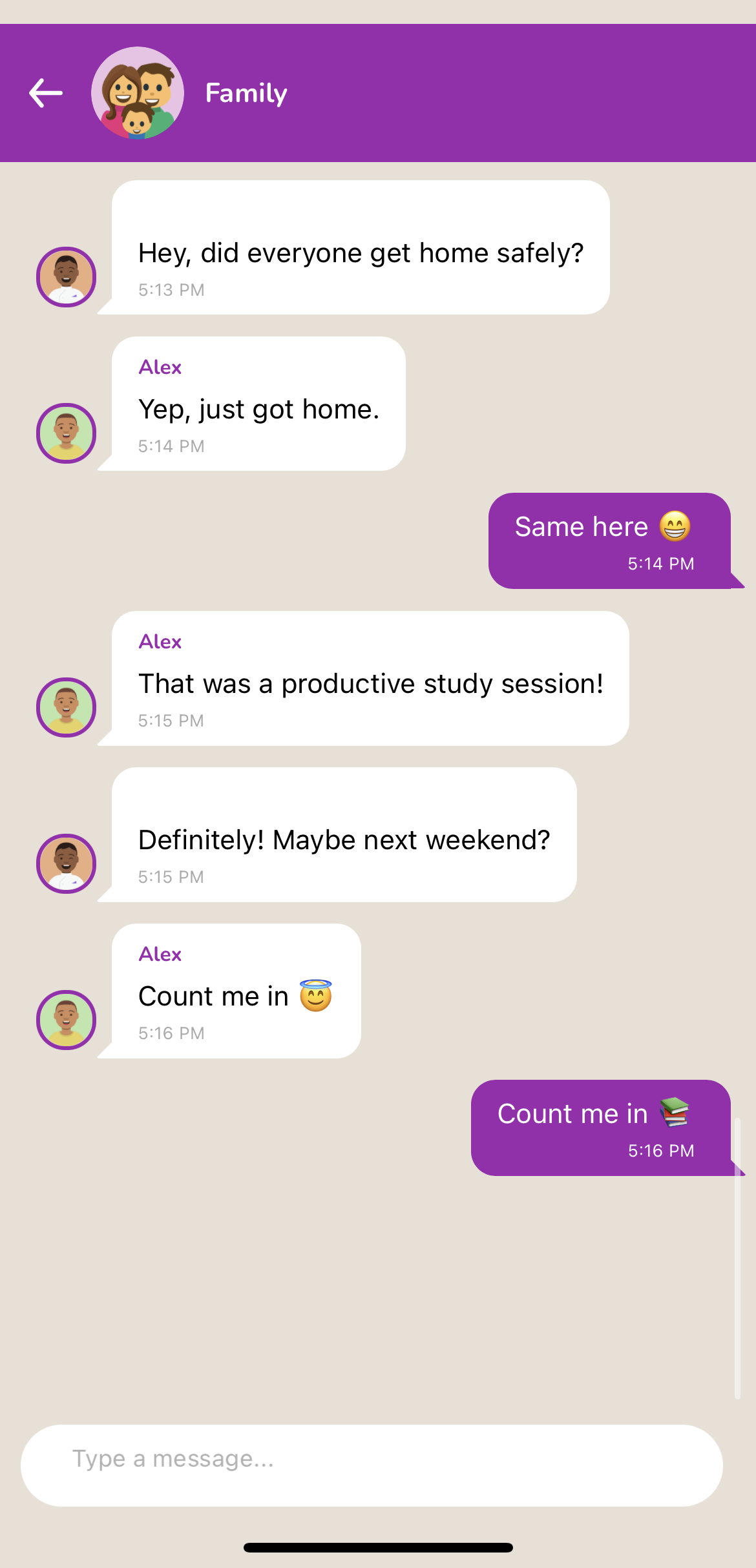
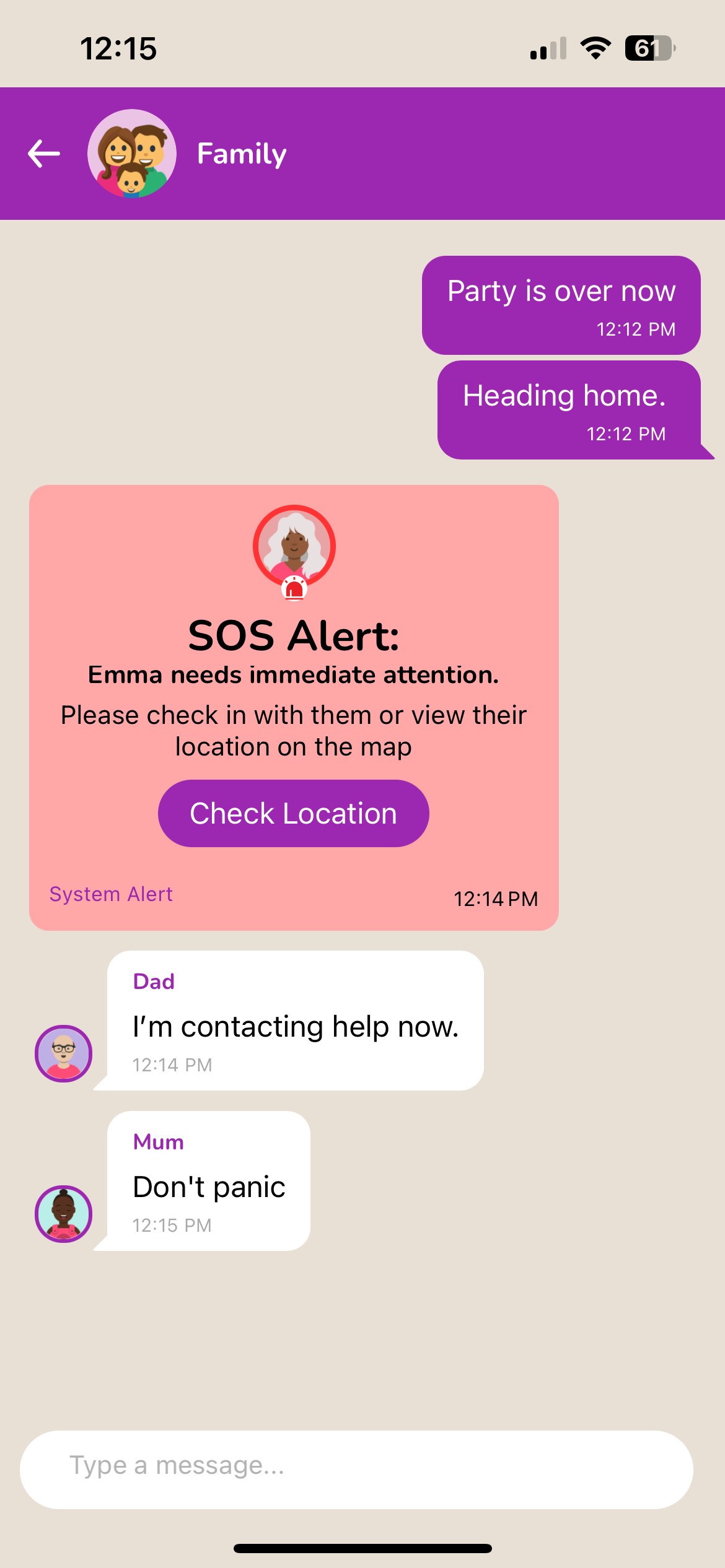
SOS Chat
Your Circle members are now responding and coordinating immediate help and safety actions.
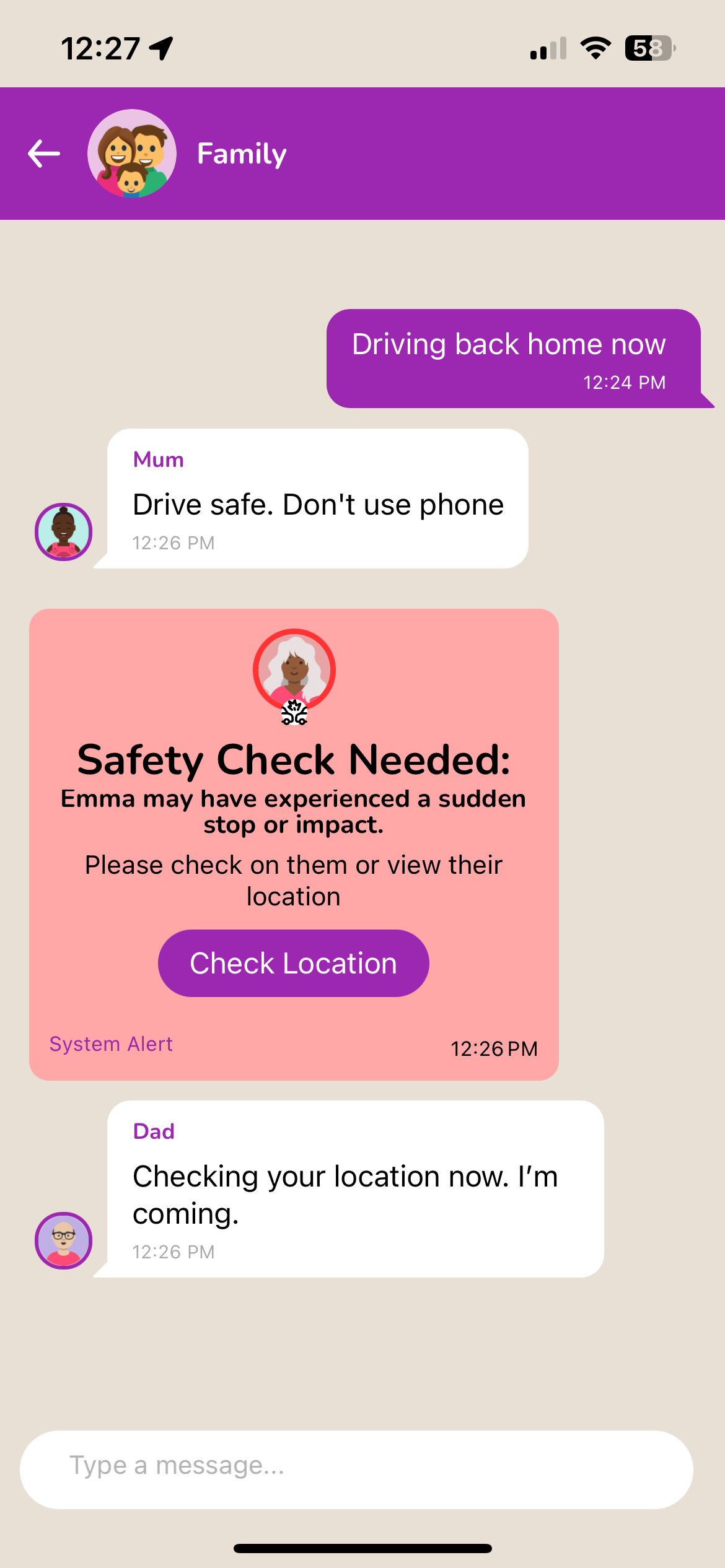
Crash Detection
Automatically detects collisions and alerts your emergency contacts.