One of the most common questions we get is: how does the location actually update so quickly? This post explains the technology behind WheresNow's real-time tracker in plain terms — no engineering degree required.
What "real-time" actually means
In the context of WheresNow, real-time means location data is pushed to the map within a few seconds of the device moving. Unlike some apps that poll on a timer (every 5 or 10 minutes), WheresNow uses a push-based update model — the device sends its position whenever meaningful movement is detected.
This distinction matters a lot in practice. A 10-minute delay sounds minor until your teenager is 30 minutes away from home and you're trying to figure out where they are right now.
The GPS stack
WheresNow relies on the native GPS hardware on your iOS or Android device. Modern smartphones combine three sources for positioning:
- GPS satellites — the primary source, accurate to within a few meters outdoors
- Wi-Fi triangulation — used indoors where GPS signals are weak
- Cell tower data — a fallback that provides approximate location when GPS and Wi-Fi aren't available
WheresNow queries all three and uses the most accurate available signal at any moment.
How we show it on the map
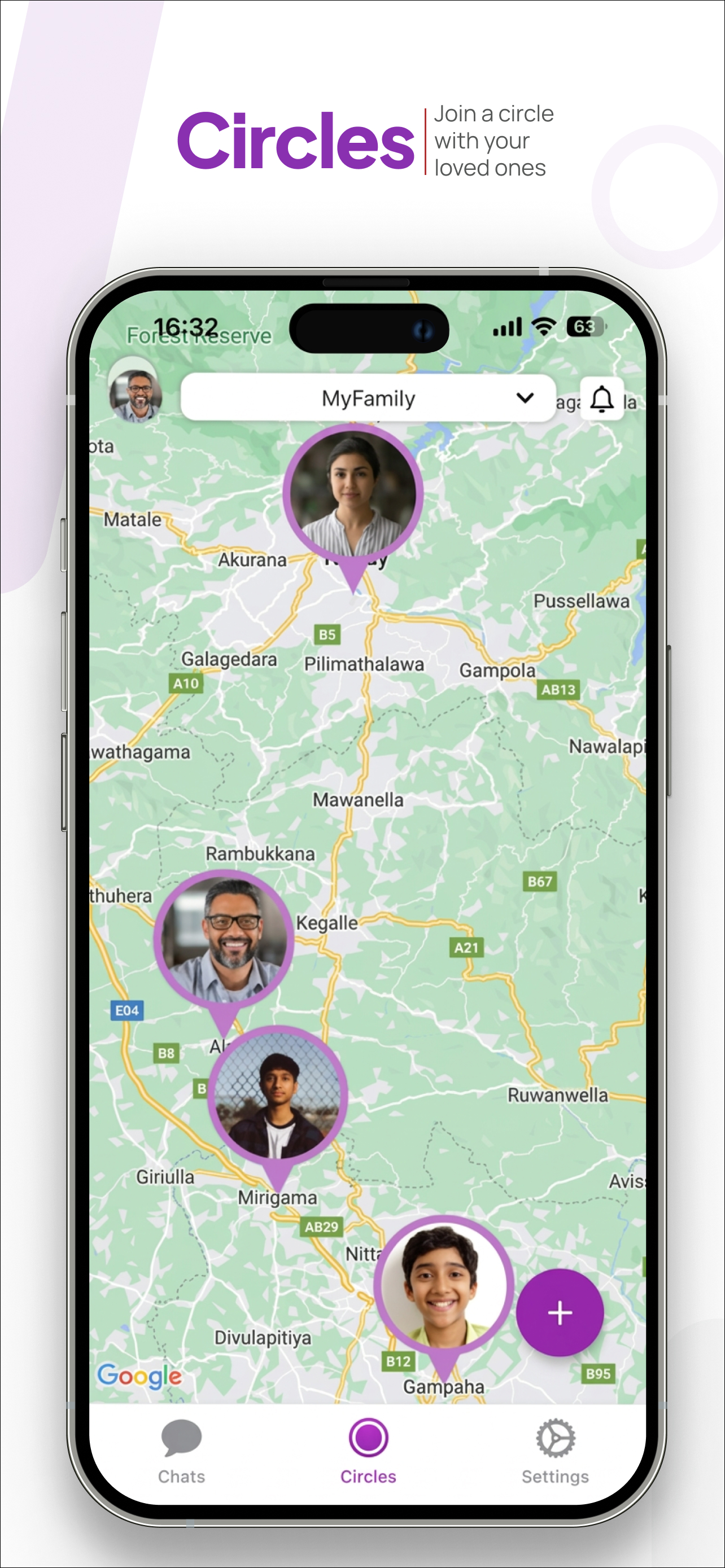
Each family member in your circle appears as a photo pin on the shared map. Pins update smoothly — rather than jumping between coordinates (which looks jarring), the map animates the position gradually when movement is detected.
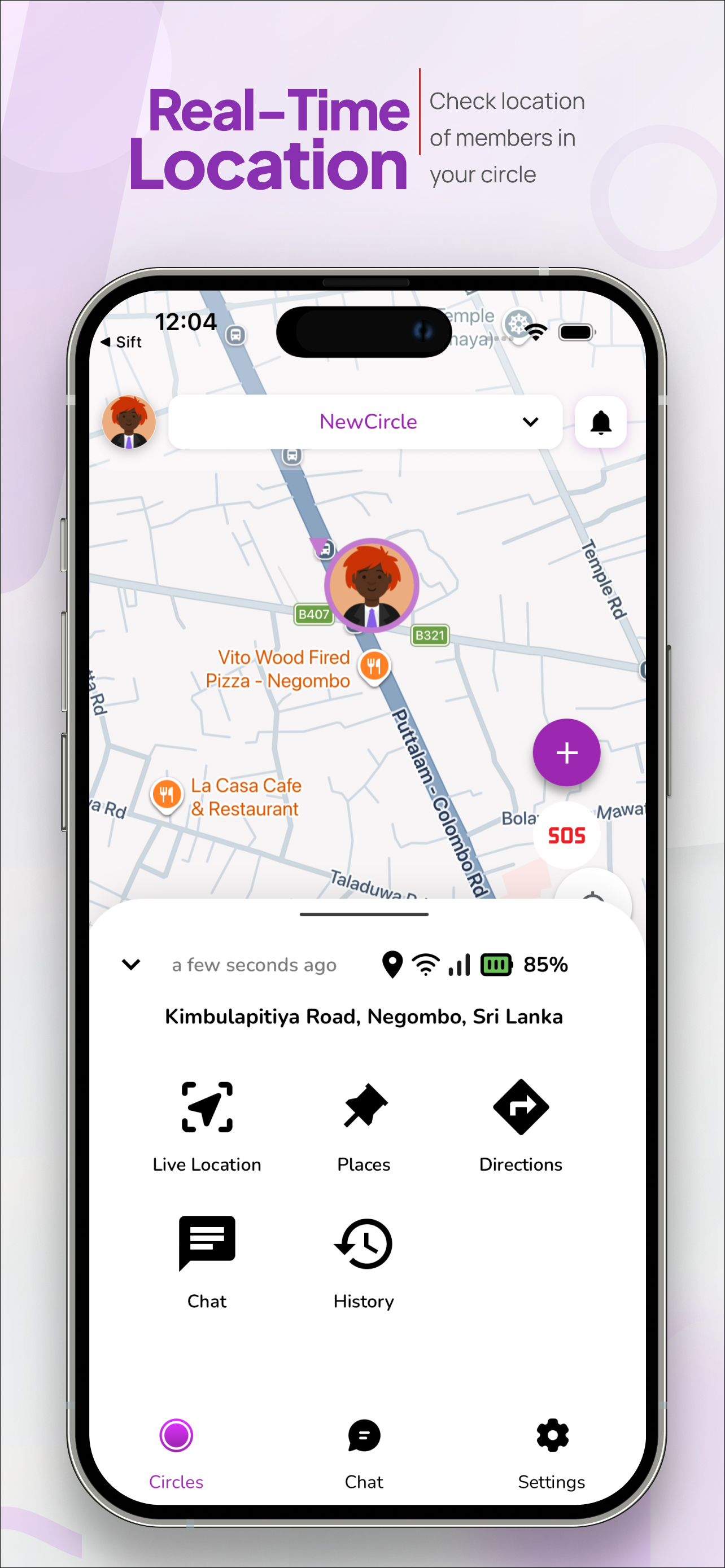
Tapping a member pin opens their detail card, which shows:
- Street-level address — resolved automatically from GPS coordinates via reverse geocoding
- Battery level — so you know if their phone is about to die
- GPS and data signal strength — so you know whether the location is current and reliable
- Last updated timestamp — "a few seconds ago" vs "5 minutes ago" tells you a lot
When location doesn't update
The most common reason for stale location is that the member's phone has run out of battery, lost data signal, or has background app refresh disabled. WheresNow shows a clear indicator when a location hasn't updated recently so you're never looking at old data without knowing it.
If a member loses signal (underground, rural area, airplane mode), their last known location stays on the map with a "last seen" timestamp until their connection is restored.
Battery impact
GPS can be a significant battery drain if handled poorly. WheresNow uses adaptive polling — when a device is stationary, updates slow down to conserve battery. When movement is detected, updates accelerate. In typical usage, WheresNow accounts for 3–6% of daily battery drain.
Getting the most out of real-time tracking
A few tips to maximise accuracy:
- Grant "Always On" location permission — this allows background updates even when the app isn't open
- Enable background app refresh in iOS Settings for WheresNow
- Keep GPS enabled rather than relying on Wi-Fi only mode
Download WheresNow and try real-time tracking with your first circle today.