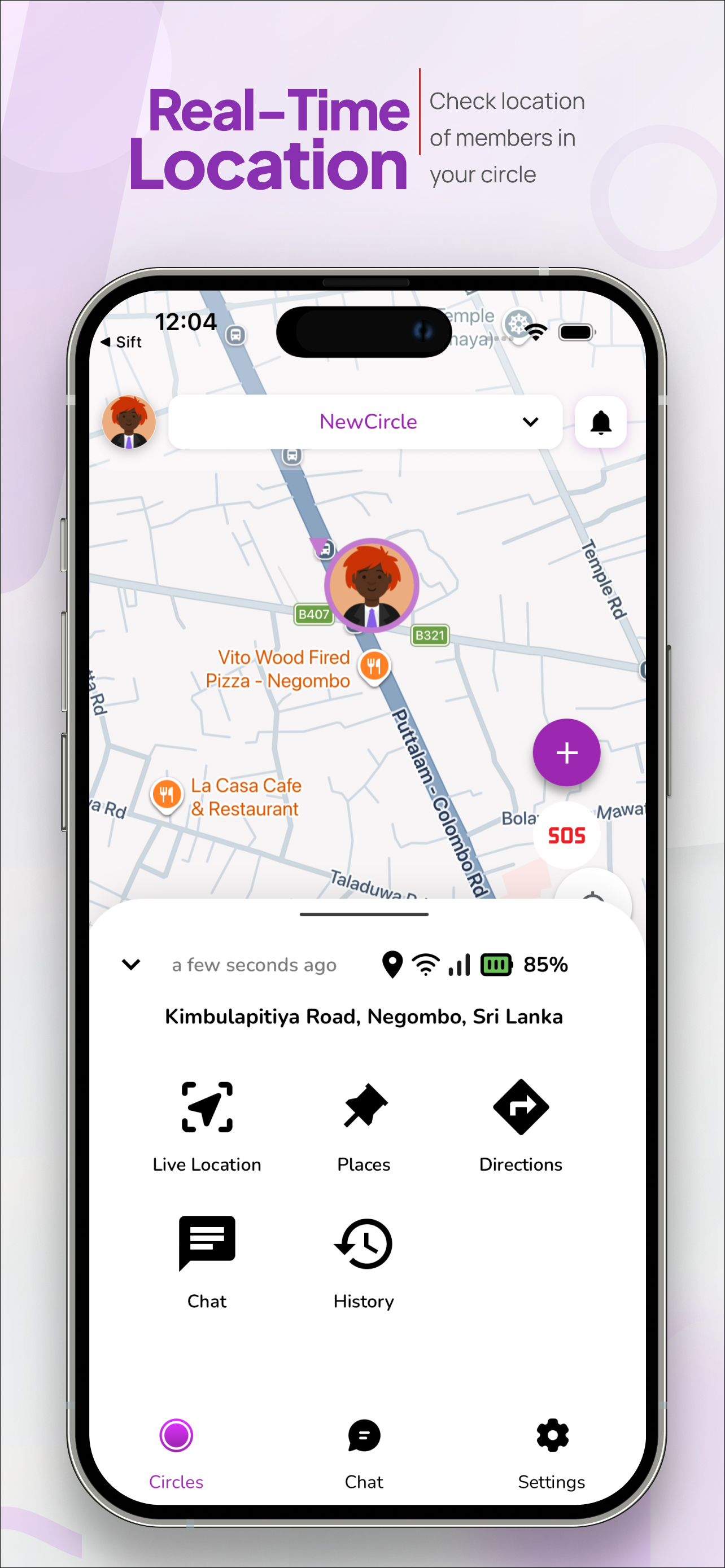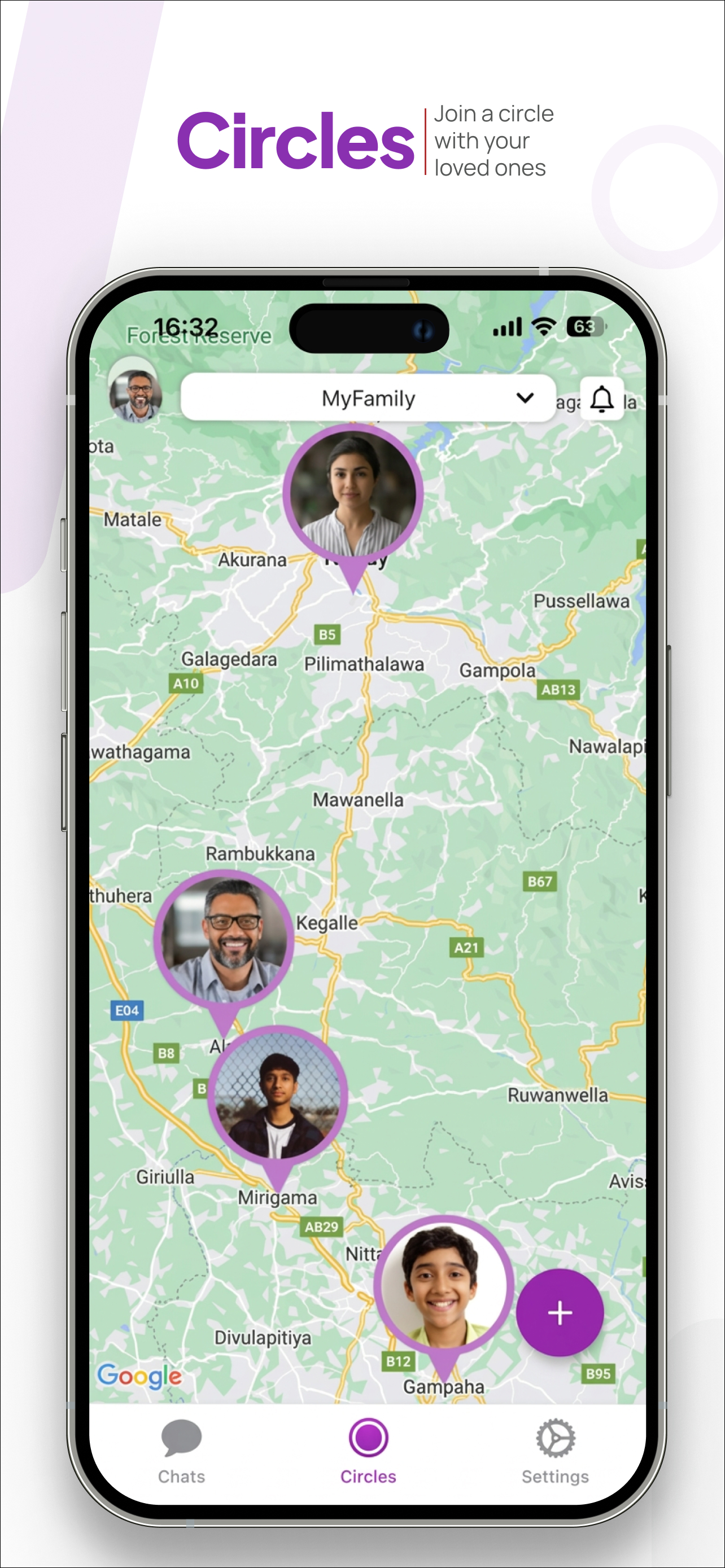
One of the most powerful — and most underused — features in WheresNow is Places. Instead of watching the map constantly, Places lets the app do the watching for you and notifies you only when it matters.
What is a Place?
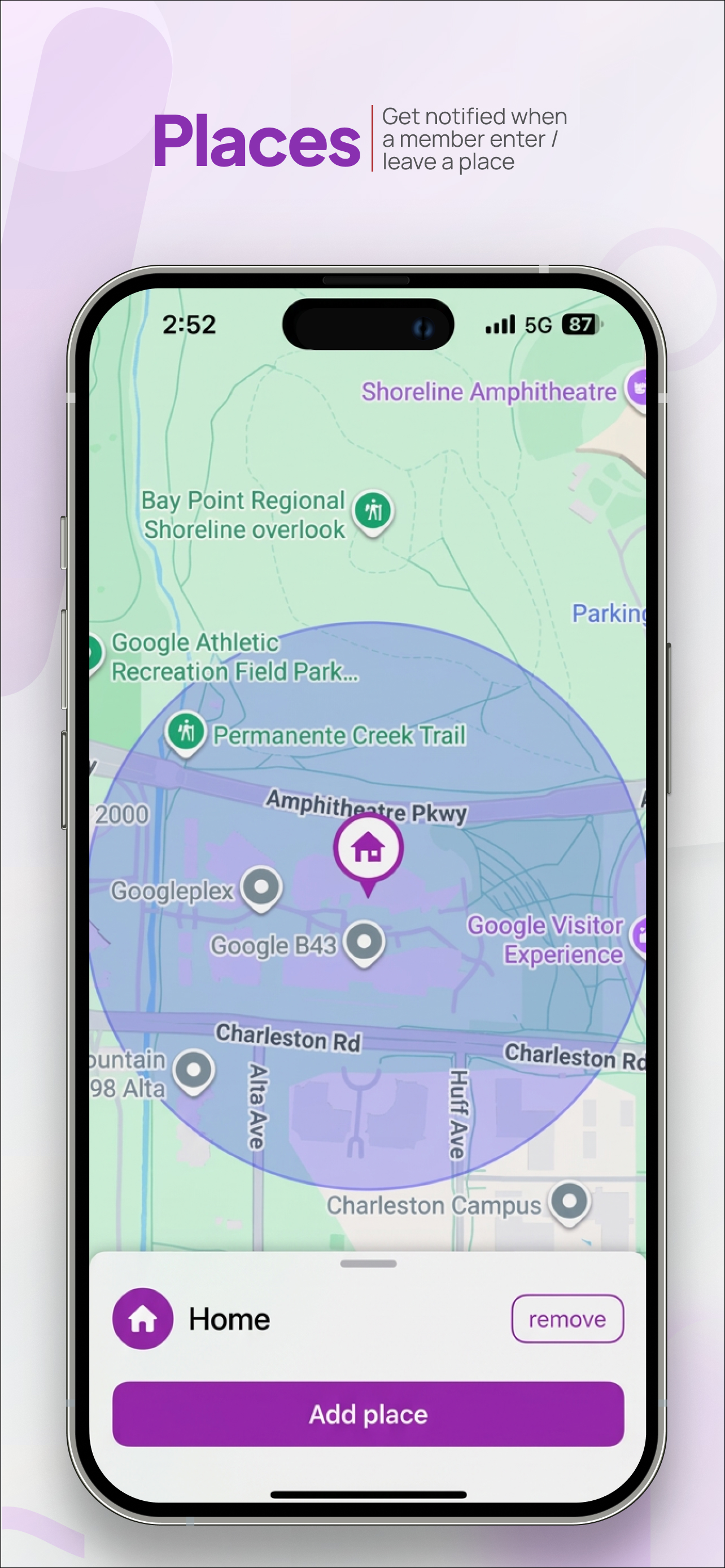
A Place is a named location with a circular geofence drawn around it on the map. When a Circle member enters or exits that geofence, WheresNow sends you a push notification.
Common Places people set up:
- Home — know when everyone arrives safely
- School / university — confirm arrival and departure
- Work — know when a partner leaves the office
- Gym, sports ground — tracking kids at after-school activities
- Hospital, care home — monitoring elderly relatives
Creating a Place
- Open the Circles tab and tap the + button
- Select Add Place from the menu
- Search for an address or move the map to the desired location
- Adjust the geofence radius (the blue circle) by dragging its edge
- Give it a name (e.g., "Home", "School") and save
The Place now appears on the shared map for all members of that Circle, shown as a labelled icon with the geofence radius visible.
How notifications work
When any member enters or exits a geofence, all other members of the Circle receive a notification. For example:
"Sarah arrived at School" — 8:43 AM "Daniel left Home" — 3:17 PM
Notifications are delivered via standard push notification to all connected devices in the Circle. You can mute specific Places in notification settings if, say, you don't want to be alerted every time someone enters the kitchen near a home Place.
Geofence sizing
The default geofence radius is approximately 200 metres. For a school or home, this is usually appropriate. For a larger area like a shopping centre or hospital campus, you might want to increase the radius to 500 metres or more to avoid false alarms from people on the boundary.
WheresNow shows the geofence as a transparent blue overlay on the map so you can visually judge the coverage before saving.
Combining Places with location history
Places works particularly well alongside the 30-day location history feature. You can review exactly when a family member arrived at or left a location, with timestamps accurate to the minute. This is useful for confirming pickup times, school arrival records, and more.
Privacy note
Only Circle members can see each other's Places. Places are per-Circle, not global — so a Place you create in your Family Circle is invisible to other Circles you may belong to.
Download WheresNow and set up your first Place today.