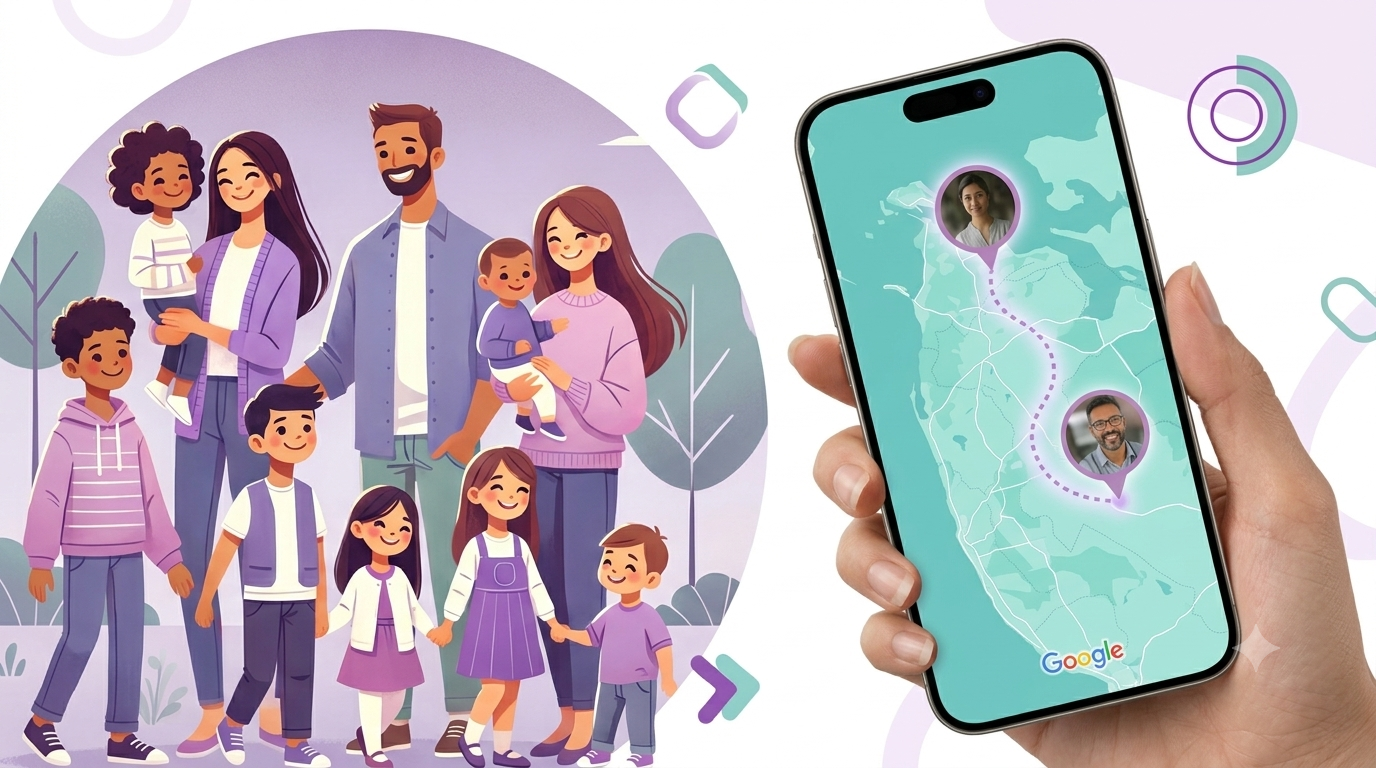
"We already share location on Google Maps, do we really need another app?"
It's a fair question. Google Maps location sharing is free, it's already installed, and most families have used it at least once. But sharing a location dot and actually feeling at ease are two different things — and that gap is where most of the worry lives.
What Google Maps location sharing actually does
Google Maps lets you share your live location with anyone in your contacts, for a set amount of time or indefinitely. That's genuinely useful, and it costs nothing.
But it was built as a mapping feature, not a family safety system. It doesn't know your family is a family — it just knows you shared a pin with a contact.
Feature by feature
WheresNow Family vs Google Maps
Private Family Groups
WheresNow Family: Dedicated Circles with up to 10 members Google Maps: Individual contact sharing only
SOS Emergency Alerts
WheresNow Family: One-tap SOS alerts sent to the entire Circle Google Maps: Not available
Crash Detection
WheresNow Family: Automatic emergency alerts after detected crashes Google Maps: Not available
Built-in Chat
WheresNow Family: Circle chat included Google Maps: Requires a separate messaging app
Battery, Signal & Wi-Fi Status
WheresNow Family: View device status information Google Maps: Not available
Location History
WheresNow Family: Up to 60 days on the Personal plan Google Maps: Limited history for location sharing
Cost
WheresNow Family: Free plan available; Personal from $4.99/month Google Maps: Free
Where the peace of mind actually comes from
A location dot answers "where are they right now." It doesn't answer "are they okay," and it definitely doesn't tell you the moment something goes wrong.
That's the real difference:
- Google Maps tells you where someone is, if they remembered to leave sharing on.
- WheresNow tells you where they are, alerts you the instant a drive looks wrong, and gives your teenager a single tap to reach the whole family in an emergency.
Peace of mind isn't the map. It's knowing you'll be the first to know if something's off — not the last.
When Google Maps is genuinely enough
To be fair to it: if all you need is an occasional "here's my location for the next hour" between two people, Google Maps does that well, for free. It's a good tool for what it is.
Where families outgrow it is the everyday stuff — a teenager's first solo drives, a parent living alone, a group of kids at different schools — anywhere the question isn't just "where," but "is everyone safe, and will I know right away if they're not."
Try WheresNow with your family
Keep Google Maps for a quick one-off share. For everyday family peace of mind, WheresNow's Circles, SOS alerts, and crash detection are built to catch what a location pin can't.
Download WheresNow and set up your first Circle today.