Not everyone in your life needs to see your location all the time. You might want to share your location with your family, but only share it with your coworkers during office hours. That's why we created Circles.
What is a Circle?
A Circle is a private group. Each circle has its own map, its own chat, and its own members. Information in one circle is never shared with another.
Creating your first Circle
Setting up a circle is easy:
- Tap the circle switcher at the top of the map.
- Select Create a New Circle.
- Give it a name (e.g., "The Smiths" or "Summer Road Trip").
- Share the unique invite code with the people you want to join.
Managing Permissions
As the circle creator, you are the admin. You can:
- Remove members at any time.
- Promotes others to admin status.
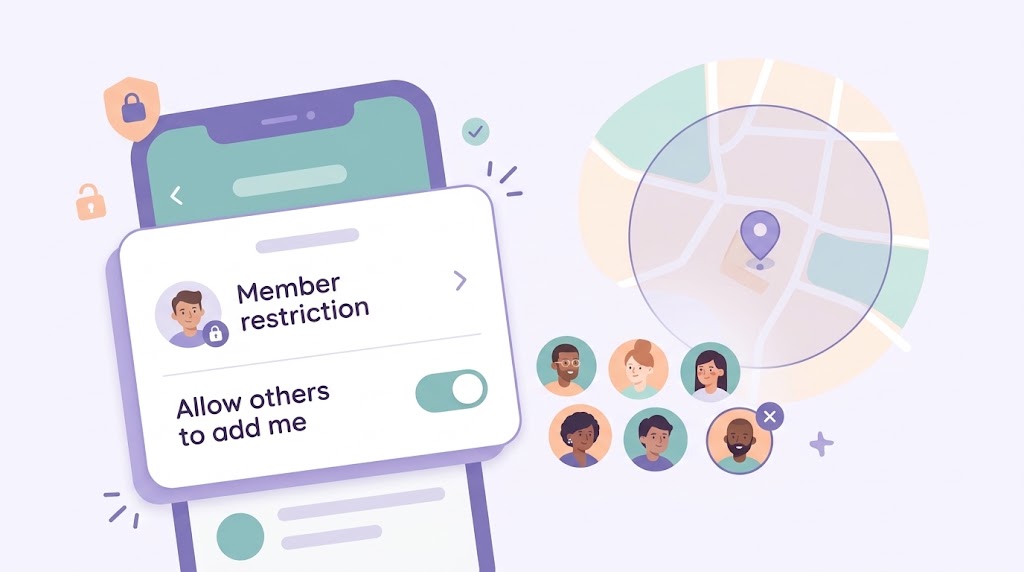
- Control whether members can see 2-month history or just real-time location.
Use cases for multiple Circles
- The Immediate Family: The core circle for daily coordination.
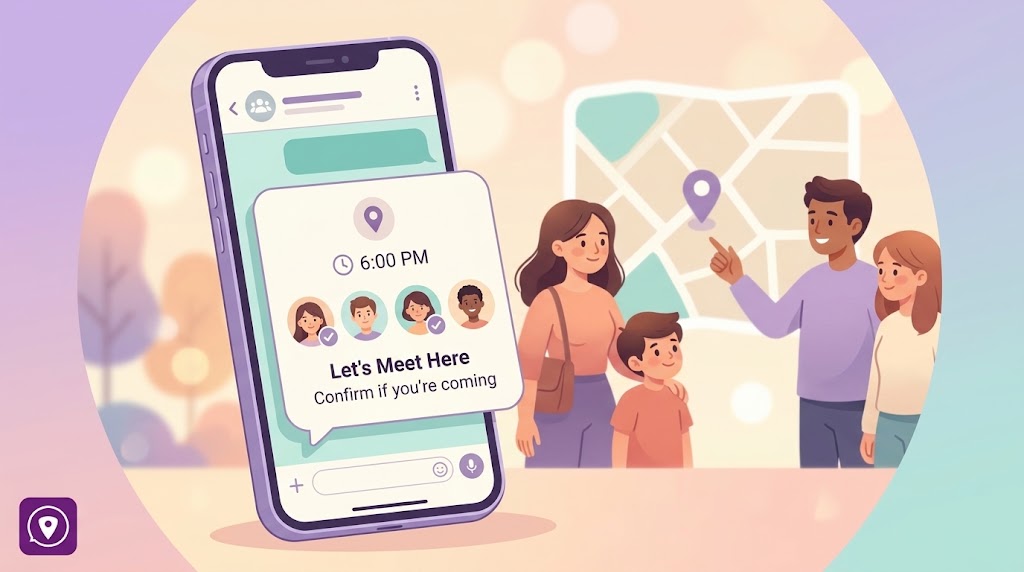
- The Carpool: A temporary circle for parents helping with school runs.
- The Vacation Group: A circle for friends traveling together, which can be deleted once the trip is over.
Circles give you the flexibility to be connected when you want, with the people you want.