Family safety works best when everyone stays connected in one place. WheresNow Family uses private Circles that bring together location sharing, messaging, emergency alerts, and family status updates, giving your family a shared space that is both secure and easy to use.
What Is a Circle?
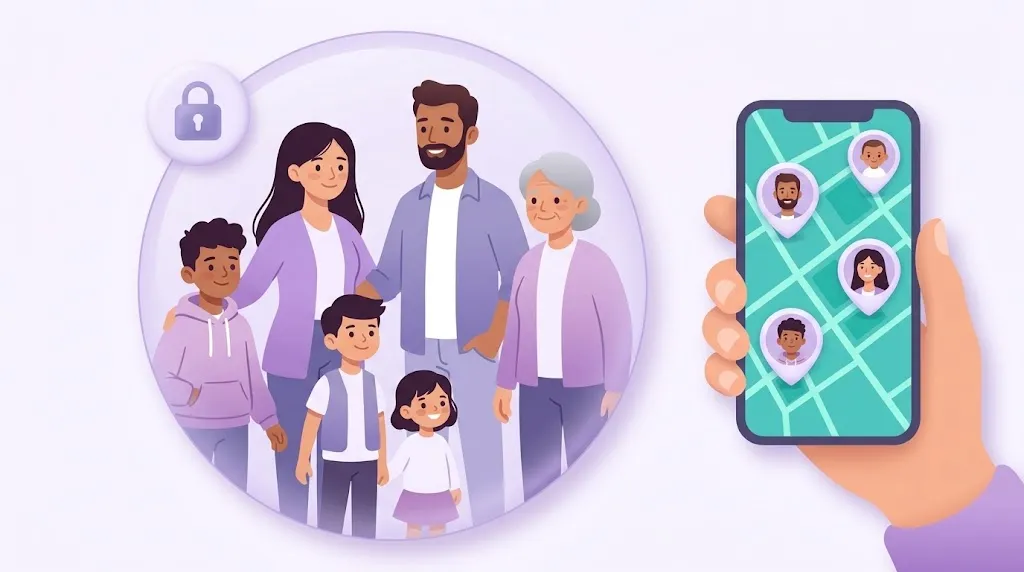
A Circle is a private group where family members and trusted contacts can stay connected.
Every Circle includes:
- Location sharing: see where everyone is on a live map
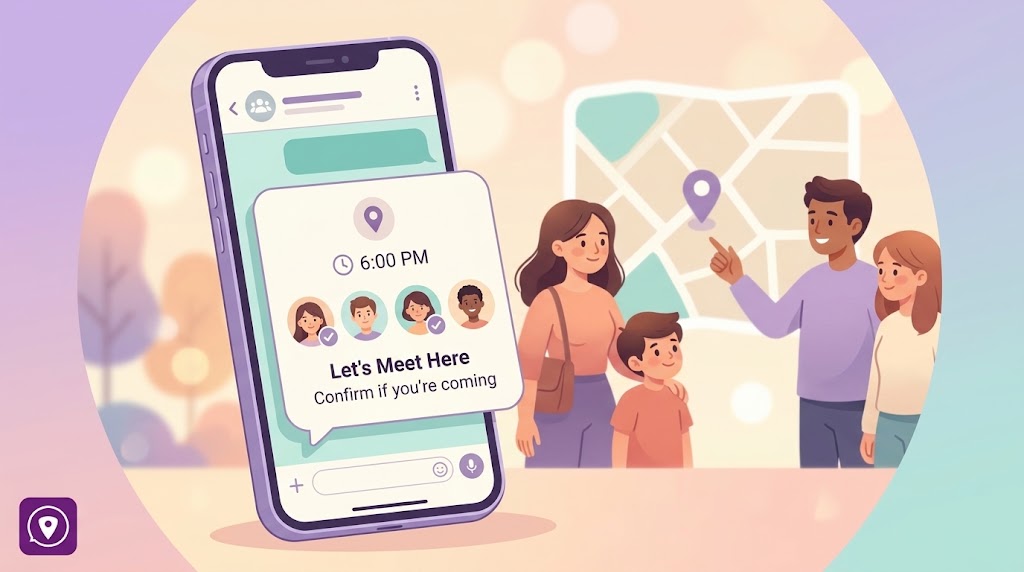
- Group chat: message your Circle without leaving the app
- SOS alerts: send or receive emergency notifications instantly
- Member status information: battery, signal, and connectivity at a glance
- Location history: review past locations when you need to
How to Join a Circle
Joining a Circle is simple:
- A current Circle member sends you an invitation code.
- You enter the code in the WheresNow Family app.
- You instantly become part of the Circle.
This invitation-based system ensures that Circles stay private and secure, no one can join without being directly invited by an existing member.
How to Create a Circle
Creating a new Circle takes seconds:
- Open the WheresNow Family app.
- Tap Create Circle and enter a Circle name.
- Share your invite code with the people you want to add.
Each Circle can hold up to 10 members.
Circle Limits by Plan
| Free Plan | Personal Plan ($4.99/month) | |
|---|---|---|
| Circles | 1 Circle | Up to 20 Circles |
| Members per Circle | Up to 10 | Up to 10 |
This flexibility lets you create separate groups for your immediate family, extended family, travel companions, caregivers, and more, each with its own shared map and chat.
What Members Can See
Inside a Circle, every member has access to a shared dashboard showing:
| Category | Details |
|---|---|
| People | Circle name, full member list |
| Location | Shared live locations on a map |
| Safety | SOS alerts, messages |
| Device status | Battery level, charging status, silent mode, Wi-Fi connectivity, signal strength |
Having device status alongside location is what makes WheresNow different. If a family member's GPS shows them at school but their battery is at 3%, you know to reach out sooner rather than later.
Privacy and Security
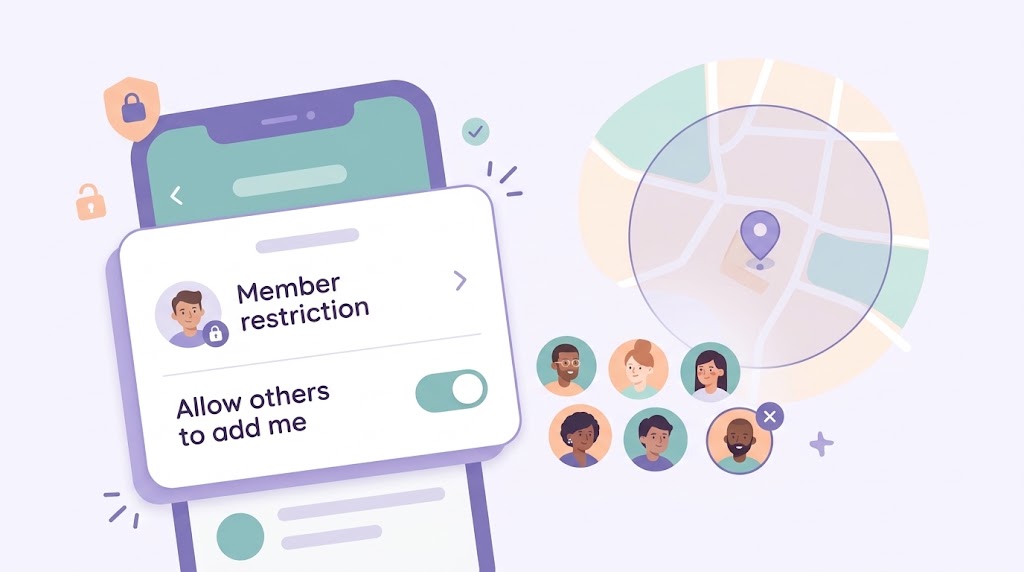
Every Circle is closed, only invited members can join, and only they can see location data. Leaving a Circle immediately removes your location from all other members' views. There are no hidden tracking modes; every member can always see who else is in the Circle.
Next Steps
Download WheresNow, create your first Circle, and invite the people you trust most.