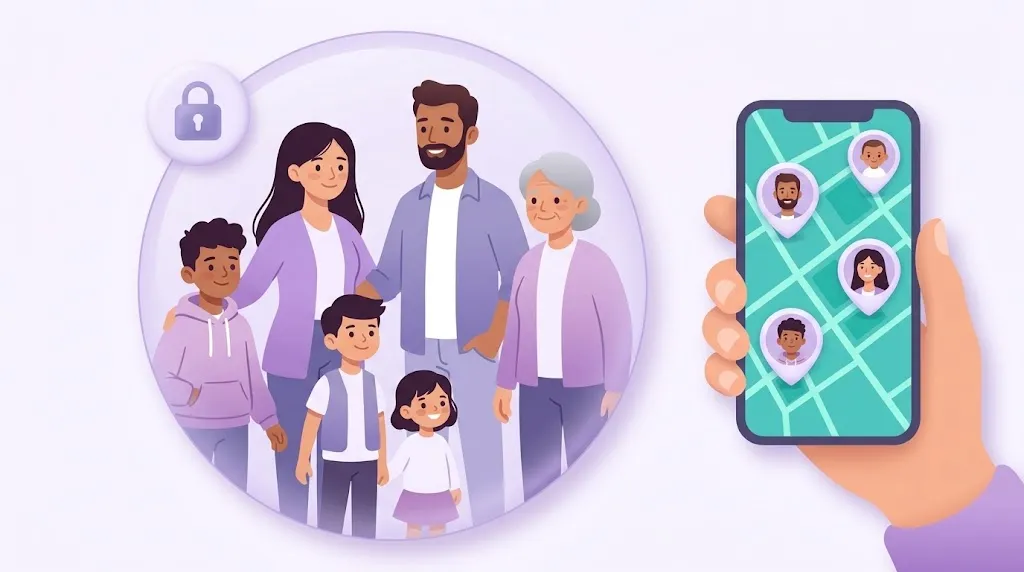
La seguridad familiar funciona mejor cuando todos se mantienen conectados en un mismo lugar. WheresNow Family usa Circles privados que reúnen el compartir de ubicación, la mensajería, las alertas de emergencia y el estado de la familia, dándole a tu familia un espacio compartido que es seguro y fácil de usar.
¿Qué es un Circle?
Un Circle es un grupo privado donde los familiares y contactos de confianza se mantienen conectados.
Cada Circle incluye:
- Compartir de ubicación: ve dónde está cada uno en un mapa en tiempo real
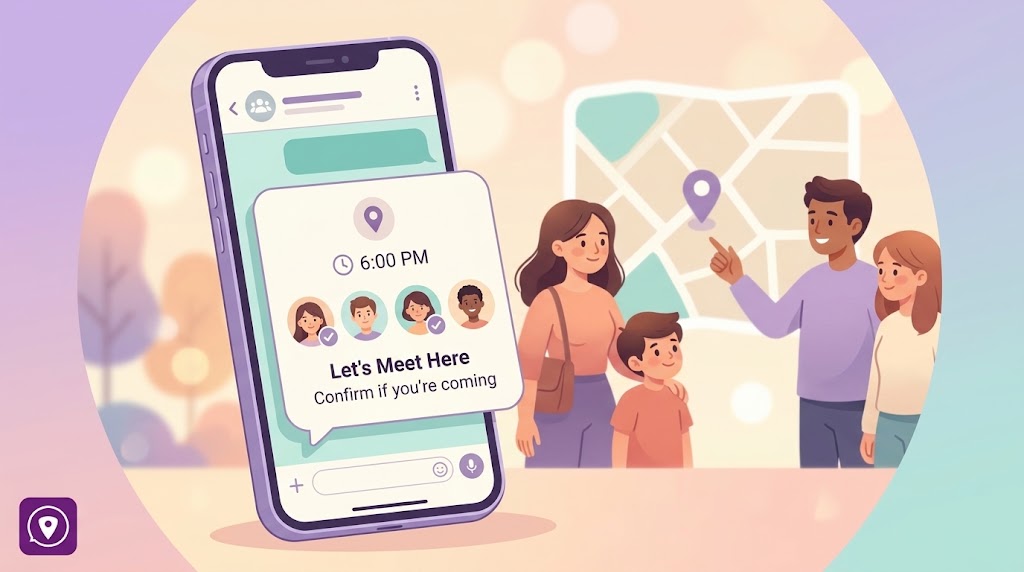
- Chat grupal: escríbele a tu Circle sin salir de la app
- Alertas SOS: envía o recibe notificaciones de emergencia al instante
- Información de estado de los miembros: batería, señal y conexión de un vistazo
- Historial de ubicación: revisa ubicaciones anteriores cuando lo necesites
Cómo unirte a un Circle
Unirte a un Circle es simple:
- Un miembro actual del Circle te envía un código de invitación.
- Ingresas el código en la app de WheresNow Family.
- Pasas a formar parte del Circle al instante.
Este sistema basado en invitaciones asegura que los Circles se mantengan privados y seguros; nadie puede unirse sin ser invitado directamente por un miembro existente.
Cómo crear un Circle
Crear un nuevo Circle toma segundos:
- Abre la app de WheresNow Family.
- Toca Create Circle y ponle un nombre a tu Circle.
- Comparte tu código de invitación con las personas que quieras agregar.
Cada Circle puede tener hasta 10 miembros.
Límites de Circle por plan
| Plan Free | Plan Personal ($4.99/mes) | |
|---|---|---|
| Circles | 1 Circle | Hasta 20 Circles |
| Miembros por Circle | Hasta 10 | Hasta 10 |
Esta flexibilidad te permite crear grupos separados para tu familia cercana, familia extendida, compañeros de viaje, cuidadores, y más, cada uno con su propio mapa y chat compartidos.
Lo que los miembros pueden ver
Dentro de un Circle, cada miembro tiene acceso a un panel compartido que muestra:
| Categoría | Detalles |
|---|---|
| Personas | Nombre del Circle, lista completa de miembros |
| Ubicación | Ubicaciones compartidas en tiempo real en un mapa |
| Seguridad | Alertas SOS, mensajes |
| Estado del dispositivo | Nivel de batería, estado de carga, modo silencio, conexión Wi-Fi, señal |
Tener el estado del dispositivo junto con la ubicación es lo que hace diferente a WheresNow. Si el GPS de un familiar muestra que está en el colegio pero su batería está al 3%, sabes que conviene contactarlo antes que después.
Privacidad y seguridad
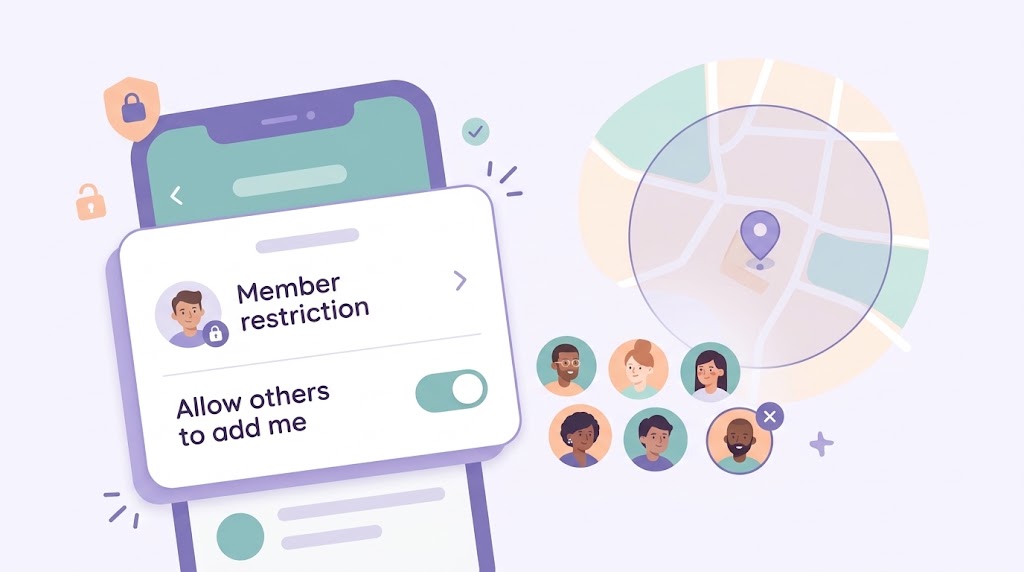
Cada Circle es cerrado; solo los miembros invitados pueden unirse, y solo ellos pueden ver los datos de ubicación. Al salir de un Circle, tu ubicación desaparece de inmediato de la vista de los demás miembros. No hay modos de rastreo ocultos; cada miembro siempre puede ver quién más está en el Circle.
Próximos pasos
Descarga WheresNow, crea tu primer Circle, e invita a las personas en las que más confías.