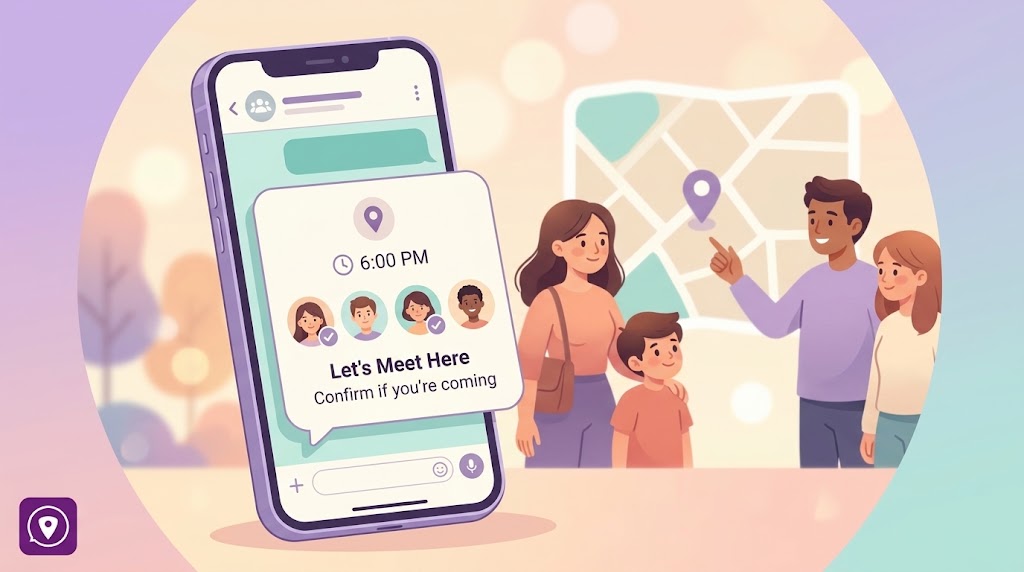
Bubbles are great for short-lived situations — a weekend trip, a festival, a day where a bigger group needs to keep loose tabs on each other. But a temporary group still needs real controls. Here's how Bubble privacy works, from both sides: the person running the Bubble, and the person deciding whether they want to be added to one at all.
Bubbles vs. Circles: a quick refresher
A Circle is your permanent group — family, roommates, whoever you share location with long-term. You join by invite code, it can hold up to 10 members, and it comes with group chat, SOS alerts, device status, and 30-day location history.
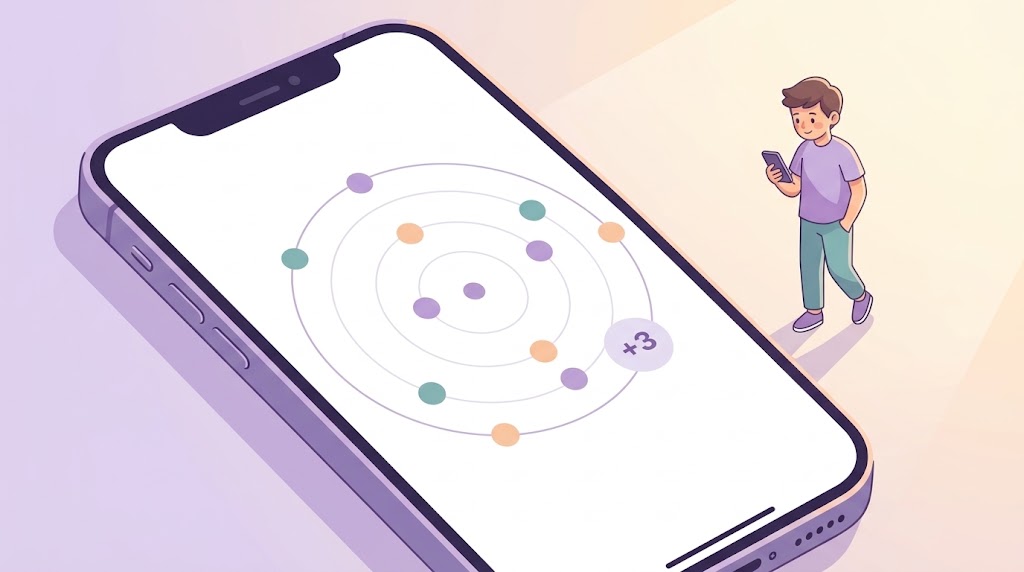
A Bubble is different on purpose. It's temporary and radius-based: you set an area (1–100km) and, optionally, a duration of up to 72 hours, and it auto-expires when that time is up. Bubbles are created directly by members of a Circle — no invite code needed — and they're meant for one-off situational grouping, not another permanent family group. You can only be in one Bubble at a time, and each Bubble has its own chat.
Because Bubbles are quick to spin up and easy to add people to, WheresNow gives you two controls to keep that convenience from becoming a privacy problem.
Restricting a member (creator-only)
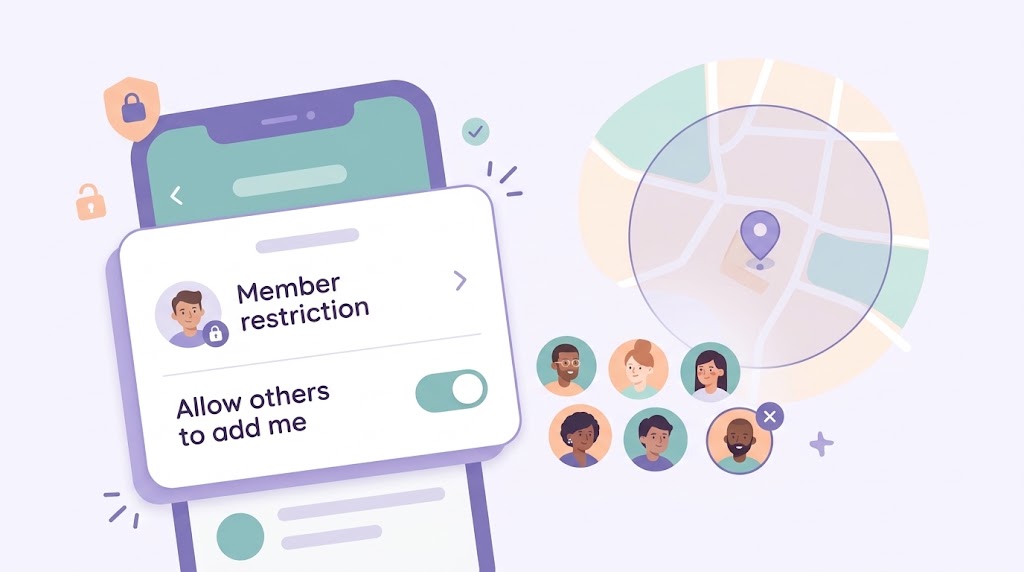
If you created the Bubble, you can restrict any member in it. Restricting someone does two things immediately: it removes them from the Bubble, and it blocks them from being re-added or rejoining until you unrestrict them. You can also view a list of everyone currently restricted from your Bubble.
Only the creator can restrict or unrestrict — no other member has that power, even if they added people themselves.
Unrestricting just lifts the block. It does not automatically put the person back in the Bubble — you'd need to add or invite them again separately, same as adding anyone new.
Scenario: You set up a Bubble for a group camping trip with 15 people, some of whom you don't know well — they were added by other Circle-mates. Partway through, one person's plans change and they head home early, or a dispute means you'd rather they weren't tracking the group's location anymore. Restricting them removes them cleanly and stops them from rejoining without you having to police the member list constantly.
Bubble Privacy: choosing who can add you
Separately from what a Bubble creator can do, you control whether other people can add you to a Bubble in the first place. This lives in Settings as Bubble Privacy, with a toggle labeled "Allow others to add me to Bubbles" — it's on by default.
- On: any of your Circle-mates can add you straight into a Bubble they're creating, no invite step needed.
- Off: Circle-mates can no longer add you directly. You won't even show up as a selectable option when someone else is building their Bubble's member list.
Turning it off doesn't stop you from creating your own Bubble, and it doesn't stop you from joining one yourself by scanning a QR code — it only removes other people's ability to add you without you taking action.
It's worth being clear about what this isn't: it's not based on your location or proximity to anyone. It's purely a consent setting — a switch for whether others can pull you into a Bubble, not a feature that adds you automatically based on where you are.
Scenario: You're in a large family Circle, but you'd rather not end up in every ad hoc Bubble a cousin or in-law spins up for a get-together you're not part of. Switching Bubble Privacy off means you only ever end up in a Bubble you actually chose to join.
Together, these two controls mean a temporary group can stay useful without feeling like it's out of anyone's hands — the creator can manage who's actually in it, and everyone else decides whether they can be pulled in without asking.
Download WheresNow and set your Bubble Privacy preference before your next group trip.